
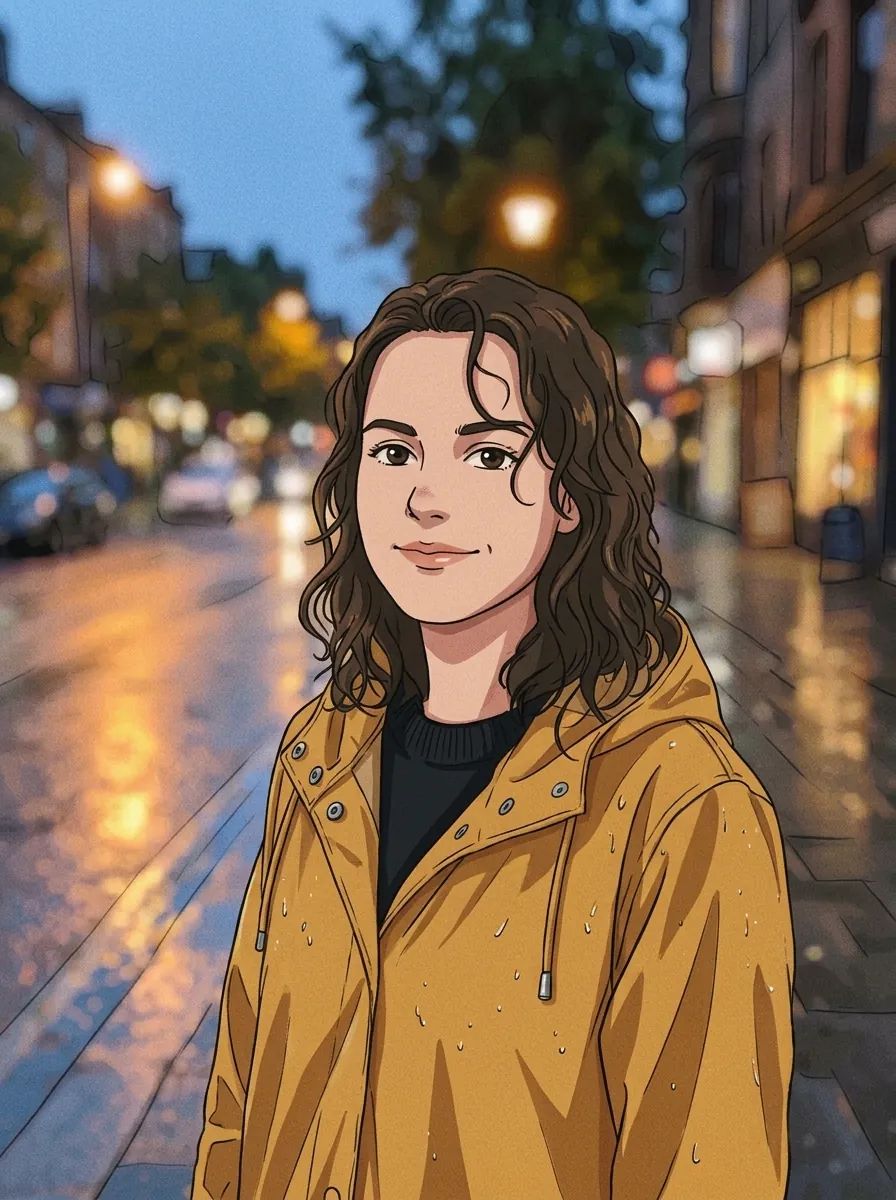
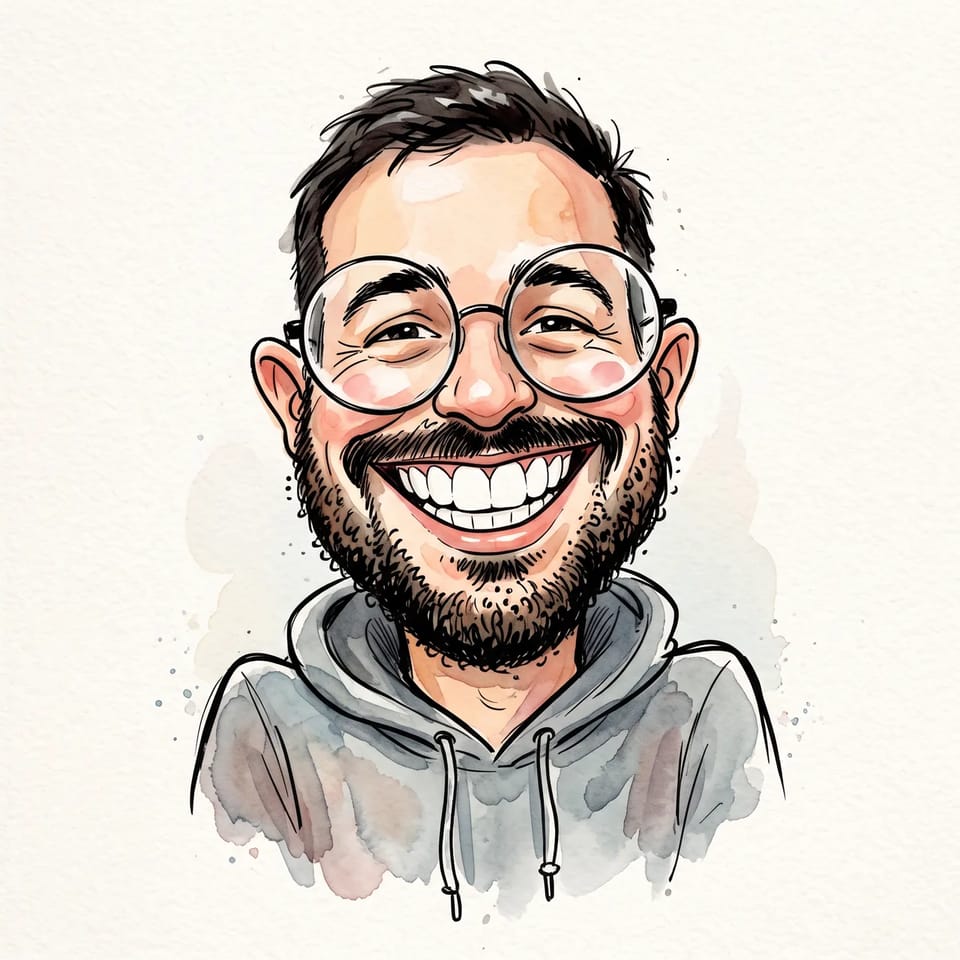
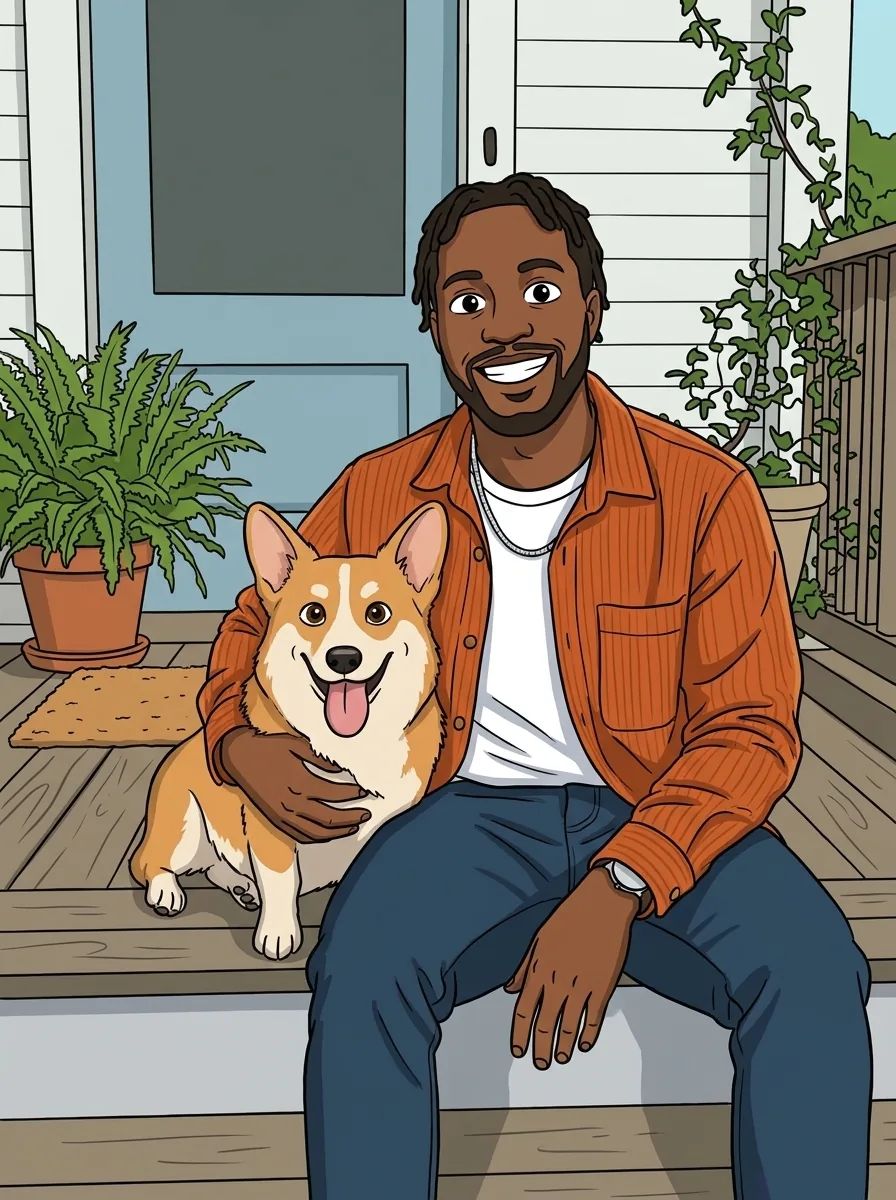
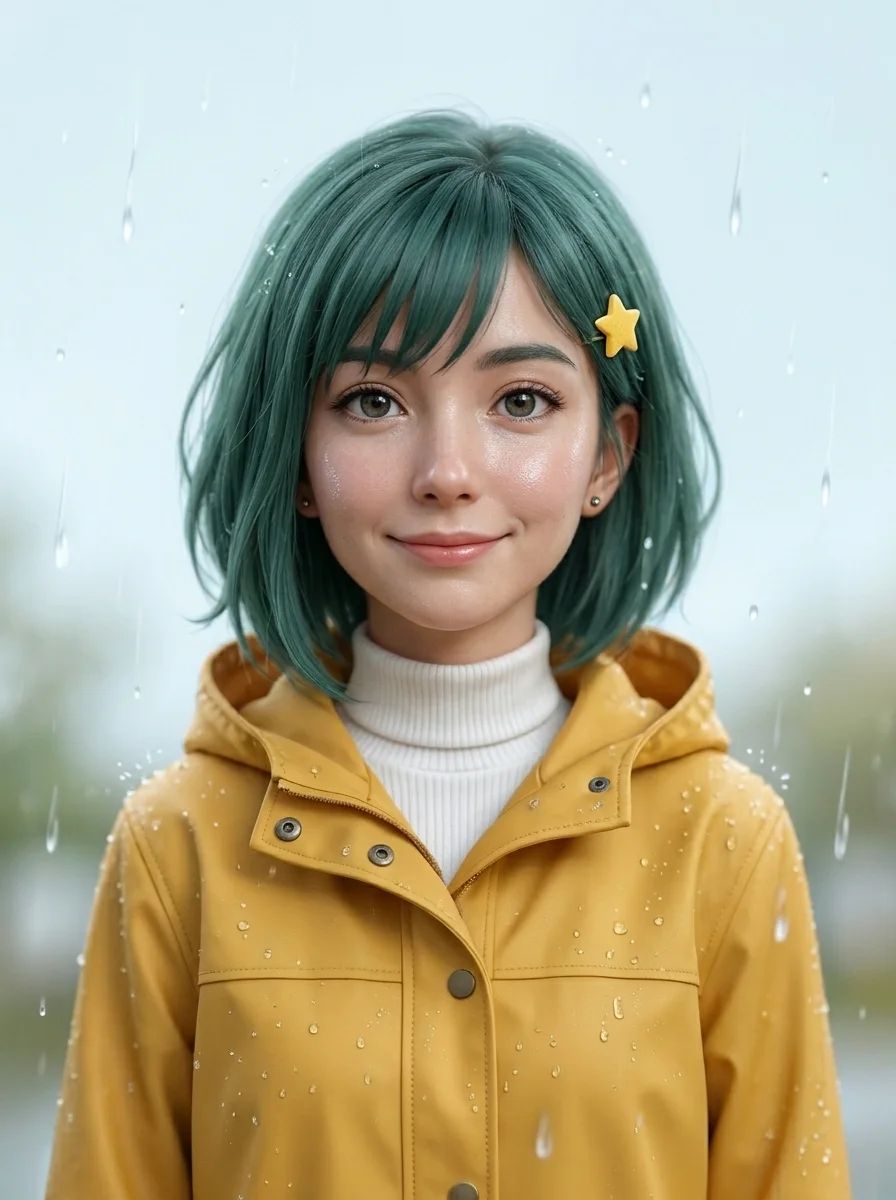
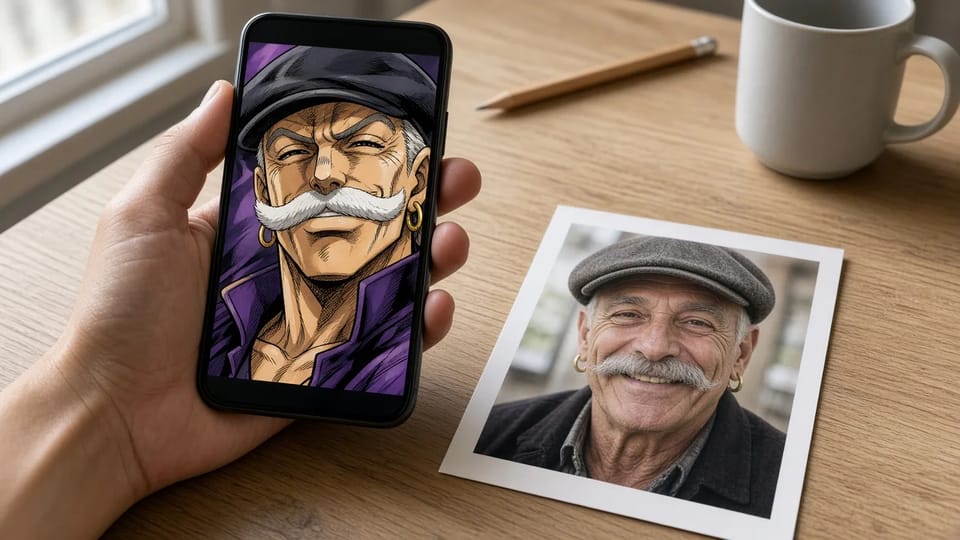
Square JoJo filter avatars
Set the aspect ratio to 1:1 and the JoJo AI filter frames your face for an avatar that stays sharp in a small circle.
The JoJo AI filter redraws your photo in the art style of JoJo's Bizarre Adventure, with heavy ink lines, deep shadows, sharp features and a dramatic pose. Upload a selfie, a group shot or your pet, keep the JoJo filter look or describe your own twist, and get a JoJo picture that still looks like you.
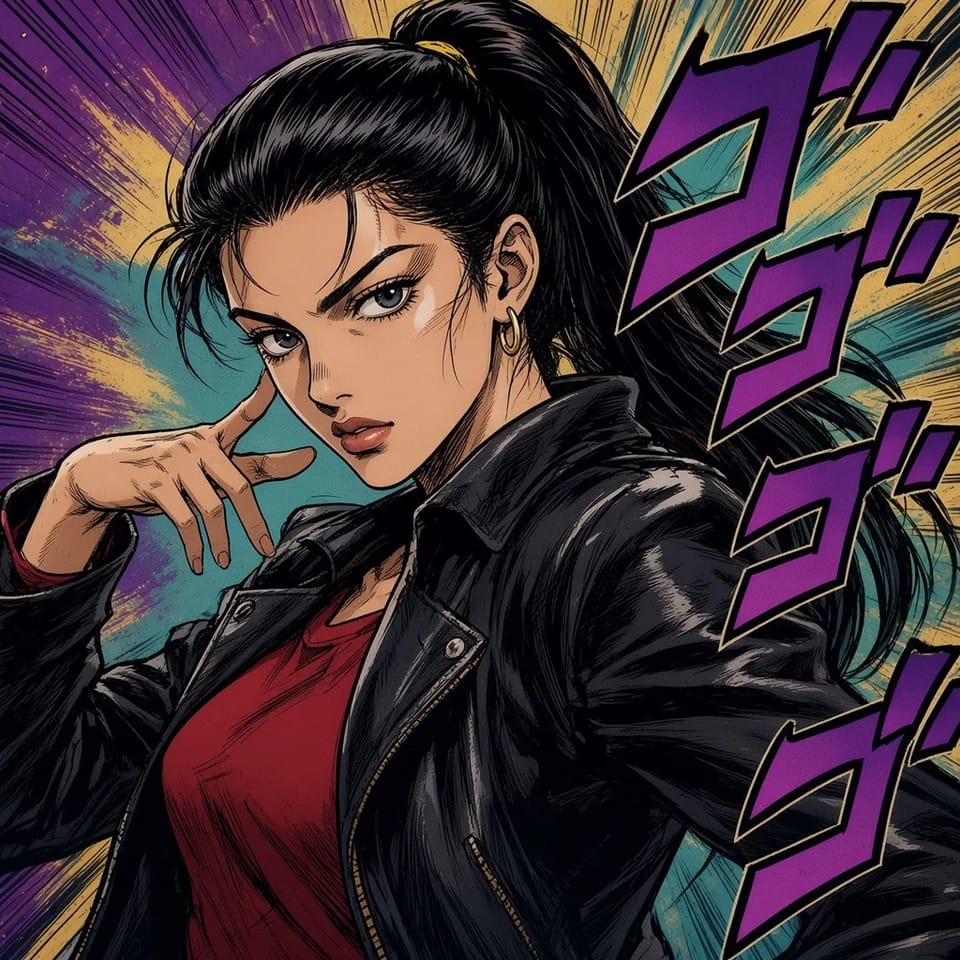
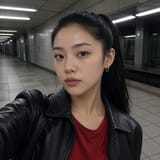
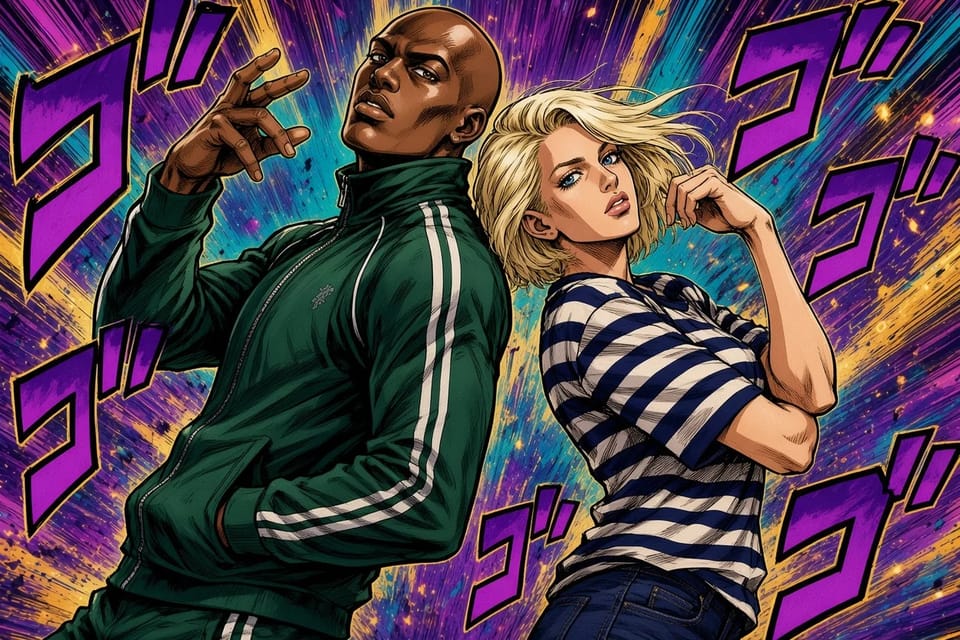

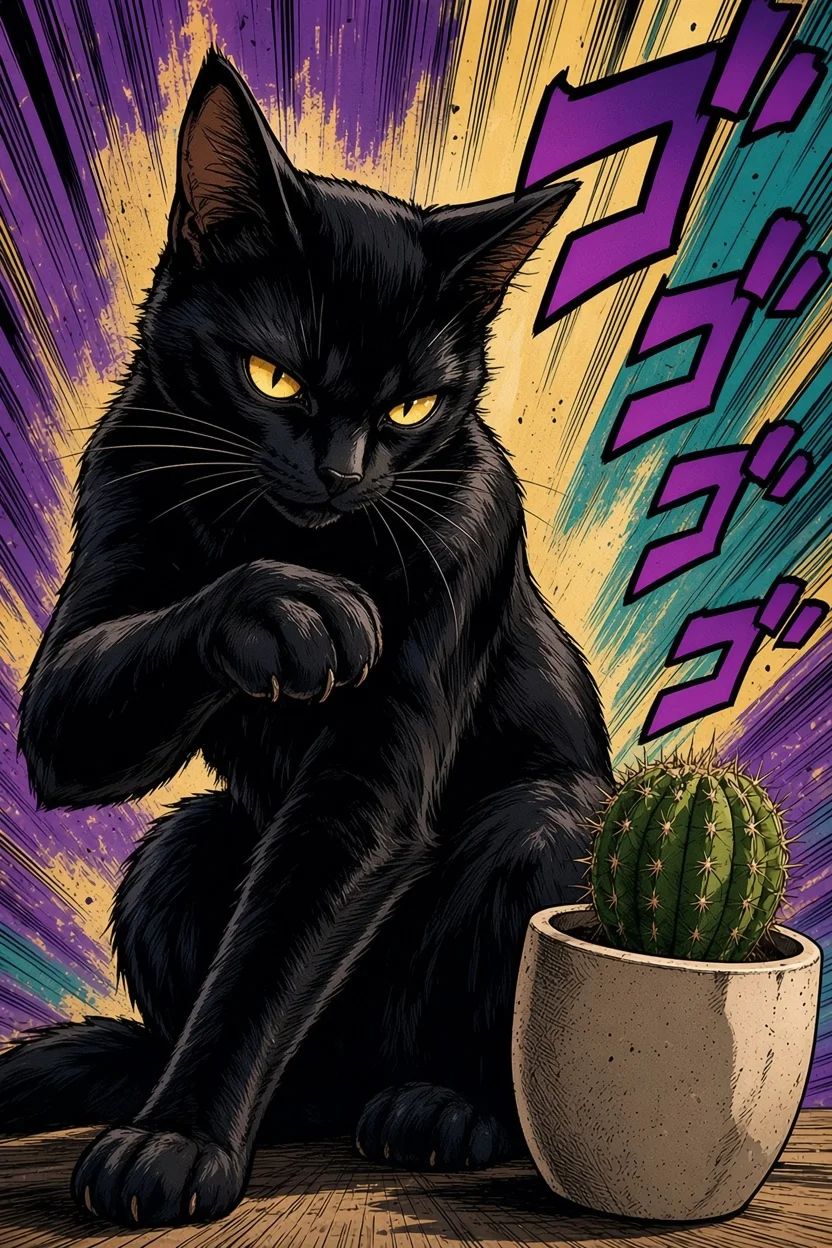
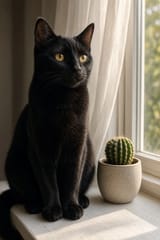
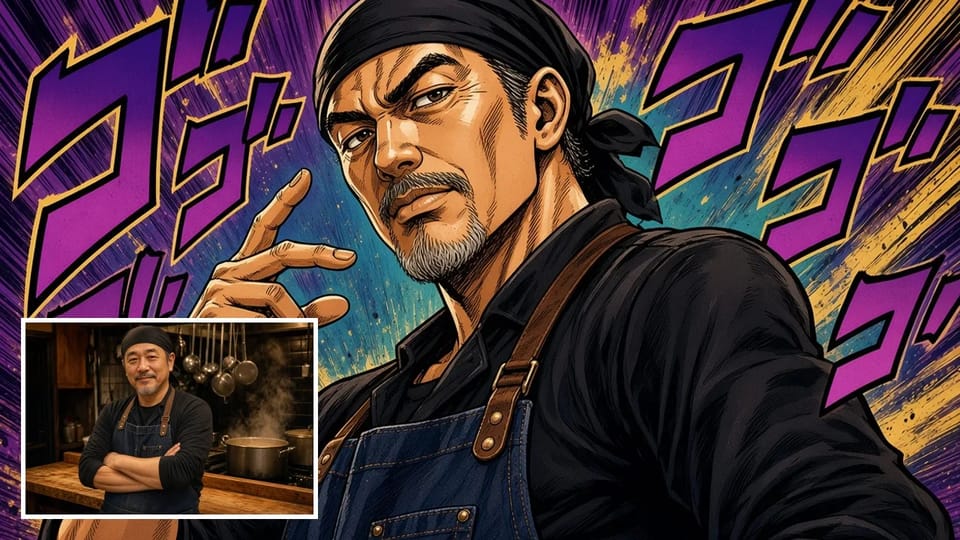
The JoJo AI filter turns an ordinary photo into a panel that looks drawn for JoJo's Bizarre Adventure. The JoJo filter traces your face and clothes in bold black ink, carves deep shadows under the cheekbones and brow, and sets you against a manga backdrop of speed lines and purple sound-effect letters.
The JoJo AI filter is a photo to JoJo style redraw, not a sticker on top. The JoJo filter keeps your face shape, hairstyle, hair color and outfit, so friends still recognize you, while the linework, lighting and attitude come from JoJo art style AI.
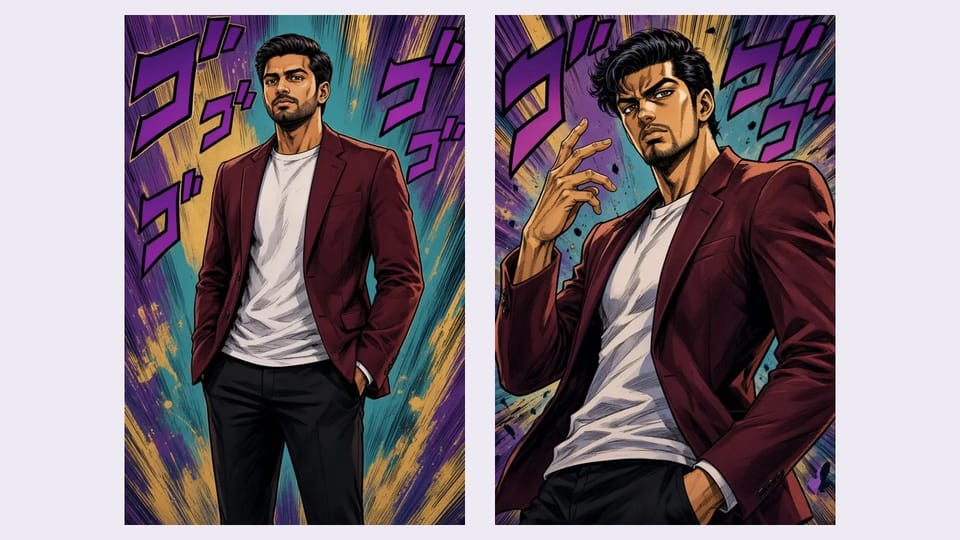
The JoJo AI filter gives you the twisted, larger-than-life stance the series is known for: shoulders turned, one hand near the face, the camera looking up. That is the default JoJo filter look, and the JoJo AI filter applies it to a selfie as well as a full-length photo.
To keep the pose from your photo instead, switch to Describe your own and ask the JoJo AI filter for JoJo art style with your original pose. The JoJo filter then redraws you standing exactly as you were, in the same ink and shadow.
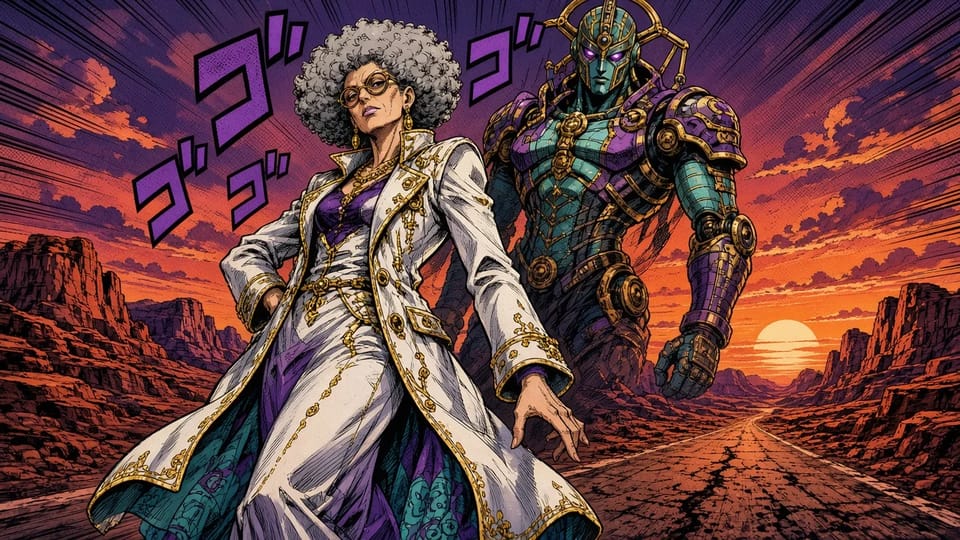
The JoJo AI filter can follow your own ideas. Switch to Describe your own and tell the JoJo filter what to change: a long white coat, a desert road at sunset, a new hairstyle, or a tall spirit standing guard behind you.
Your photo still decides who is in the picture, and your words decide the rest. A sentence like "redraw me in JoJo art style in a white coat, with an armored spirit behind me" turns the JoJo AI filter into a JoJo maker built around you.
People use the JoJo AI filter to show up in their favorite manga's style: a JoJo filter avatar on a profile, a costume preview before a convention, a post, or a gift.
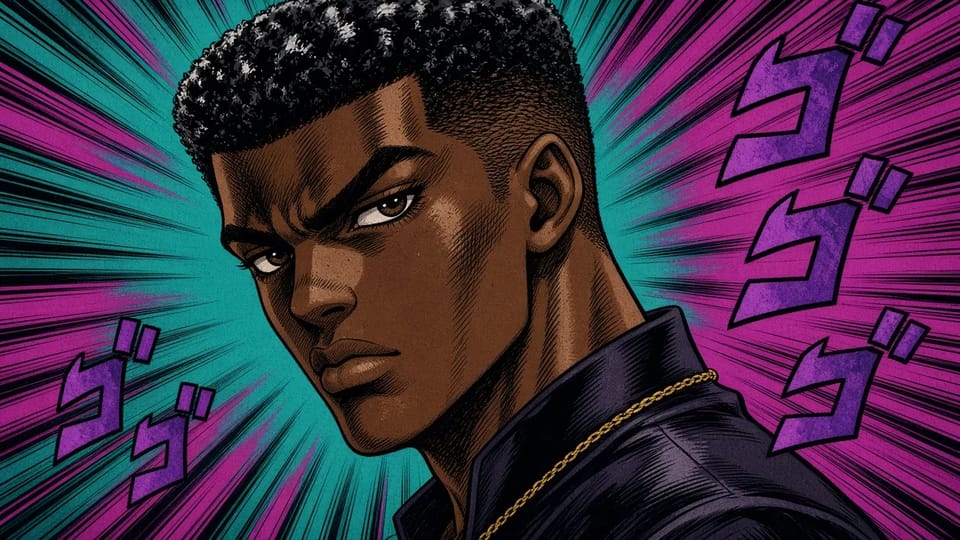
Turn a clear selfie into a square JoJo filter avatar for Discord, X, Instagram or a gaming profile. The JoJo AI filter keeps your face recognizable, so people know it is you at a glance.
Make My JoJo Filter Avatar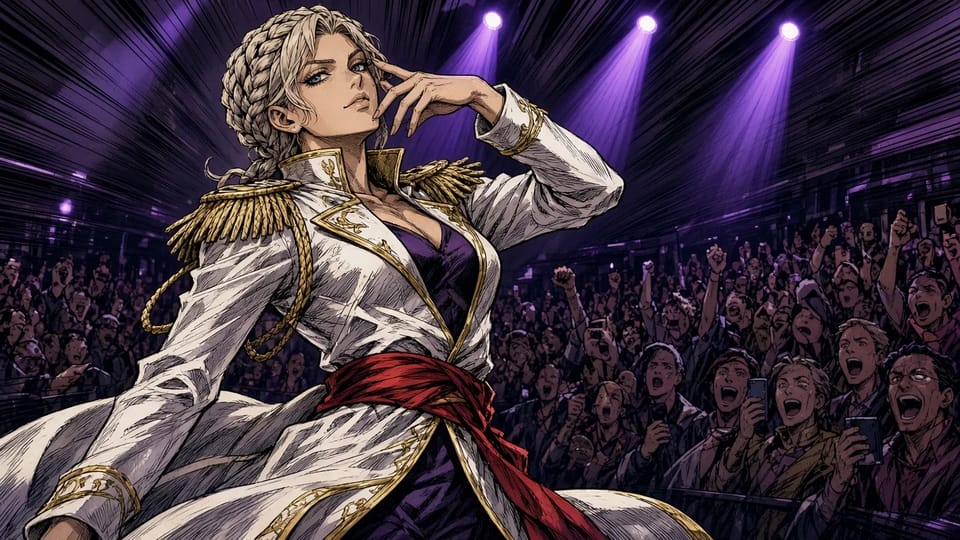
Upload a photo in your costume and let the JoJo AI filter draw it with JoJo art style AI before the convention, or make JoJo fan art of yourself with this JoJo maker even if you cannot draw.
Draw My Costume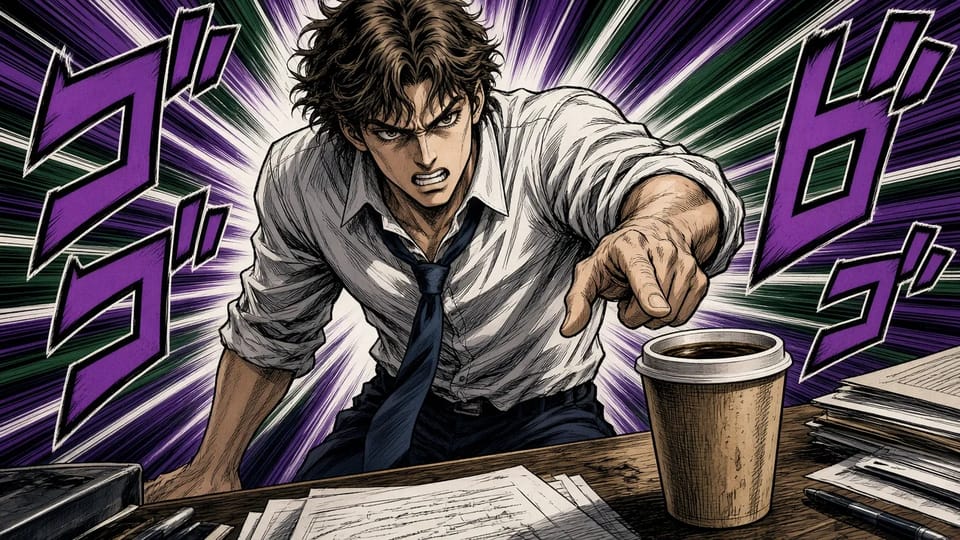
Download your JoJo AI filter picture and share it on TikTok, Instagram or a group chat. The JoJo filter makes a coffee run or a homework night look like the most intense moment of the arc.
Make a JoJo Filter Post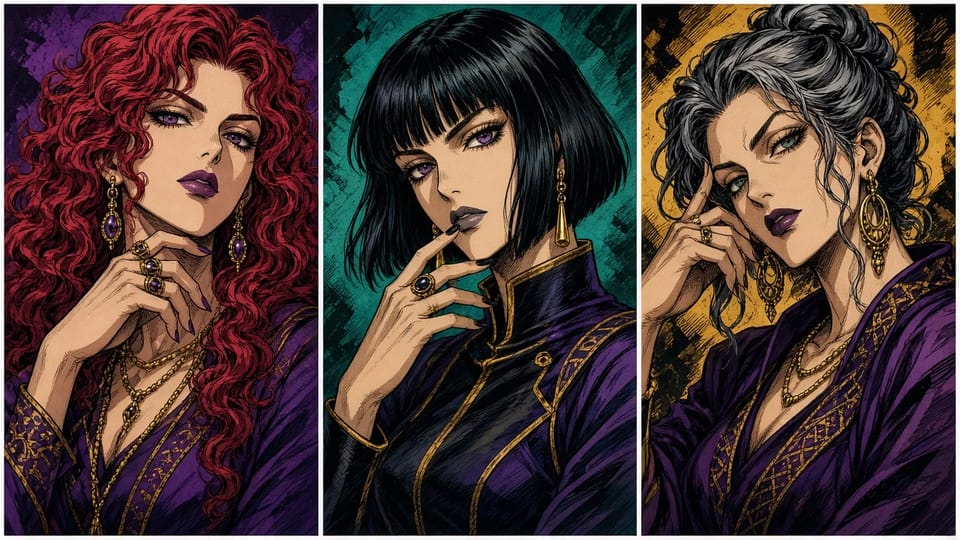
Run one photo of each person through the JoJo AI filter and give the set as prints, a group chat icon pack or a birthday card. Every picture comes out in the same JoJo filter look.
Make a JoJo GiftSet the aspect ratio to 1:1 and the JoJo AI filter frames your face for an avatar that stays sharp in a small circle.
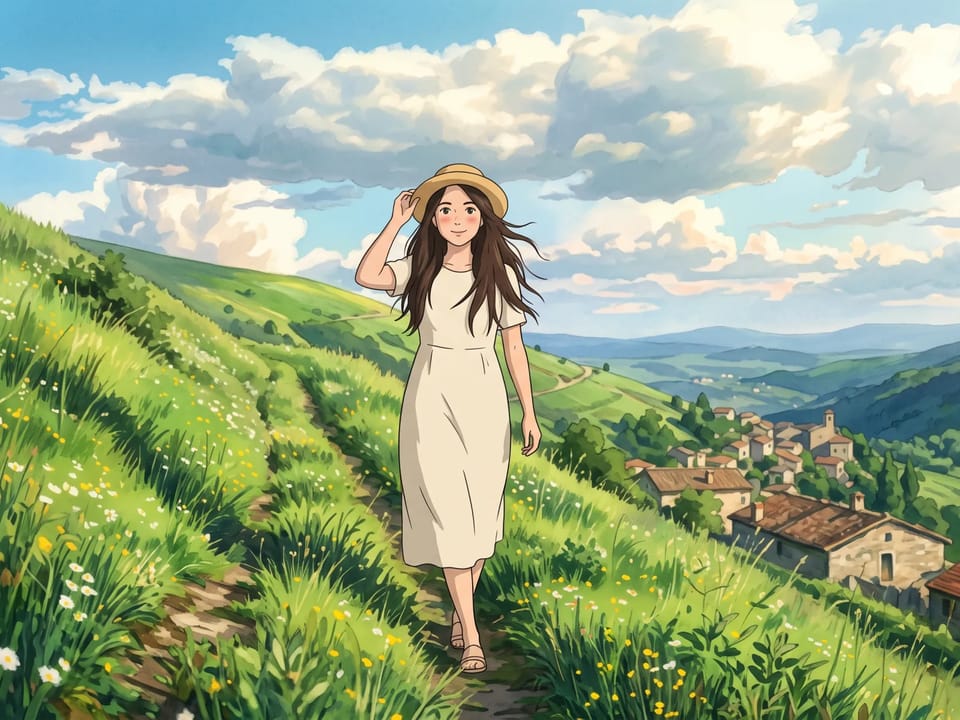
Pick a tall ratio such as 3:4 or 2:3 when you want the JoJo filter to show the whole stance, from the hair down to the shoes.
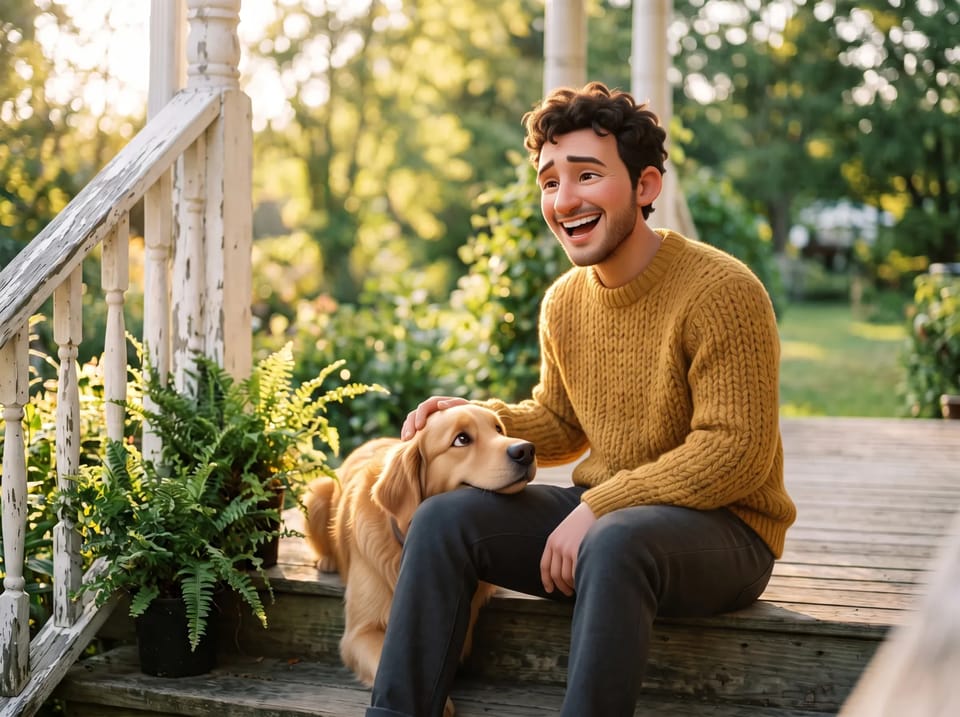
Choose 4:3 or 16:9 when the JoJo filter gets a group photo, a pet with its owner, or a wide background behind your photo to JoJo style redraw.
Raise the resolution when your photo to JoJo style picture becomes a print or a wallpaper; the JoJo AI filter renders up to 4K on models that offer it, and the Generate button shows the Credits first.
Set Number of Images to 2, 3 or 4 and the JoJo AI filter makes several versions of the same photo in one go, so you keep the best expression.
Answers about photos, poses, Stands, Credits and downloads for the JoJo AI filter.
Upload a selfie, a group shot or your pet, and the JoJo AI filter draws a photo to JoJo style picture in about a minute.