
Pick a photo that works
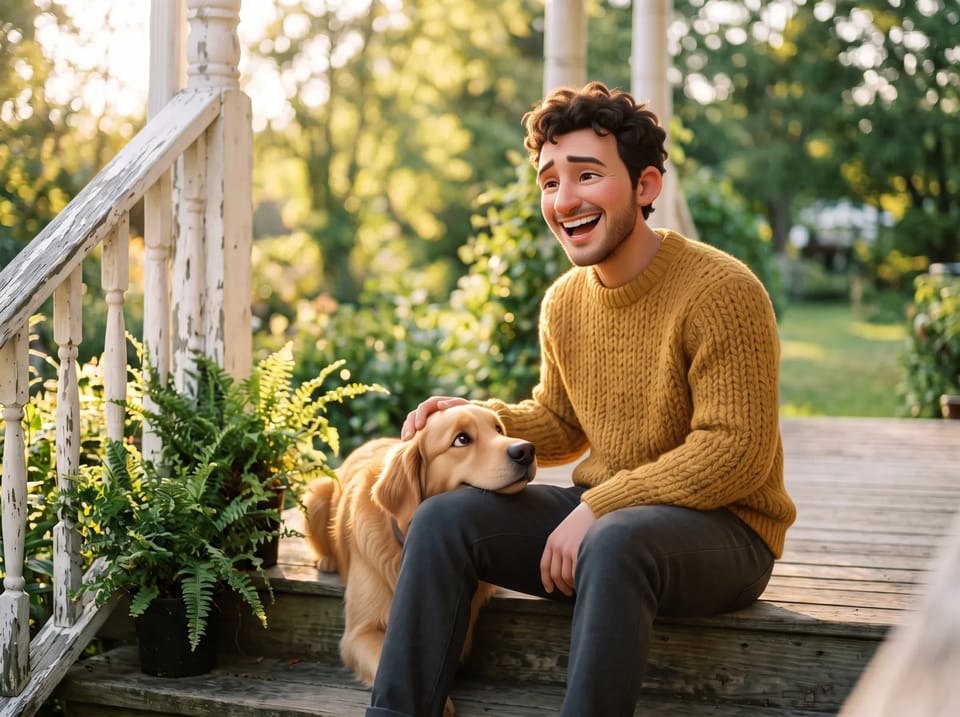
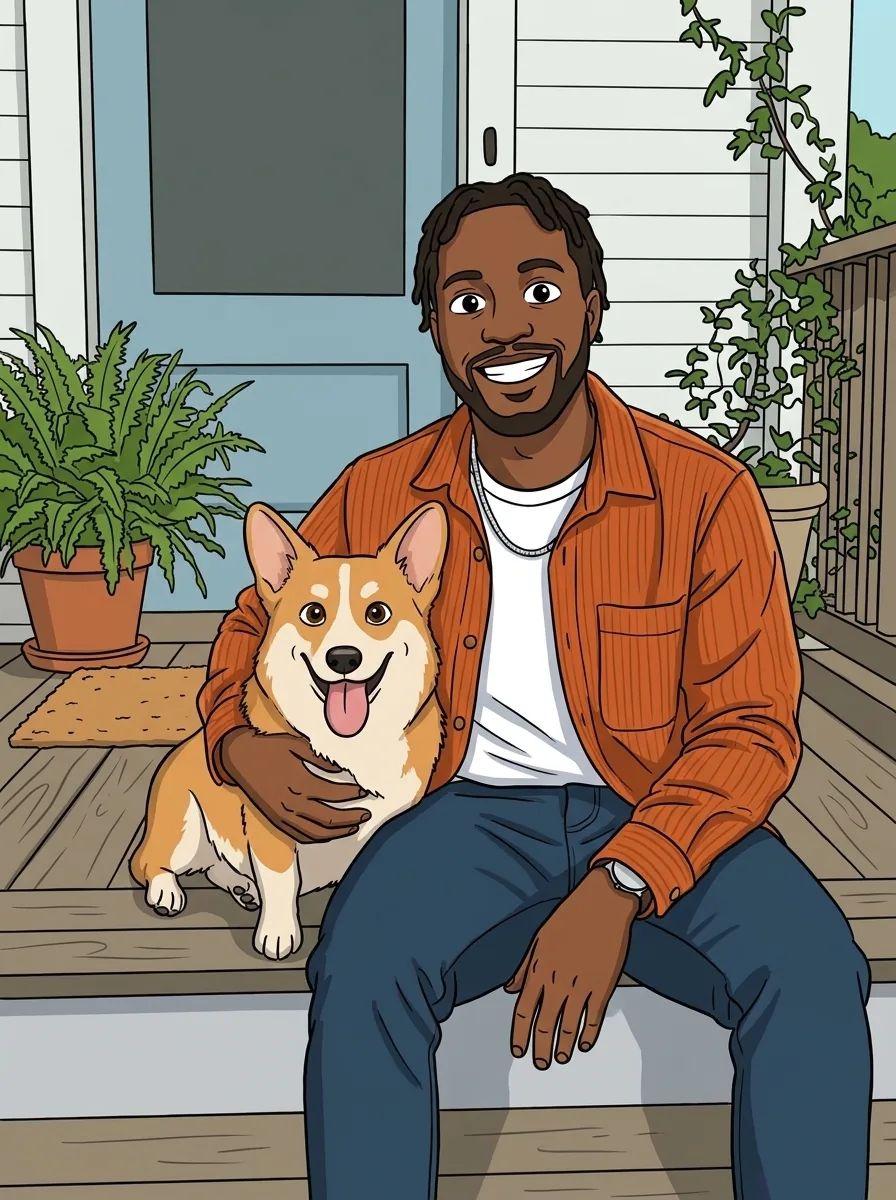
A front-facing photo in even light gives the AI Labubu generator its most faithful result. Crop it close to square, keep the face or pet in the middle and skip heavy filters that hide fur or hair.
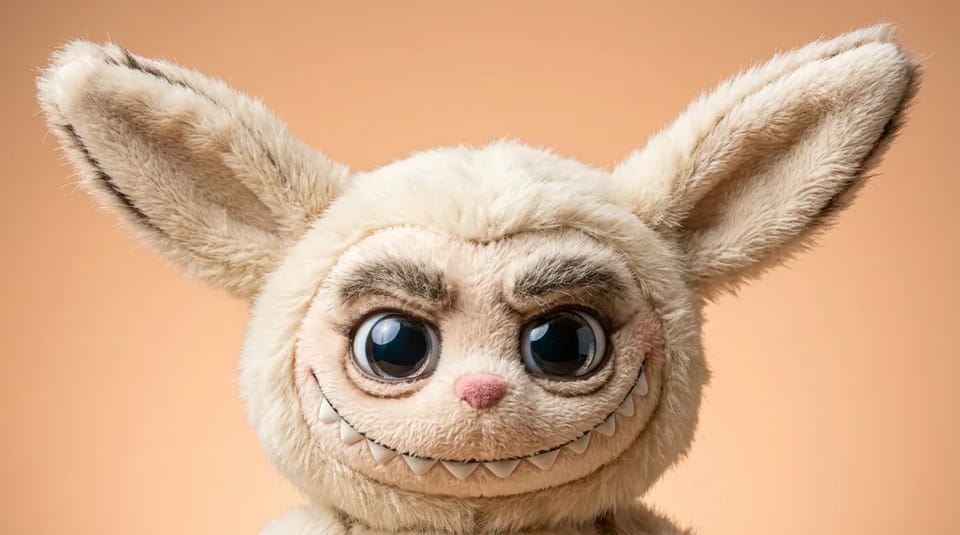
The AI Labubu generator turns a photo or a few words into a picture of a Labubu-style collectible toy monster, with long pointed ears, a toothy grin and soft fuzzy fur. Add a photo of yourself or your pet, or describe the outfit and scene, then download your picture.
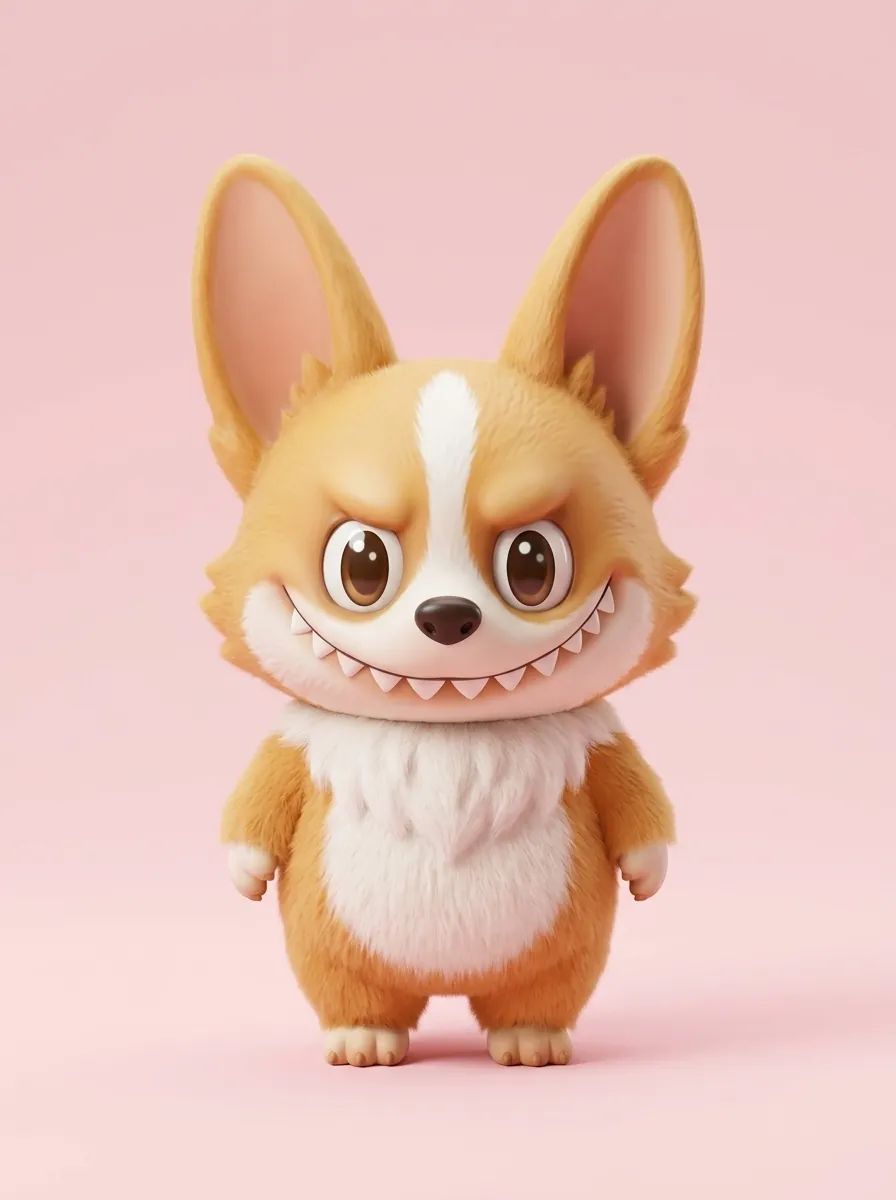
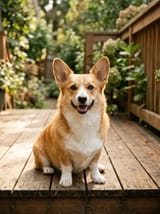
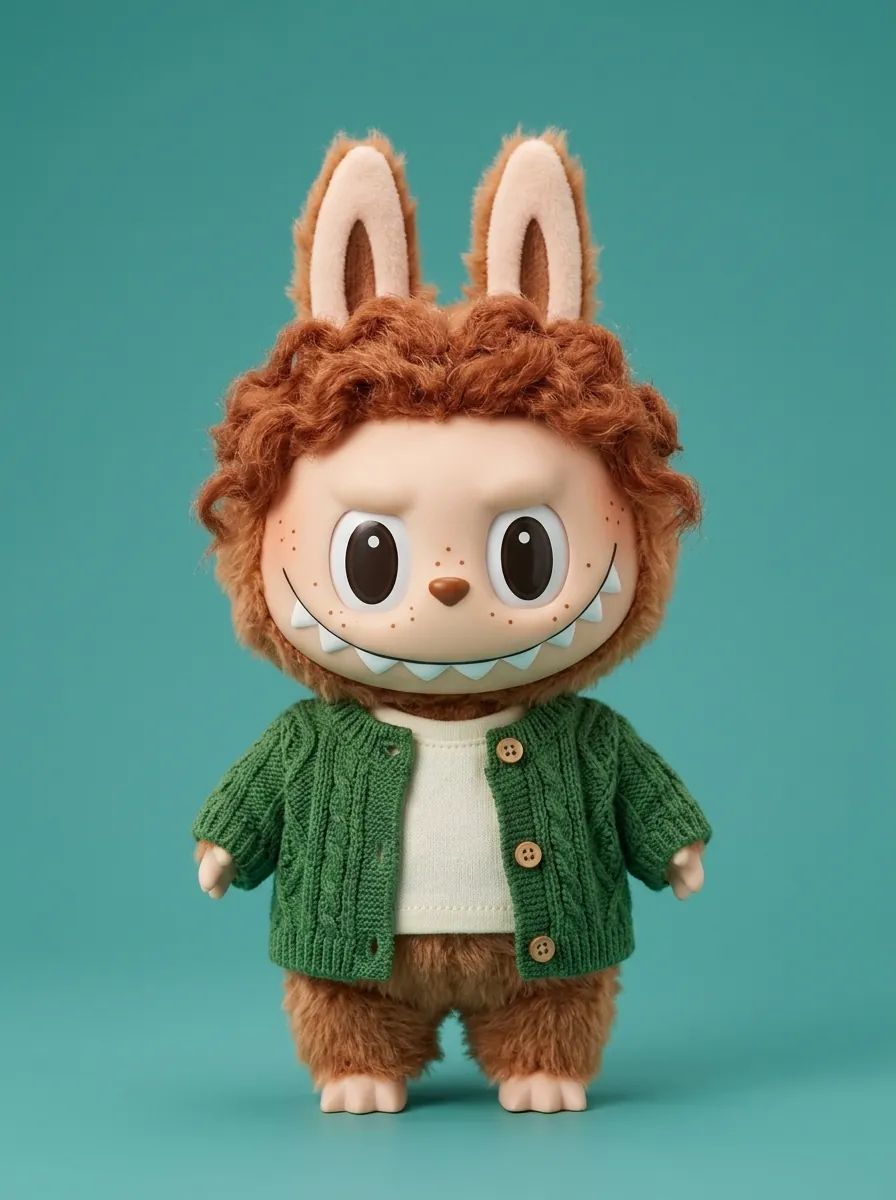

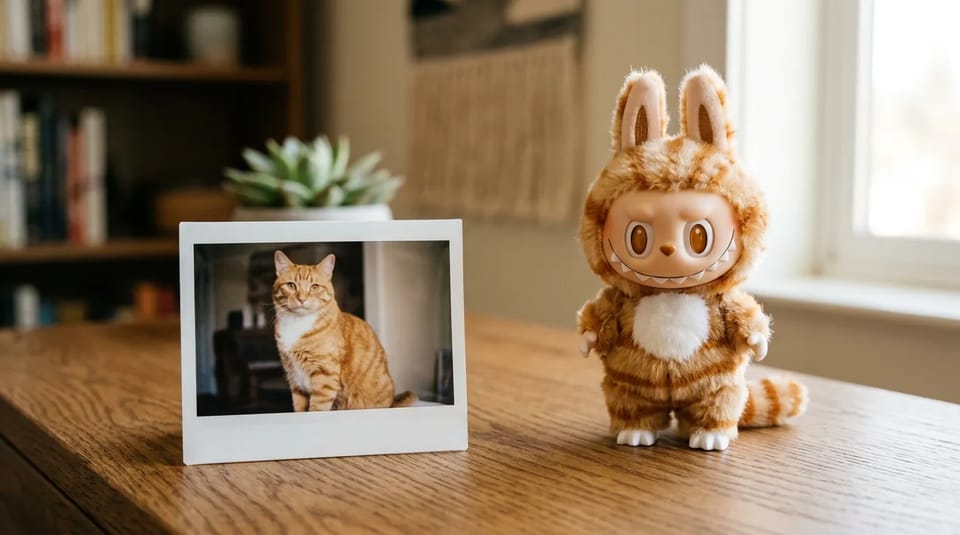
Add a clear photo of yourself, a friend or your pet to the prompt box, and the AI Labubu generator redraws the subject as a collectible toy monster. Hair, fur color, markings and clothes carry over as fuzzy tufts and tiny outfit details, so the toy still looks like the original.
Write one line about what to keep, such as the freckles, the tabby stripes or the green cardigan. A sharp photo cropped close to square gives this AI Labubu generator, our Labubu maker for photos, the cleanest result.
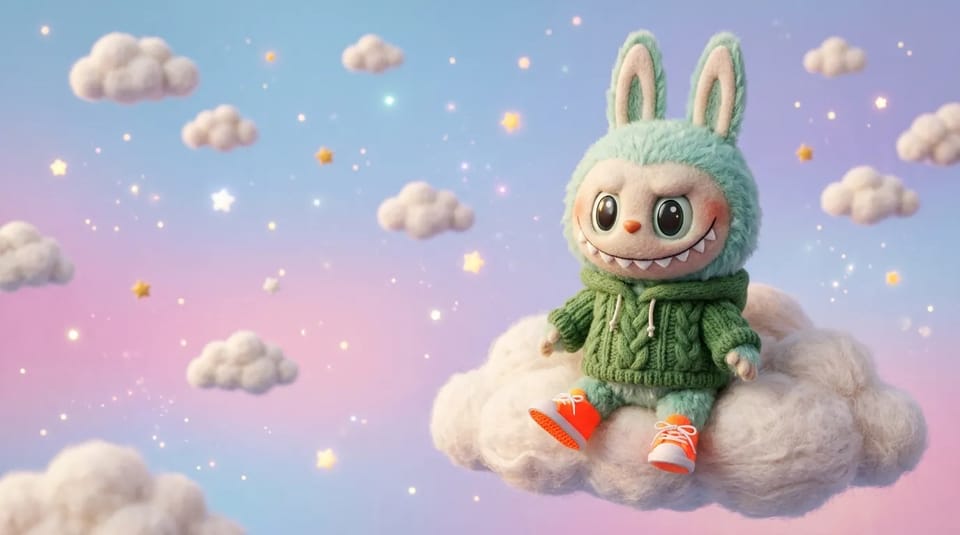
No photo needed. Write who the Labubu is, what it wears and where it sits, and the AI Labubu generator draws a new toy from your words, for example a mint-green Labubu in a knit hoodie on a pastel cloud.
As a Labubu AI image generator, this AI Labubu generator also helps with the prompt: the wand rewrites a rough idea into three prompts, and the photo button writes a prompt from any picture you like.
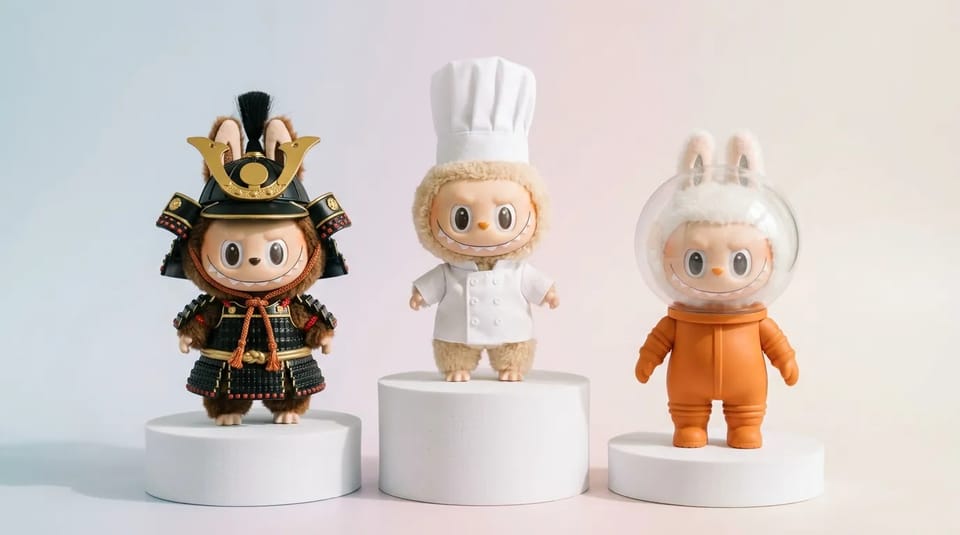
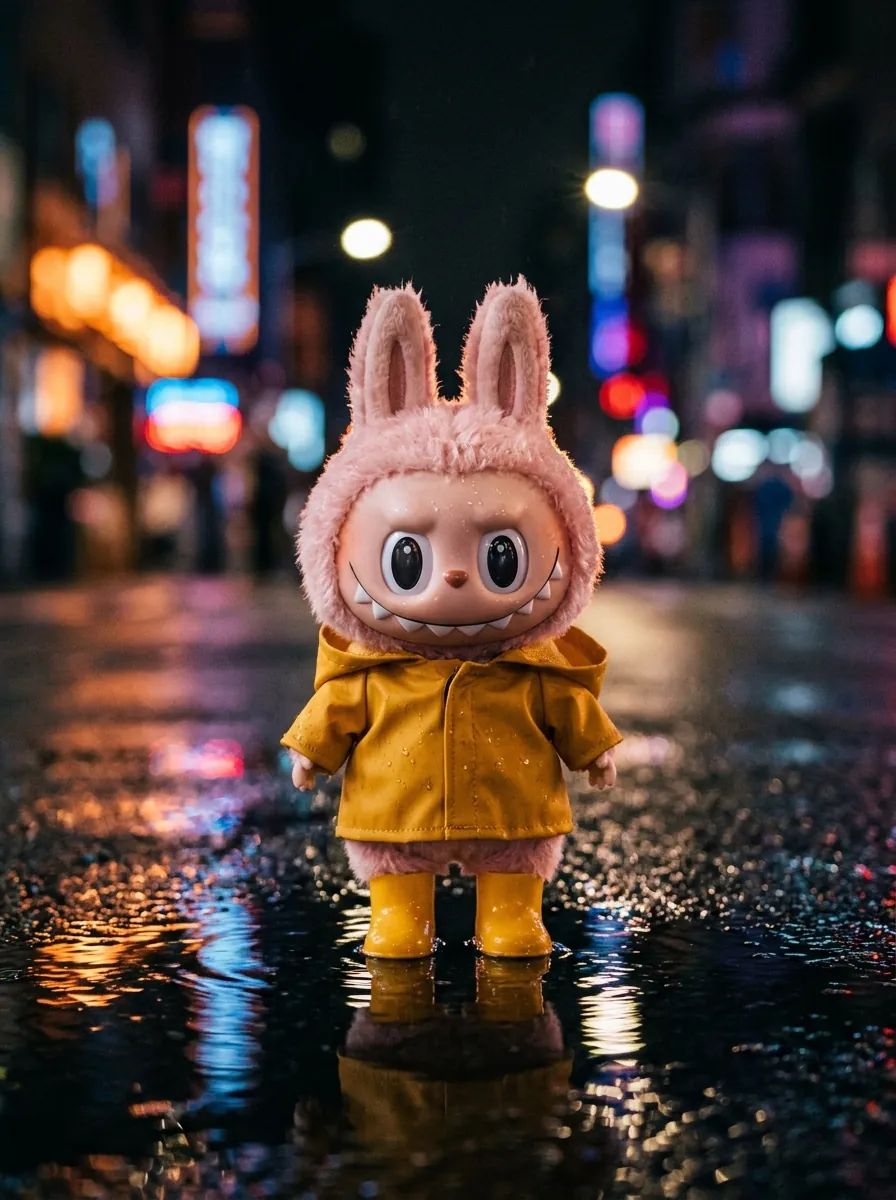
Every picture from the AI Labubu generator keeps the traits that read as Labubu: tall pointed ears, big glossy eyes, a wide grin of small serrated teeth and plush fur. Everything else is yours to change.
Swap in samurai armor, a chef uniform or a space suit, recolor the fur, or move the toy from a studio shelf to a rainy street. Change one detail per prompt and run the AI Labubu generator again to compare.
Use a picture from the AI Labubu generator wherever a character or a collectible look fits.
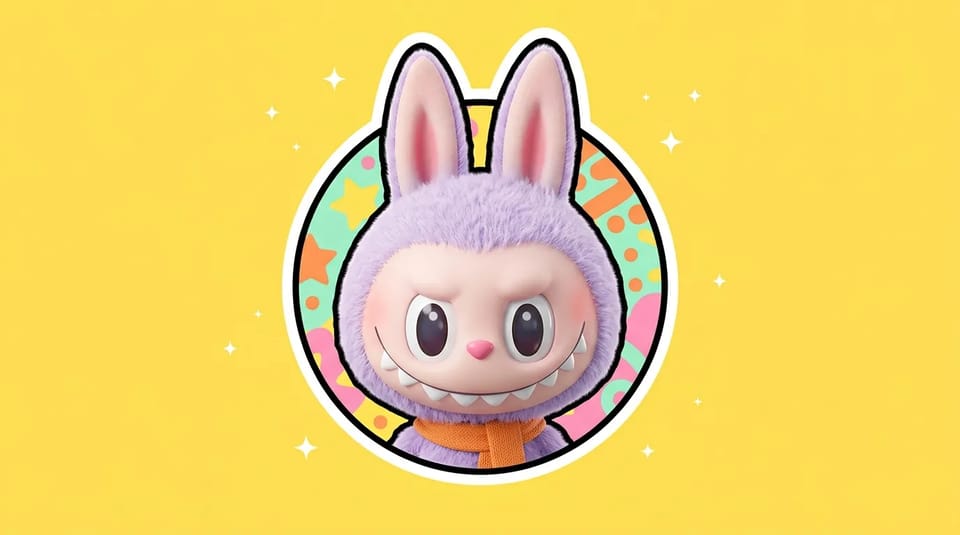
Turn a selfie or your pet into a round-cropped profile picture with the AI Labubu generator, then reuse the same toy in posts and stories. Pick a square ratio so the ears stay inside the circle.
Make My Avatar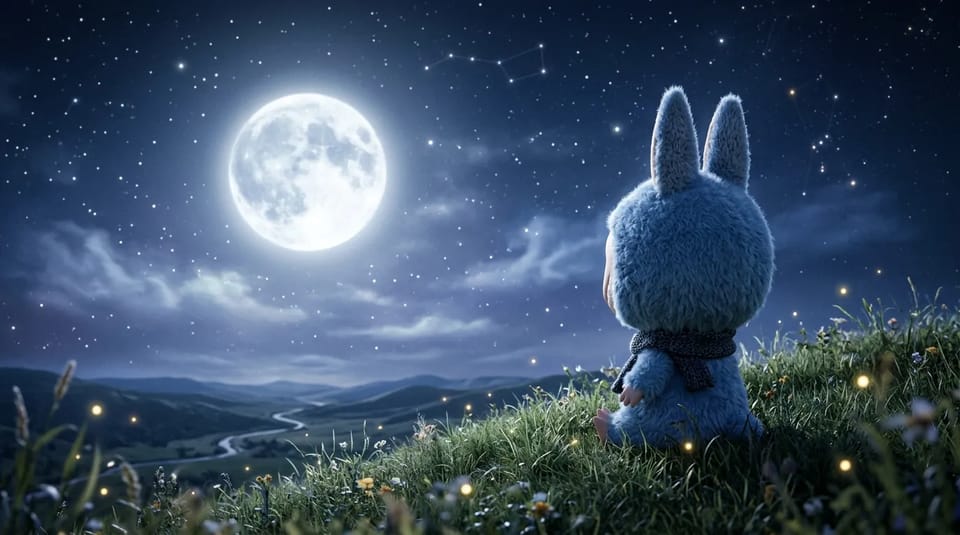
Place a Labubu on a moonlit hill, a neon street or a cloud, and choose a tall or wide ratio to match your screen. Ask the AI Labubu generator for empty sky on one side so icons and the clock stay readable. For a whole set cut to exact screen sizes, a dedicated wallpaper generator is the better fit.
Create My Wallpaper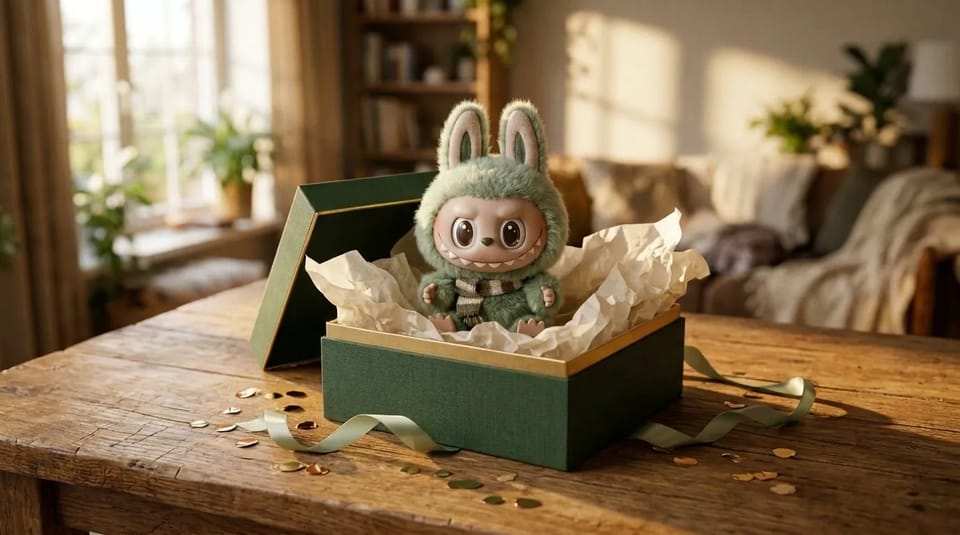
Make a Labubu picture with the AI Labubu generator for a friend who collects toys, or build a set in different outfits for your own digital collection. Send the picture with a note or print it for a card.
Make a Gift PictureA front-facing photo in even light gives the AI Labubu generator its most faithful result. Crop it close to square, keep the face or pet in the middle and skip heavy filters that hide fur or hair.
Pick 1K, 2K or 4K in the AI Labubu generator and a ratio for where the picture will go: square for an avatar, tall for a phone wallpaper, wide for a desktop. The Credit price shows beside Generate before you spend anything.
Keep one description of your Labubu in the AI Labubu generator and change only the outfit or the scene each time to grow a collection. For a character that must look identical in every picture, try the consistent character generator.
Open the wand to turn a rough idea into three prompts, or add a picture and let the photo button write a prompt that recreates it. Name the ears, teeth, fur color, outfit, scene and light and the AI Labubu generator stays closest to the Labubu look.
This AI Labubu generator draws one toy look. Figurines, dolls and other collectibles are separate looks, so a Labubu prompt can stay focused on the ears, teeth and fur.
Photos, prompts, sizes and rules for the AI Labubu generator, and what you can do with your Labubu pictures.
Add a photo or describe the toy, then generate and download your Labubu picture.