
Your likeness in the anime version
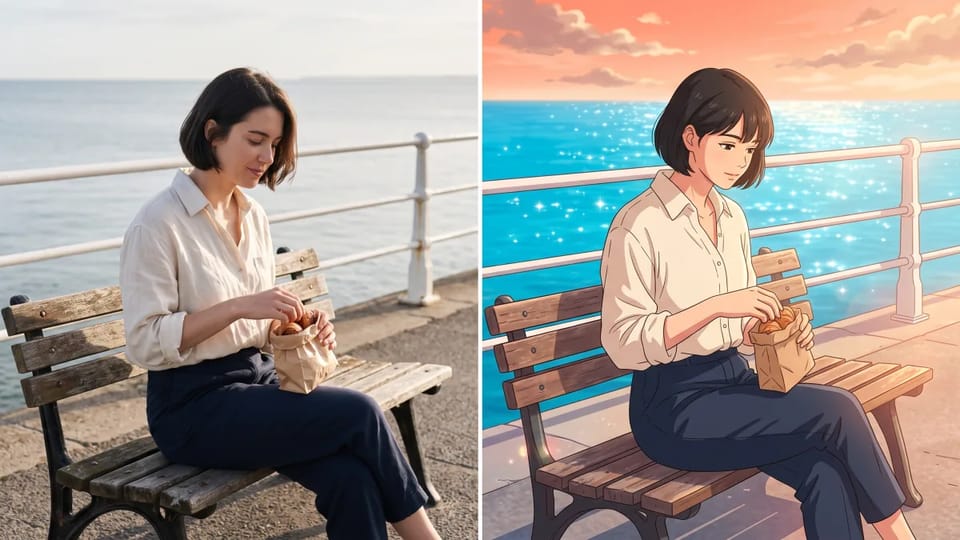
In a photo to anime picture, the reference photo guides the face, hair, outfit and pose, so the anime version still looks like you, your friend or your dog.
Upload a selfie, pet or scene, describe the anime look, and turn a photo into anime. The photo to anime result is an anime version that keeps the face, pose and outfit.
 Sample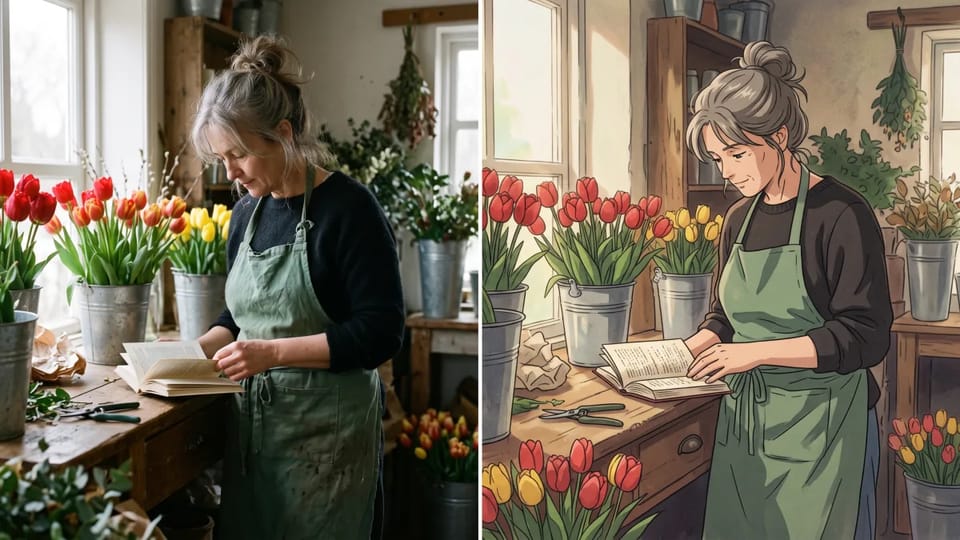
A fixed anime filter gives every photo the same look. This photo to anime maker lets you write the look instead: 90s cel shading, soft pastel romance, bold shonen lines or a clean modern finish.
Your photo supplies the face, pose and outfit, and your words supply the era and mood, so every photo to anime version still feels like your photo.
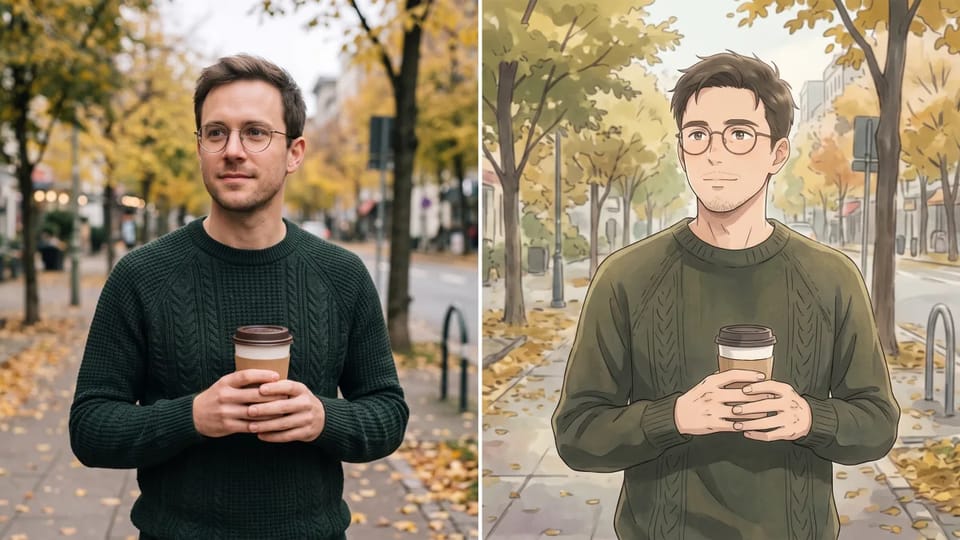
Pick a photo to anime result you like, add it as a reference, and ask for one change: a different hair color, a calmer background or warmer sunset light.
You adjust the photo to anime version in plain words instead of redrawing it, and your original photo stays exactly as you uploaded it.
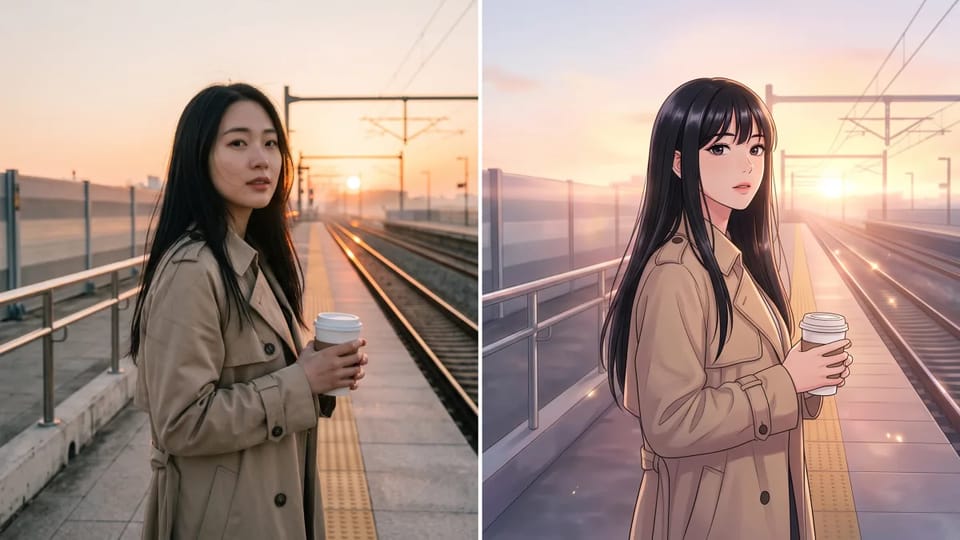
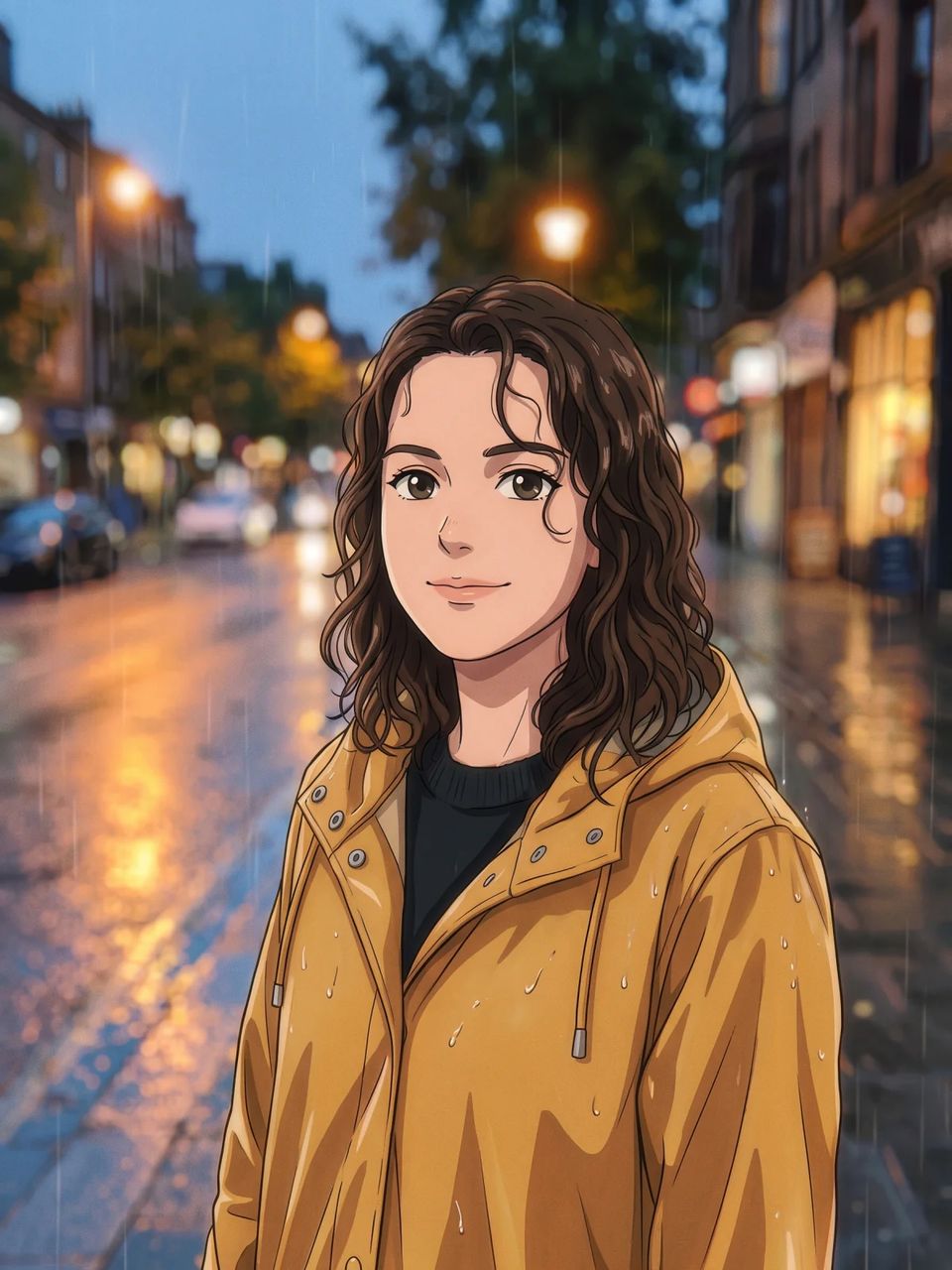
Ask this photo to anime converter for a webtoon look to get smooth gradients, thin clean outlines and glossy highlights that suit vertical stories, channel art and social posts.
Choose a 9:16 or square frame, and the photo to anime result fits the place where it will be used.
Start from the kind of photo you have and ask for the photo to anime version that suits where the picture will live.
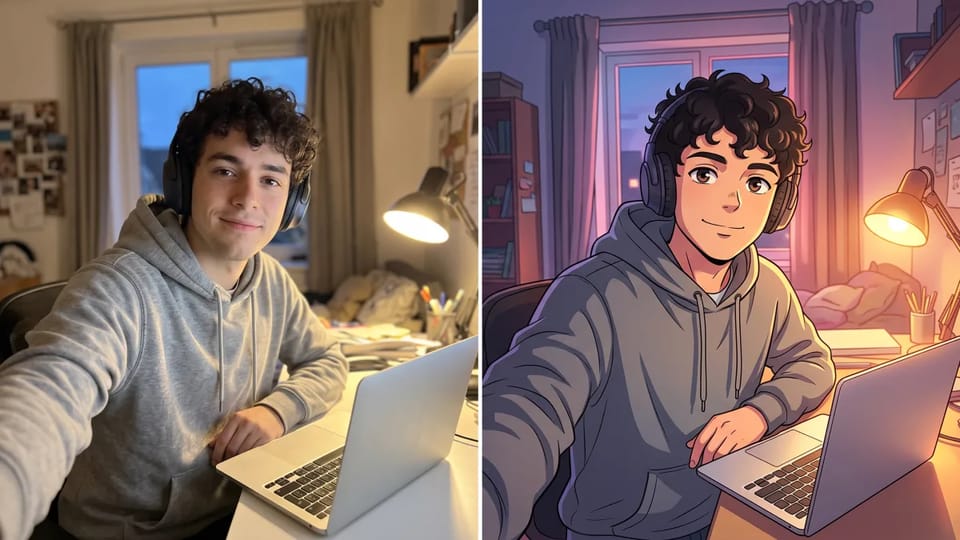
Use photo to anime conversion to make an anime avatar from a selfie for your profile, gaming account or channel. Ask for a bold outline and a plain background so the face stays readable at thumbnail size, and choose a square frame. A selfie to anime avatar reads best with one clear expression.
Make My Anime Avatar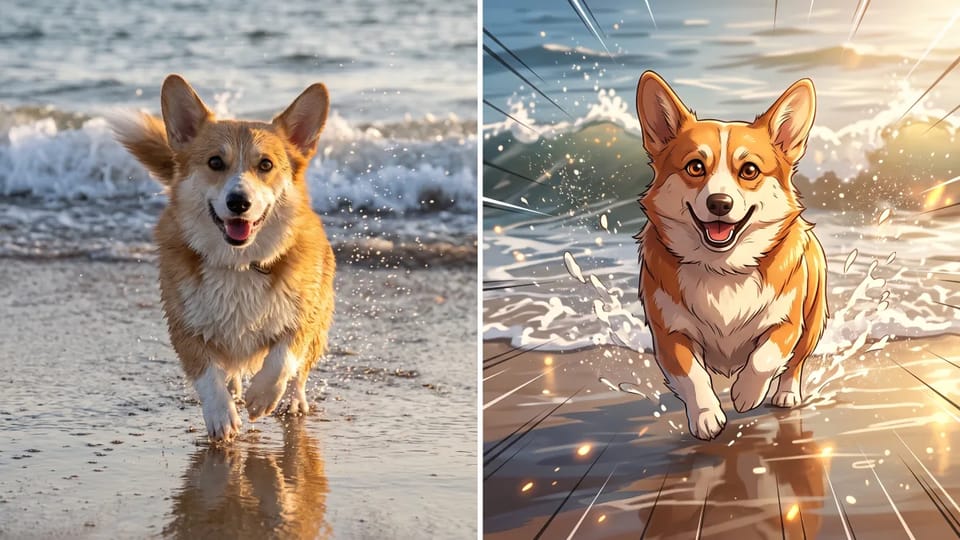
Photo to anime works well on pets. Send a sharp photo of your dog or cat and ask for an anime companion with the same coat color and markings. Add a setting such as a beach, a window seat or a snowy yard to turn the anime version into a character scene.
Turn My Pet Into Anime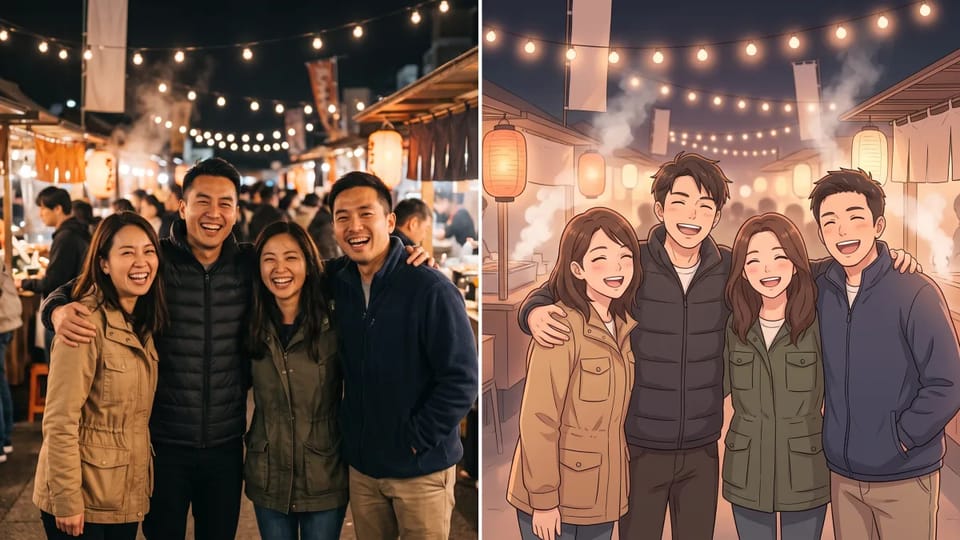
Keep a whole group in one picture. Upload a clear photo where every face is visible and describe the mood, such as a warm slice-of-life evening, so everyone shows up in the group photo to anime result.
Turn Our Photo Into Anime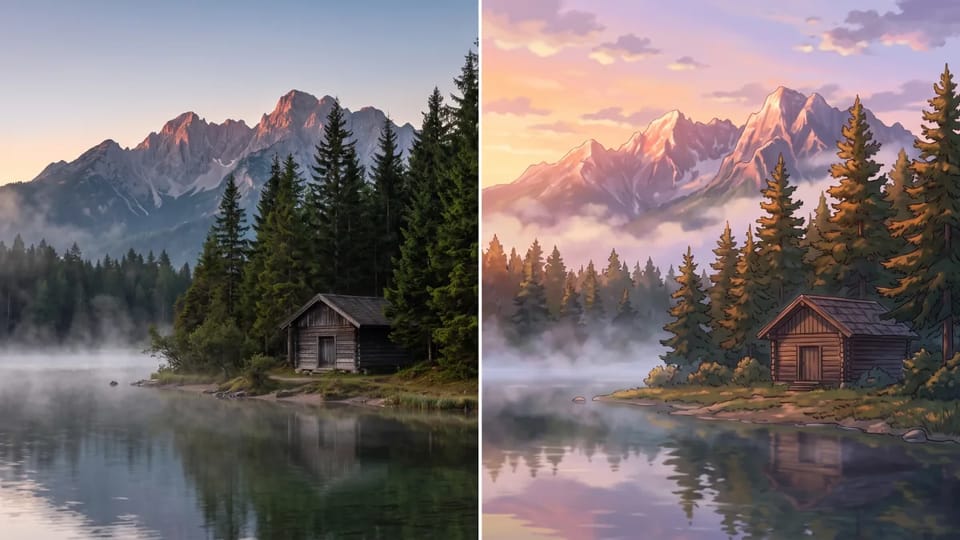
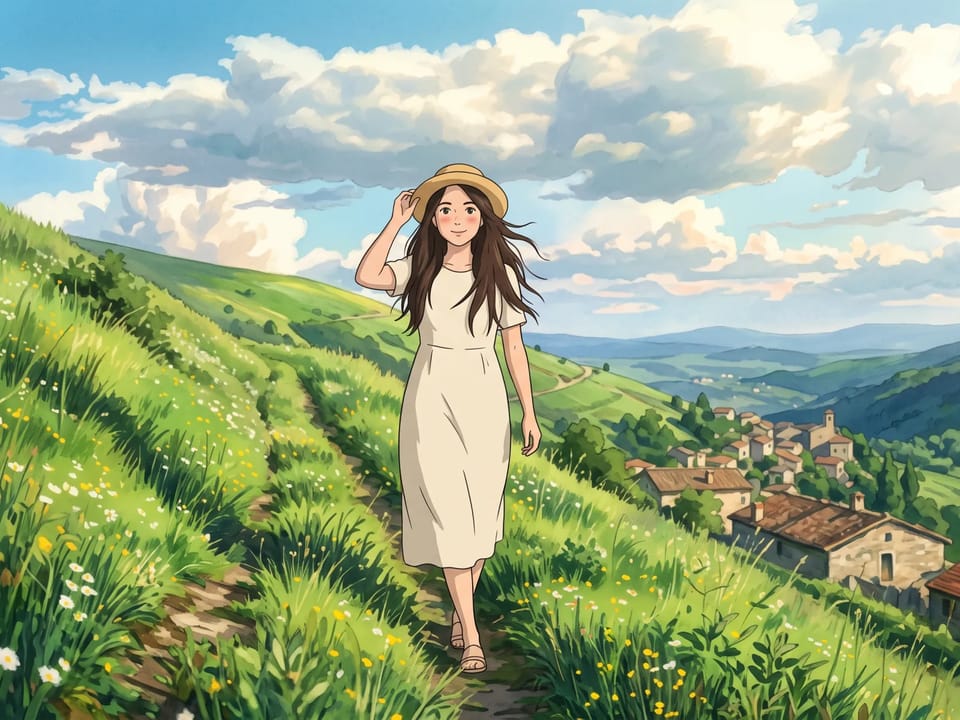
Run a travel or street photo through photo to anime and get a painted anime background for wallpapers, stories and game scenes. Ask for soft clouds, rich greens and hand-painted light, and pick a 16:9 frame for desktop wallpapers.
Paint My Anime Scene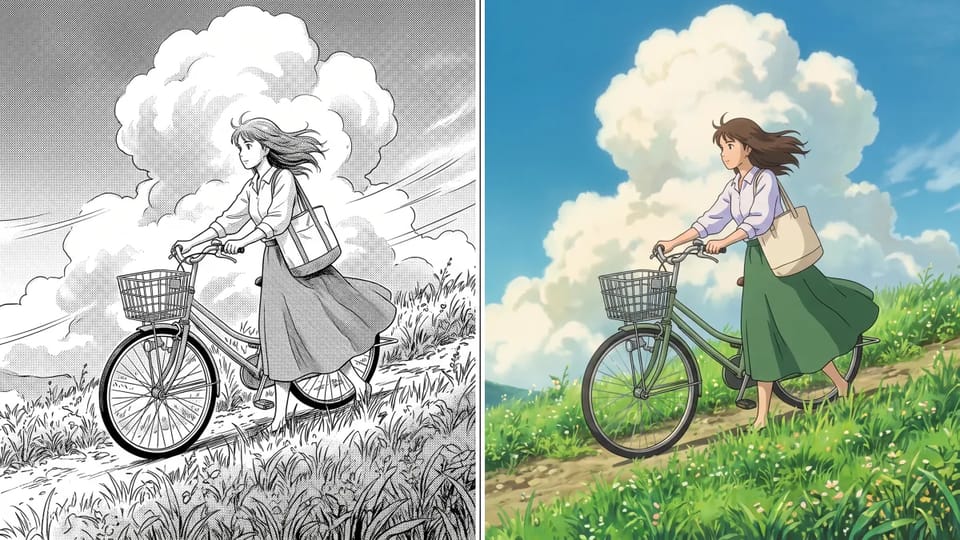
Upload a black-and-white manga panel and make it anime in full color. The picture keeps the pose and composition and adds color, light and background depth. The result is a still picture, not an animated episode.
Color My Manga PanelIn a photo to anime picture, the reference photo guides the face, hair, outfit and pose, so the anime version still looks like you, your friend or your dog.
Switch between Nano Banana, GPT Image, Seedream and Grok Imagine on the same photo and compare how each one handles photo to anime.
Choose a square frame for avatars, 9:16 for stories or 16:9 for wallpapers before the photo to anime conversion starts.
Models such as Nano Banana 2.1 and GPT Image 2 create at 1K, 2K or 4K, which leaves enough pixels to print a photo to anime version or show it on a large screen.
Add extra photos to bring a second angle, an outfit or a pose into the photo to anime result. Nano Banana 2.1 accepts up to 10 reference images.
The Credit cost of each image to anime picture is shown before you generate, so you can pick the model and size that fit.
Both turn a photo into anime. The difference is how much of the result you can steer, which matters when a face, a pet or a whole scene has to survive photo to anime conversion.
| Feature | CleoPic AI photo to anime | One-tap anime filter |
|---|---|---|
| Anime look | You describe the era, line weight, palette and mood in words | A preset look chosen from a list |
| Face, pose and outfit | The reference photo guides the anime version, and you can name details to keep | Follows the filter’s fixed treatment |
| Changes afterwards | Add the anime version as a reference and ask for one change | Usually pick another filter and run again |
| Models | Nano Banana, GPT Image, Seedream and Grok Imagine | Usually one model behind the filter |
| Size and frame | Square, vertical or wide frames, and 1K to 4K on supported models | Usually one output size |
| Cost | The Credit quote is shown before you generate | Varies by app |
| Anime look | Words to add to your prompt | Good for |
|---|---|---|
| 90s cel anime | flat colors, thick outlines, slight film grain | Retro avatars and nostalgic posters |
| Soft pastel romance | pastel colors, glowing highlights, airy background | Portraits, couples and gifts |
| Bold shonen action | bold ink lines, dynamic angle, saturated color | Gaming avatars and fan-style art |
| Webtoon | smooth gradients, thin clean outlines, glossy highlights | Vertical stories and social posts |
| Painted background | hand-painted scenery, soft clouds, rich greens | Wallpapers and game scenes |
| Chibi | chibi proportions, large head, simple shading | Stickers and small icons |
Pick a look, add its words to your prompt and convert your photo to anime.
Quick answers about styles, photos, sizes and using your photo to anime versions.
Upload one photo, describe the look, and have a photo to anime version ready to download.