
Photo-Style Results
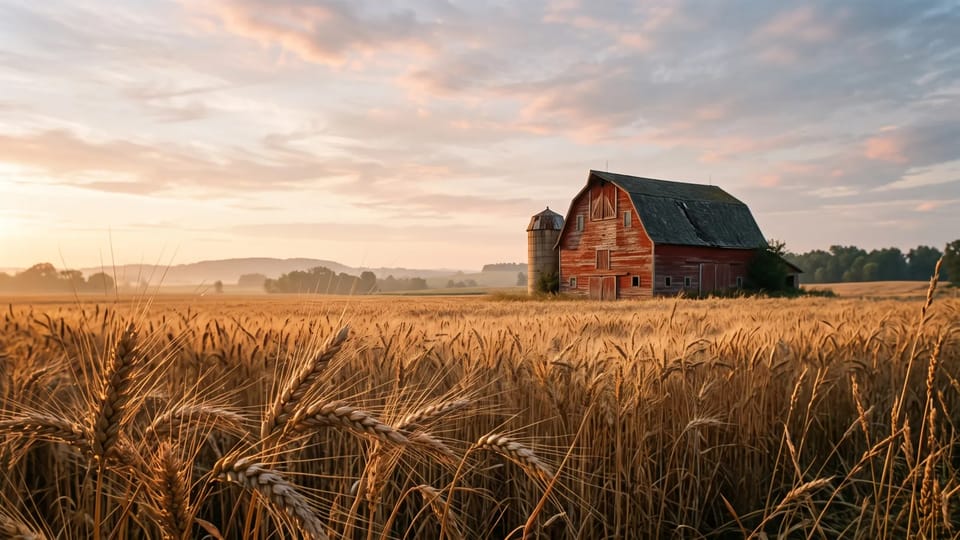
Write a description and get an AI realistic image with photographic light, texture, and depth. No camera, studio, or location needed.
Describe the subject, the light, and the lens. The AI realistic image generator turns your prompt into a picture that looks like a photograph, ready to download.
 Sample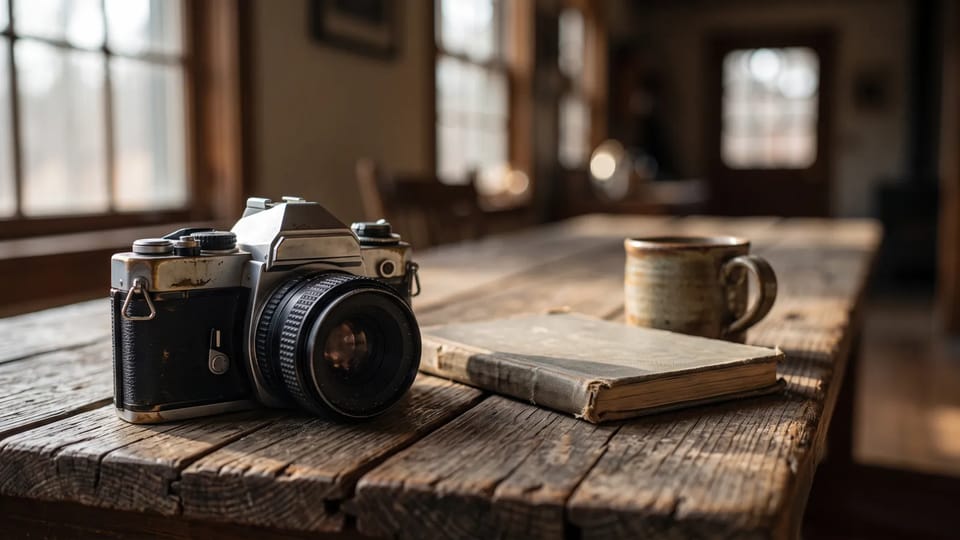
Realism starts with the brief. Name who or what is in the shot, where it is, the light source, the lens, and the surface details, then add the mood. A shot list like that gives an AI realistic image generator far more to work with than the word photorealistic.
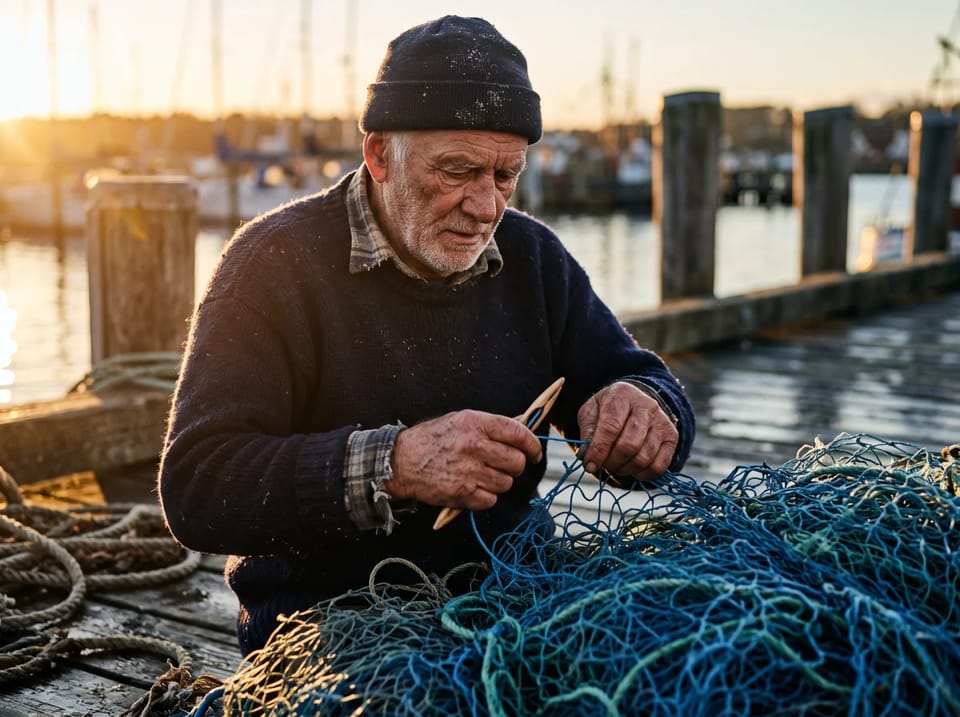
Try this AI realistic image prompt: a ferry deckhand coiling rope at dawn, low sun from the left, 50mm lens, shallow focus, damp rope fibers, calm mood. Change one detail at a time and generate again to see what moves.
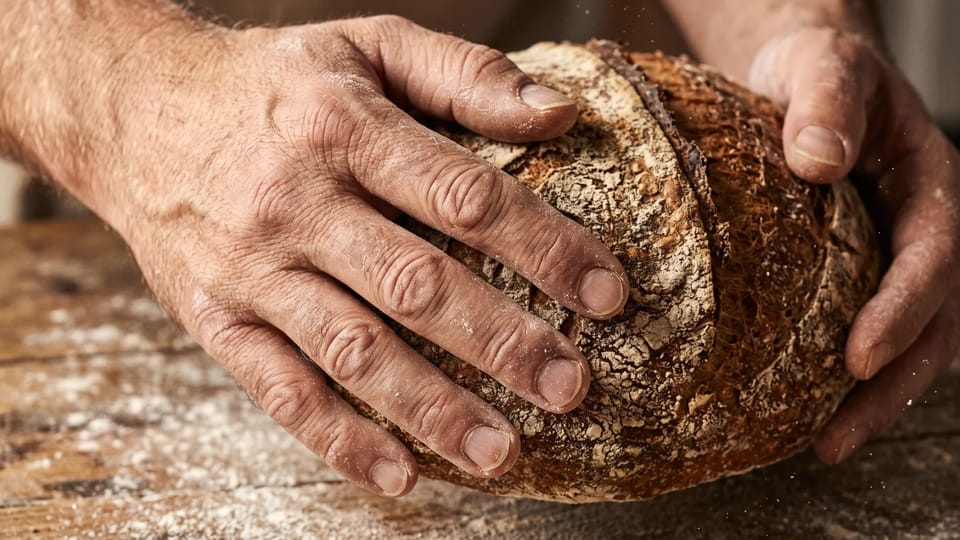
Wondering how to generate lifelike AI images? An AI realistic image earns trust with what viewers read as real in a second: skin with pores and a few flyaway hairs, one clear direction of light, a soft background blur, and surfaces such as worn leather, wet stone, or flour on a hand.
A scene that is too perfect looks synthetic, so ask for small imperfections: a creased sleeve, a scuffed edge, a stray strand of hair. Add them to your AI realistic image prompt and compare the result with the first try.
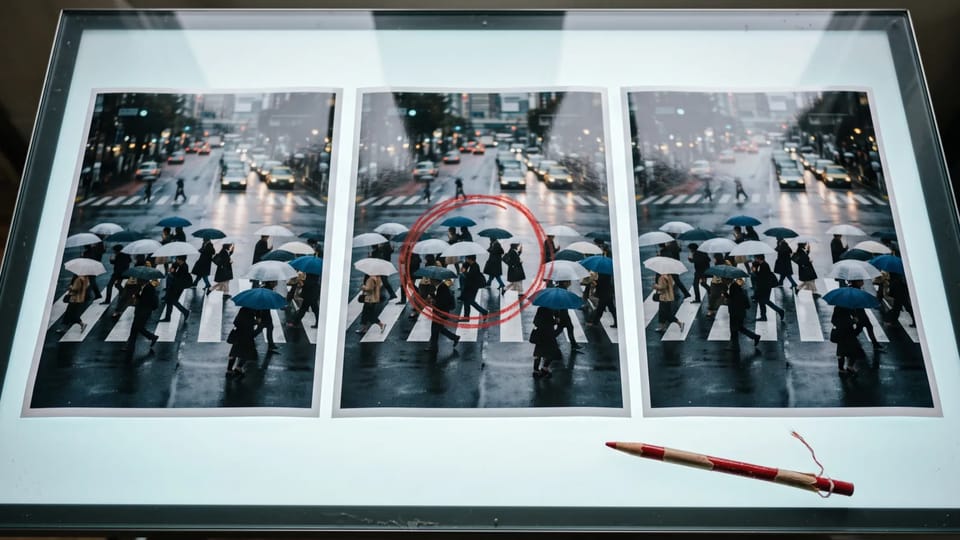
No single model wins every scene. Run the same prompt on Nano Banana, GPT Image, Seedream, or Grok Imagine in the AI realistic image generator, then keep the version whose light and skin look most natural to you.
Not quite right? Change one line of the prompt and generate your AI realistic image again, or add a result as a reference image to keep the subject while you adjust the light, the background, or the framing.
A realistic picture fits every place a photo does: a feed, a blog header, a recipe, a wallpaper, or a story. Pick the use, describe the scene, and generate an AI realistic image.
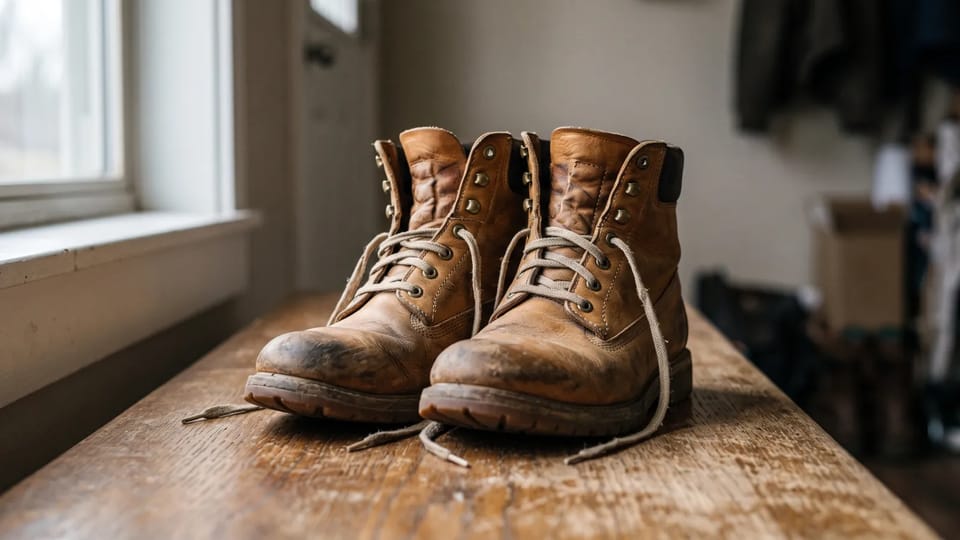
Skip the studio day. Describe the object, the surface, and one soft light source, and the AI realistic image generator draws a still life with believable materials, reflections, and shadows for a post or a print.
Create a Still Life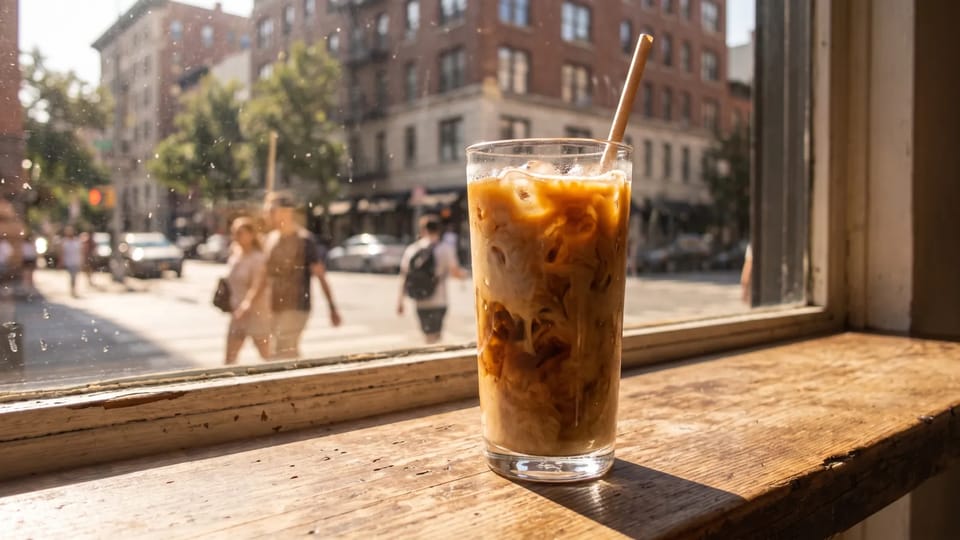
Turn a mood into a post: a sunlit café window, a rainy street, a quiet breakfast. Pick a square or vertical ratio before you generate, and the AI realistic image fits the feed you post to.
Make a Feed Image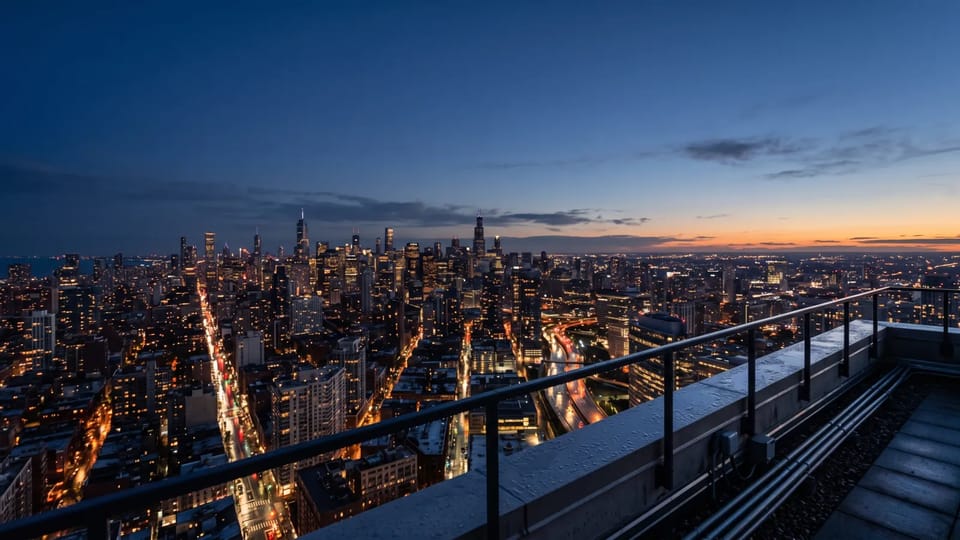
Ask for the exact scene your article needs, such as a city skyline at blue hour, and choose a wide ratio. An AI realistic image made for the story fits better than a generic stock photo.
Create a Header Image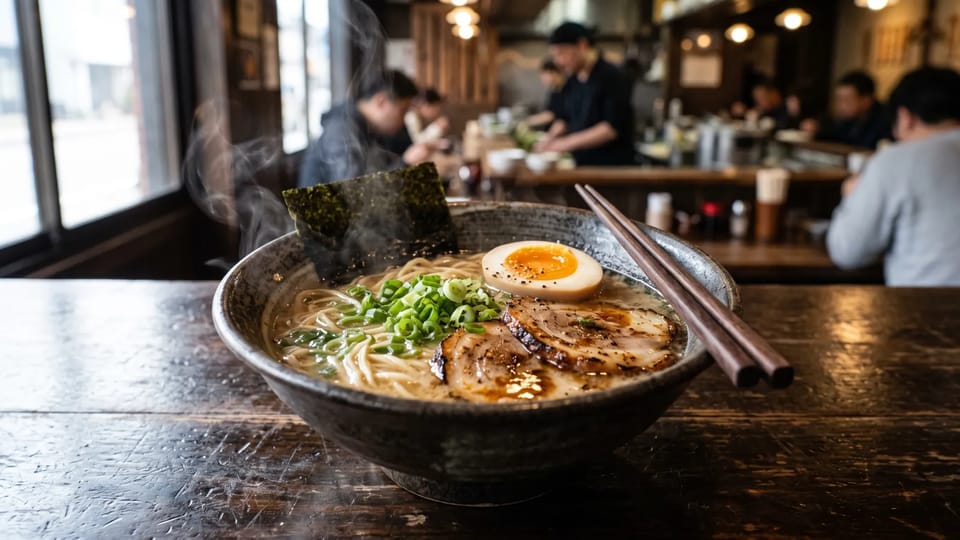
Describe the dish, the plate, the steam, and the table, and an AI realistic image generator draws a photo-like shot for a recipe post, a food blog, or a cookbook idea. Check garnish and utensils before you publish.
Photograph a Dish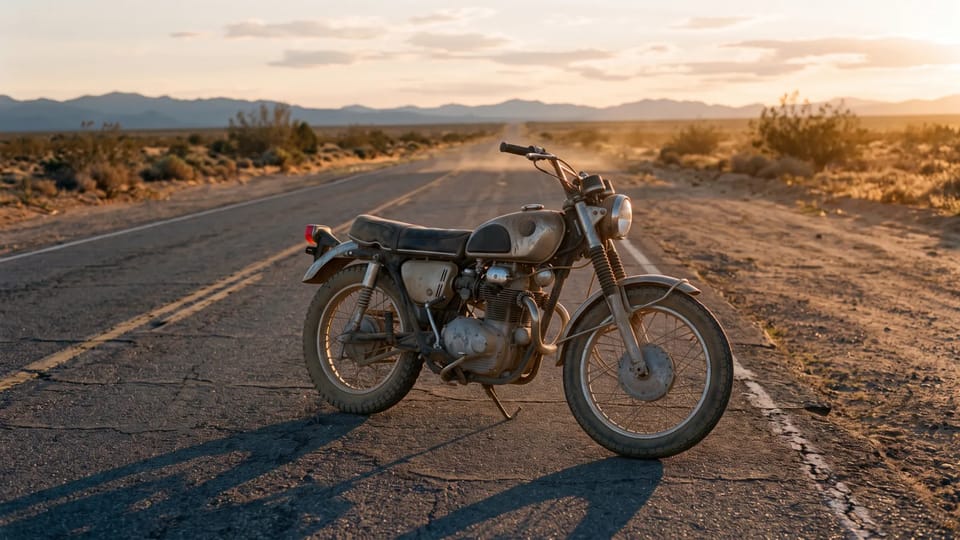
Build a scene around a mood, such as a motorcycle on an empty desert road at sunset. Generate each AI realistic image as a wallpaper, a story frame, or a concept, with no shoot to book.
Build a SceneWrite a description and get an AI realistic image with photographic light, texture, and depth. No camera, studio, or location needed.
Compare Nano Banana, GPT Image, Seedream, and Grok Imagine on the same prompt in one AI realistic image generator.
Choose an aspect ratio for a feed post, a header, or a vertical story. Models with 1K, 2K, or 4K options let you pick the resolution for each AI realistic image.
Start from words alone, or add reference images to guide the subject, the setting, or the look of your AI realistic image.
Ask for a shop sign or a label in your AI realistic image, and pick a model that renders text clearly. Check the spelling before you publish.
Every request shows its credit price before you submit it, so you know the cost of each AI realistic image up front.
Photographers fix the light, the lens, and the surface before they press the shutter. The same details decide whether an AI realistic image reads as a photograph. The tables compare the usual AI look with a realistic photo, and the model options you can try.
| Detail | Typical AI look | Realistic photo look | What to write in the prompt |
|---|---|---|---|
| Skin | Smooth, glossy, and airbrushed | Visible pores, fine hairs, and a slight sheen | Visible skin texture, a few flyaway hairs, matte finish |
| Light | One warm glow laid over the whole scene | One clear source with natural falloff and neutral color | Soft overcast window light from the left, neutral white balance |
| Lens and depth | Everything sharp, or blur that has no logic | A real focal length with a soft background | 85mm lens at f/2, shallow depth of field |
| Surfaces | Plastic, too clean, and too even | Wear, grain, and moisture where they belong | Worn leather, wet stone, creased linen |
| Imperfections | A scene without a single flaw | A stray hair, a scuff, a frame that is slightly off | Candid framing, a small scuff on the edge |
| Model | Resolution | Aspect ratios | Reference images |
|---|---|---|---|
| Nano Banana 2.1 | 1K, 2K, and 4K | Many, including 9:16, 16:9, and 21:9 | Up to 10 |
| Nano Banana Pro | 1K, 2K, and 4K | Many, including 9:16, 16:9, and 21:9 | Up to 8 |
| GPT Image 2 | 1K, 2K, and 4K, depending on the ratio | Many, including 16:9 and 9:21 | Up to 16 |
| Seedream 5.0 Lite | 2K, 3K, and 4K quality modes | Eight, from 1:1 to 21:9 | Up to 14 |
| Grok Imagine Image | Standard and Quality modes | 1:1, 2:3, 3:2, 9:16, and 16:9 | One |
There is no single best model for every scene, so run one prompt on two or three models and keep the most natural result. Settings depend on the model you choose in the AI realistic image generator. For other subjects and styles, use the AI picture generator.
Find answers about prompts, models, sizes, downloads, and commercial use.
Describe the subject, the light, and the lens, pick a model, and let the AI realistic image generator draw a picture that looks like a photograph.