
Photo or Words
Start from an uploaded photo or from a written description of a person. Either way, the caricature generator returns a finished AI caricature.
Upload a portrait, choose a style, and say how bold the exaggeration should be. The AI caricature generator redraws your photo as a caricature that still looks like you.
 Sample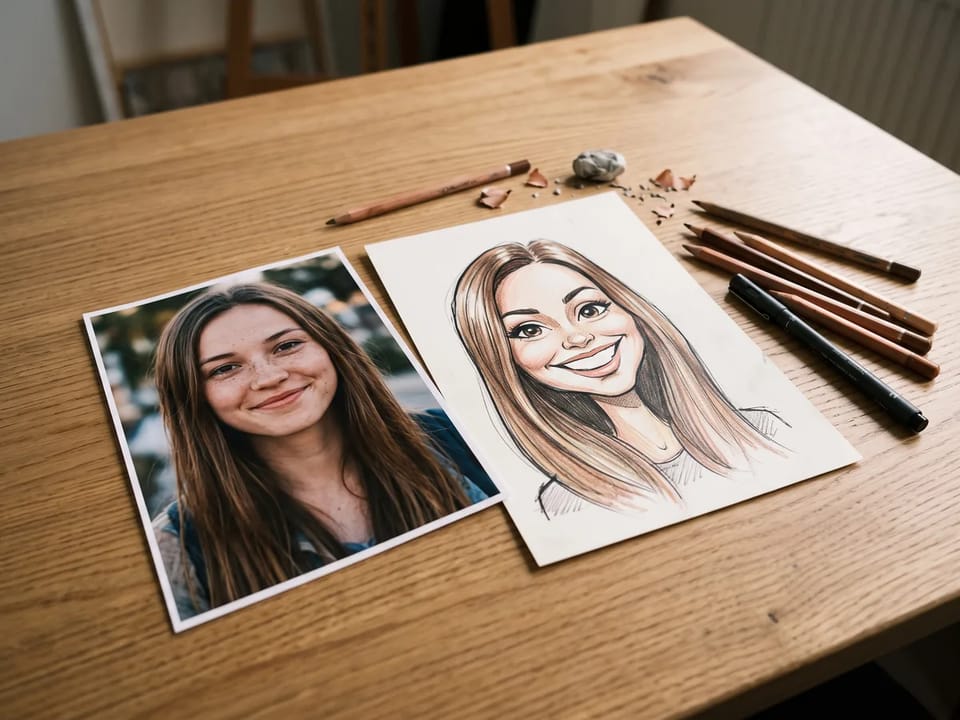
Image to caricature starts with a good photo: a clear face, even light, and a simple background. The caricature generator reads the shape of your eyes, nose, chin, and smile, then exaggerates them without losing who you are.
A smile or a raised eyebrow gives the AI caricature generator more personality to work with. If the first result drifts from your likeness, regenerate from the same photo and ask it to keep the face recognizable.
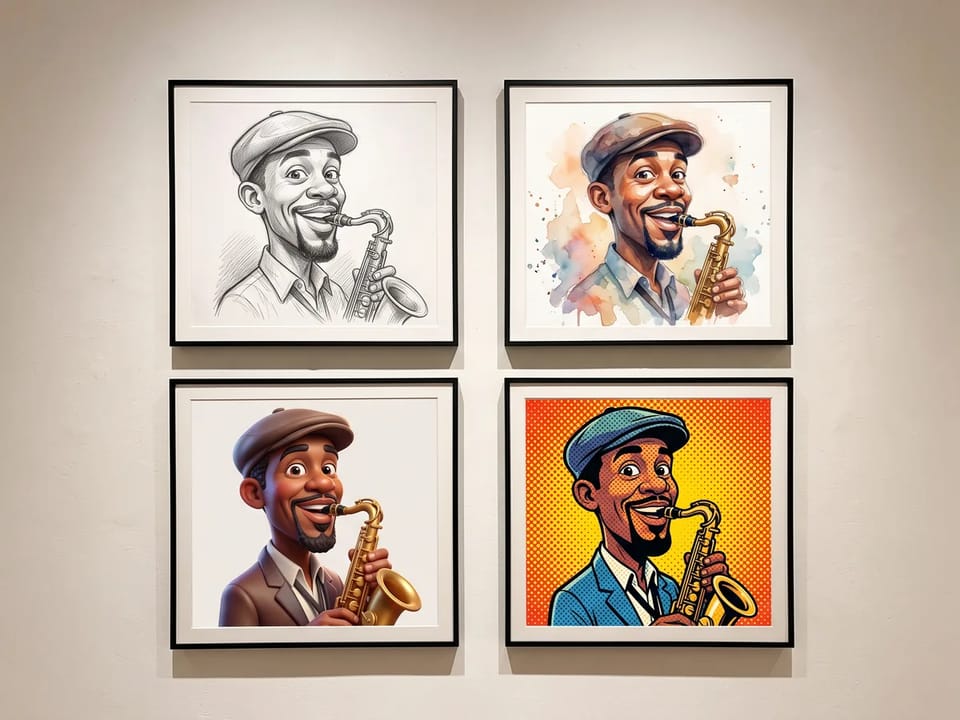
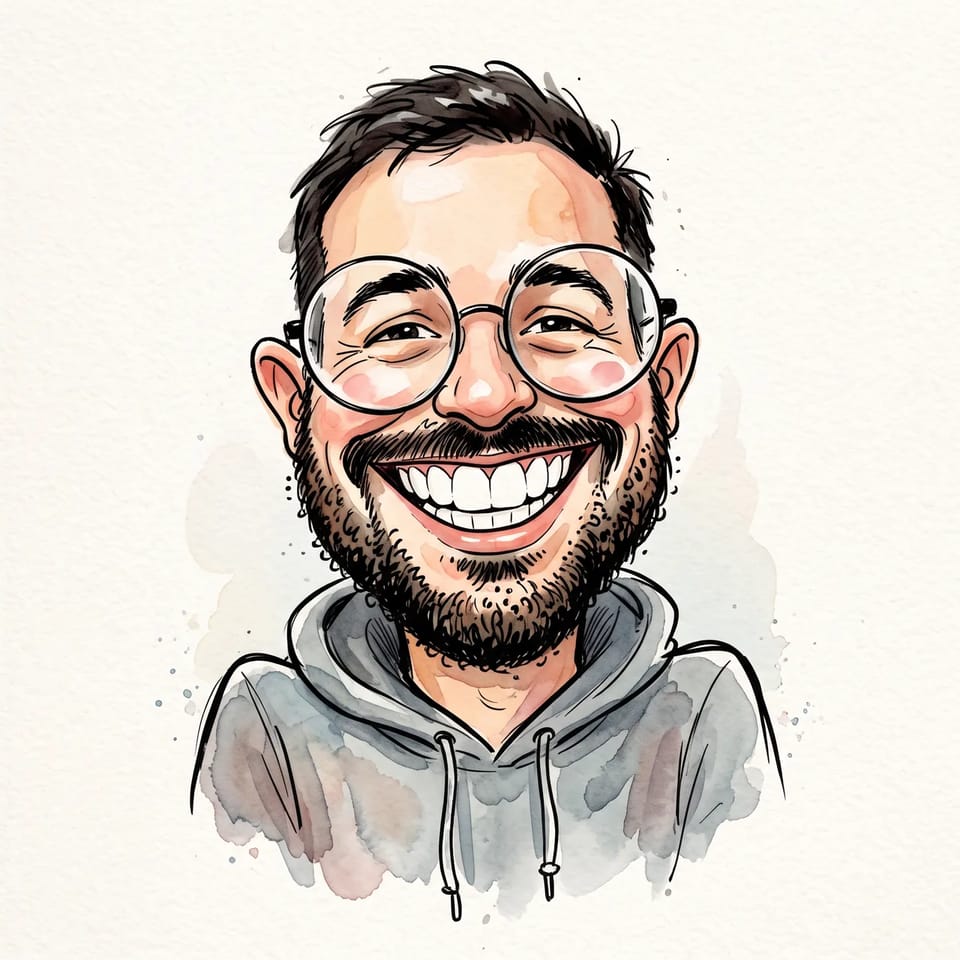
Use it as a cartoon caricature generator for bold 2D lines or a glossy 3D look, or ask for pencil sketch, watercolor, pop art, or ink line. Name the style in your prompt, and the same photo becomes a different caricature each time.
Compare two or three styles before you pick one. The AI caricature generator keeps the face and changes the finish, so a pencil portrait and a pop art poster still look like the same person.
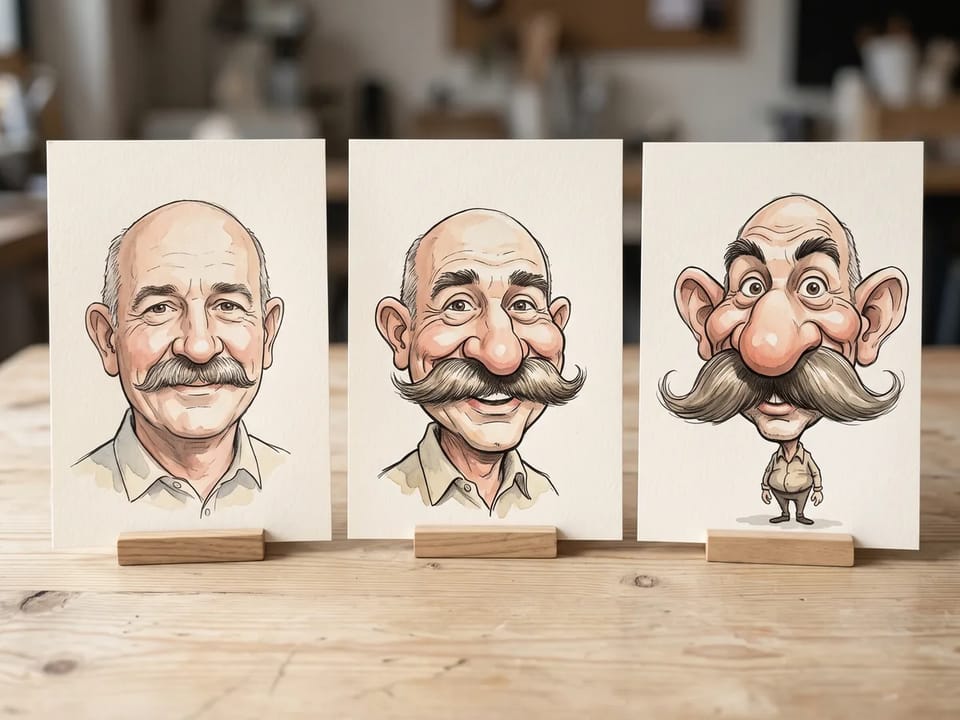
Treat the AI as an exaggerated caricature maker with a dial you set in words. Name the feature to stretch and how far to push it: a slightly bigger smile, a taller forehead, or a huge grin.
Gentle wording keeps a light likeness, while bold wording gives a classic street-artist caricature. Change one feature at a time and regenerate in the caricature generator to see what each wording does.
From a profile picture to a wedding gift, a caricature fits more places than a photo does. Pick the use, then generate and download.
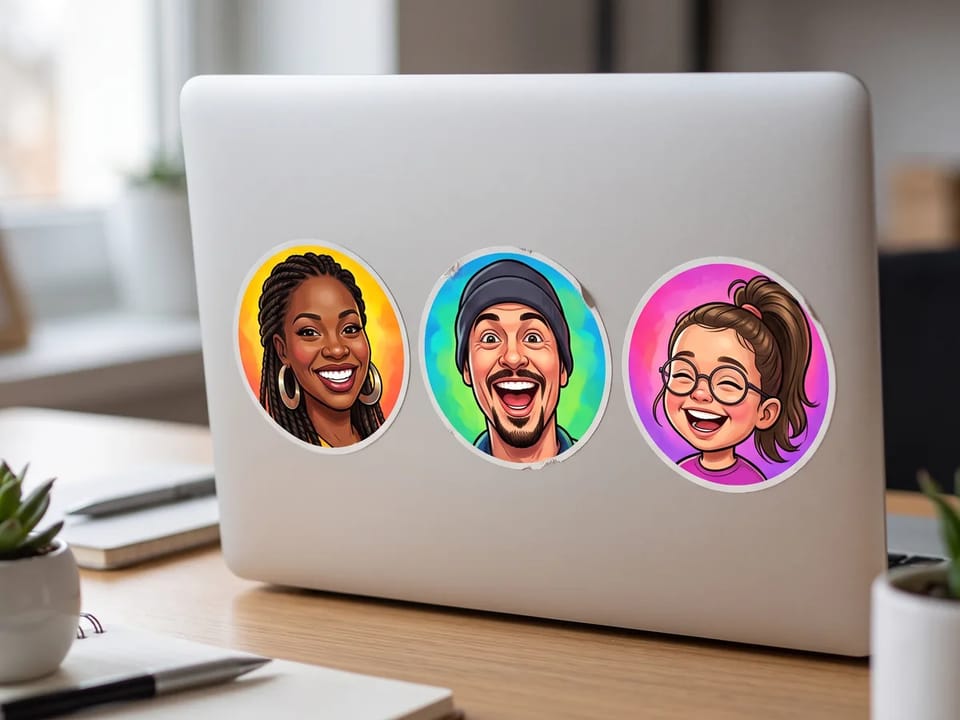
Turn a selfie into a profile picture for Instagram, TikTok, LinkedIn, or WhatsApp. Choose a square ratio and frame the face tightly, and the AI caricature generator gives you an avatar people remember.
Make an avatar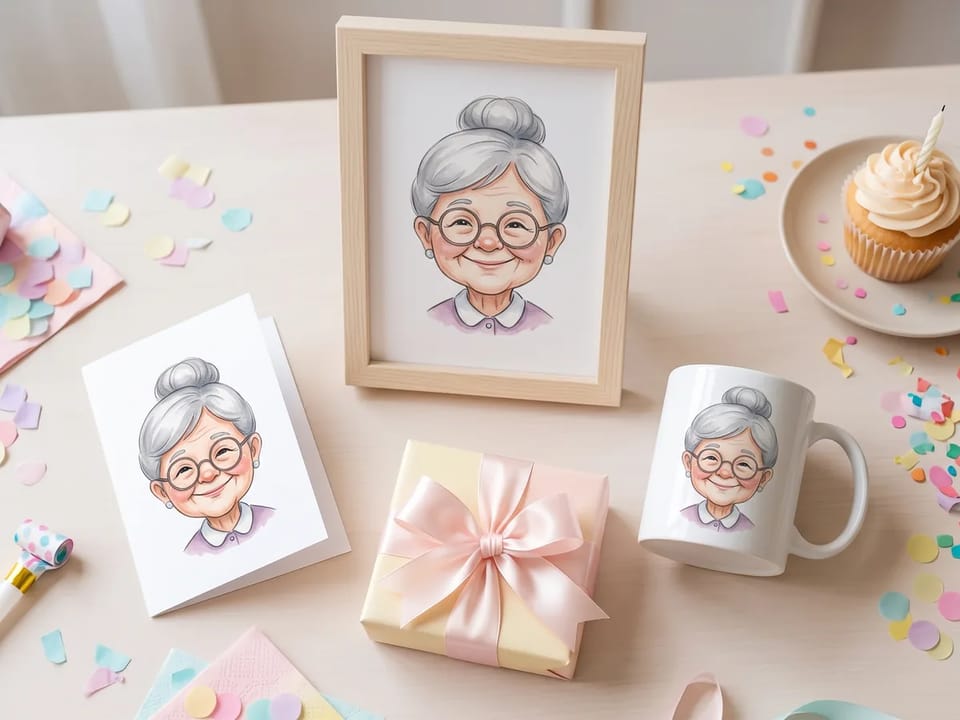
Birthdays, retirements, weddings, and holidays all call for a gift with a laugh in it. Turn a friend’s photo into a caricature with the caricature generator, then print it on a card, a mug, or a framed poster.
Create a gift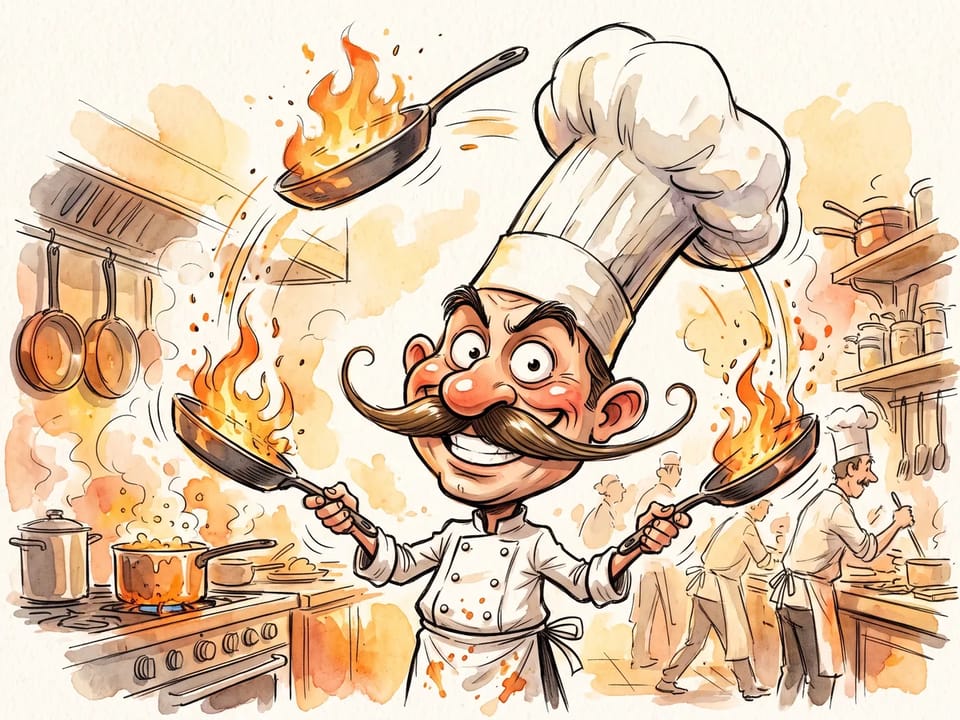
Ask for the viral “caricature of me and my job”: your portrait, your profession, and the tools of your trade around you. The caricature generator draws a chef with flaming pans or a teacher under stacked books.
Draw my job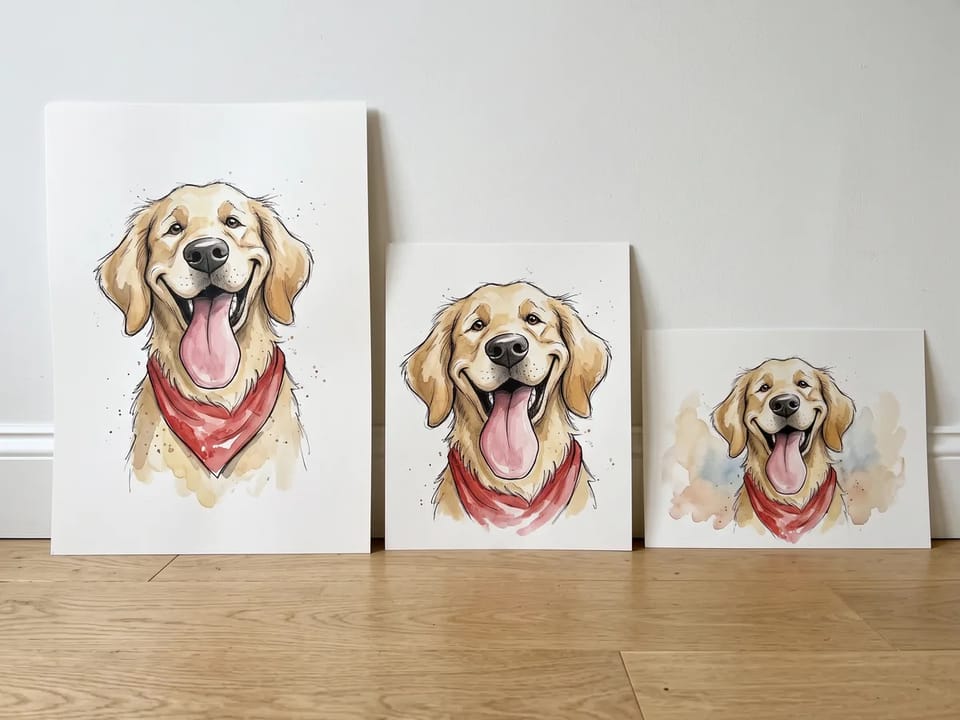
Upload a photo of a dog, a couple, or a family to the AI caricature generator and say who should become the caricature. Print the result as posters in matching sizes, or send each person their own portrait.
Add the family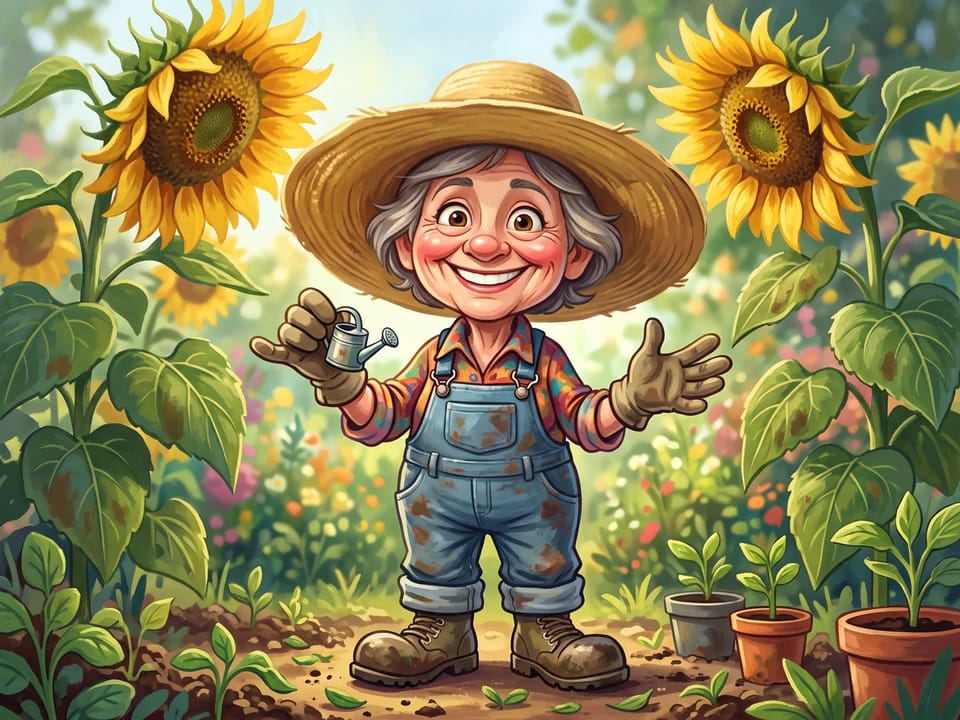
Give a gardener giant sunflowers, a gamer a pile of controllers, or a sports team a lineup of bold portraits. The AI caricature generator draws the props and the setting around each face.
Pick a themeStart from an uploaded photo or from a written description of a person. Either way, the caricature generator returns a finished AI caricature.
The AI caricature generator keeps the key features of a face while it exaggerates them, so the caricature still looks like the person.
Name who it is, what to stretch, the props, and the style. The caricature generator draws a chef’s flaming pans or a gardener’s sunflowers around the face you upload.
Compare Nano Banana, GPT Image, Seedream, and Grok Imagine in one caricature generator and keep your favorite result.
The caricature maker offers aspect ratios and, on supported models, a 1K, 2K, or 4K resolution for avatars, cards, or posters.
Every request in the AI caricature generator shows its credit price before you submit it, so you know the cost up front.
A caricature is a portrait that exaggerates distinctive features, such as a wide smile or a strong chin, while keeping the person recognizable. An AI caricature generator does the same from a photo or a short description.
| Aspect | Caricature | Cartoon |
|---|---|---|
| Subject | A real person or a recognizable figure | Any character, animal, or idea |
| Exaggeration | Pushes one or two distinctive features, such as a smile or a chin | Simplifies and stylizes the whole figure |
| Likeness | The person has to stay recognizable | Recognition is optional |
| Purpose | Humor and personality through a likeness | Storytelling, branding, or entertainment |
| Use | Aspect ratio | Resolution | Tip |
|---|---|---|---|
| Social media avatar | 1:1 | 1K | Frame the face tightly so it stays readable at small sizes. |
| Birthday card or invitation | 4:5 | 2K, where the model offers it | Leave empty space at the top or bottom for your own text. |
| Poster or large print | 2:3 | 4K, where the model offers it | Check the pixel size of the download before you print. |
| Blog or website header | 16:9 | 1K | Keep the face near the center so a crop does not cut it. |
Available ratios and resolutions depend on the model you choose in the caricature generator. For other subjects, such as landscapes or products, use the AI picture generator.
Find answers about photos, styles, exaggeration, downloads, and commercial use.
Upload a photo or write a prompt, pick a style, and let the AI caricature generator draw the exaggerated version of you.