

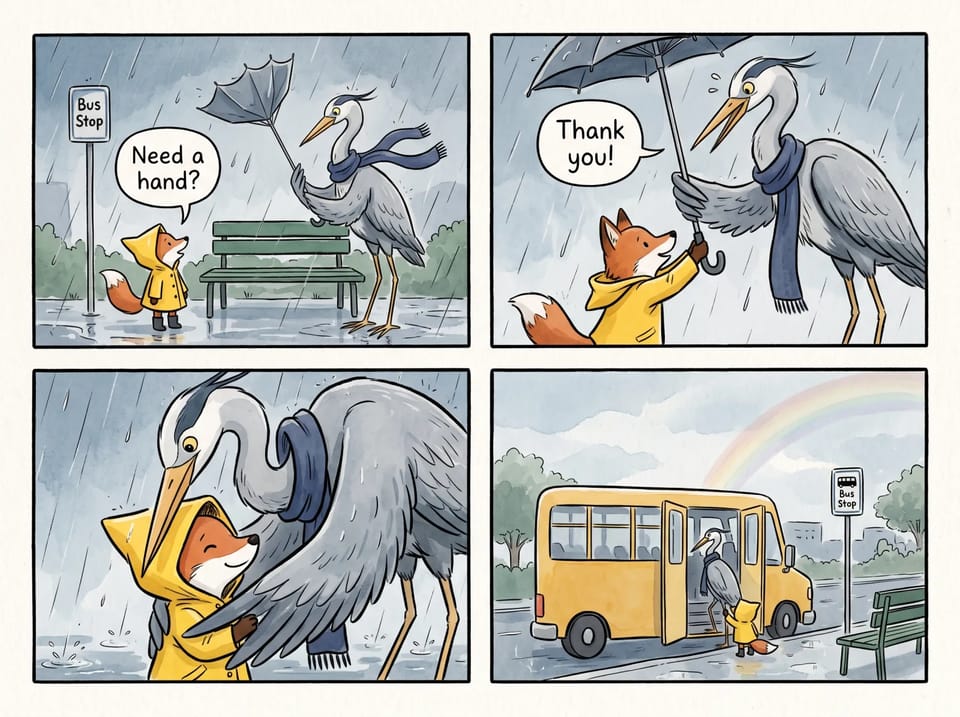
Find a Tool by Task
Tools are grouped by category, and the All view lists every one. Pick the tool that matches your goal and start closer to the picture you want.
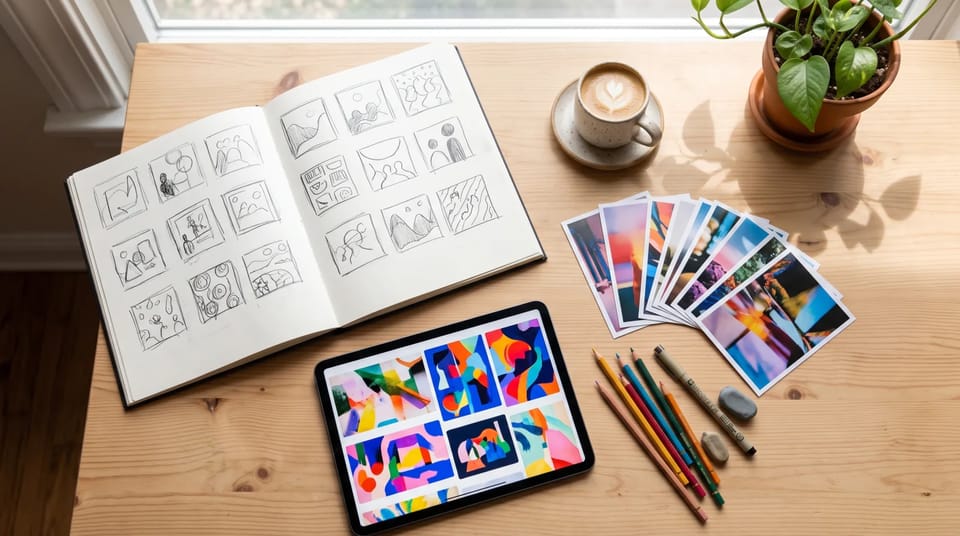
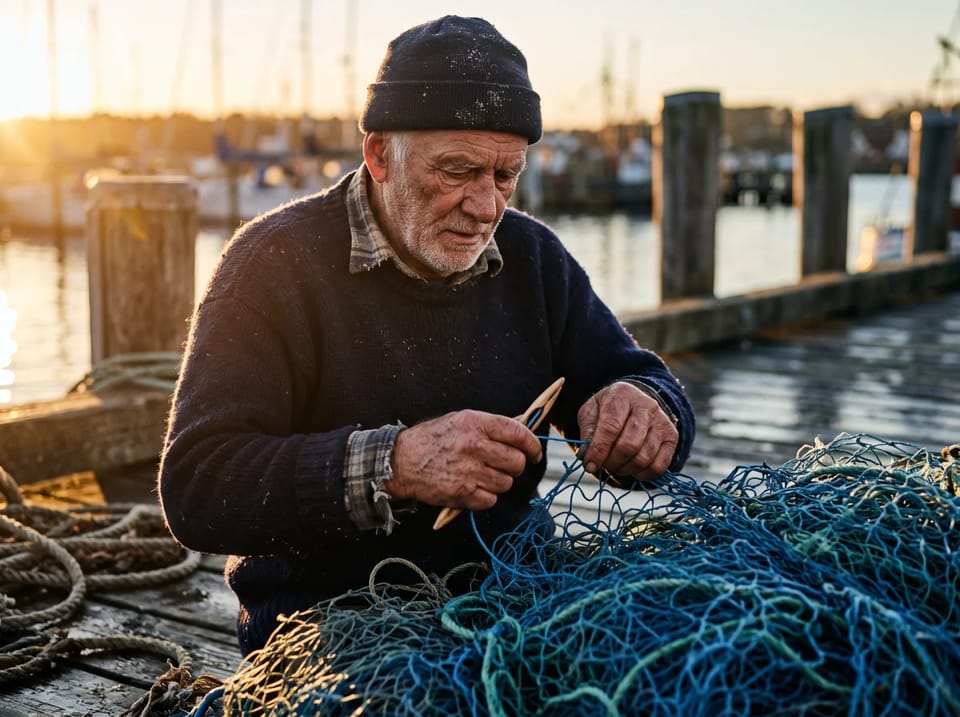
Choose an AI picture tool to turn text prompts or reference images into ready-to-use pictures. Browse tools organized by what you want to create.
From a social post to an original character, pick the tool that matches the picture you need. Each AI picture tool turns a text prompt or a reference photo into a picture you can use.
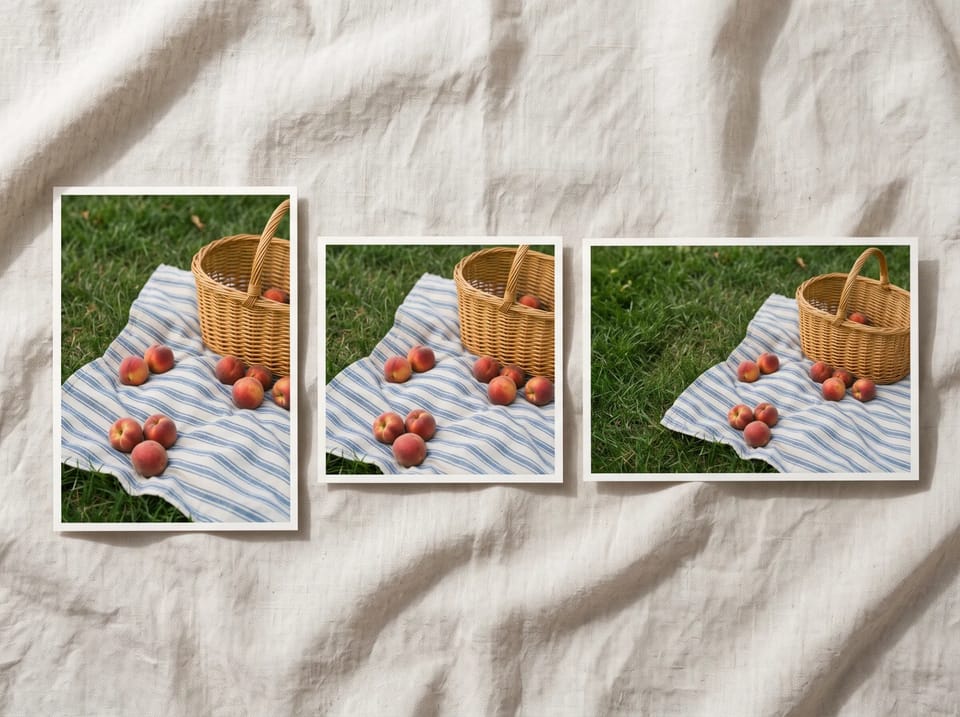
Create profile pictures, post visuals, and story backgrounds with AI picture tools. Choose a square, wide, or vertical shape before you generate, so the picture fits the placement you have in mind.
Browse Tools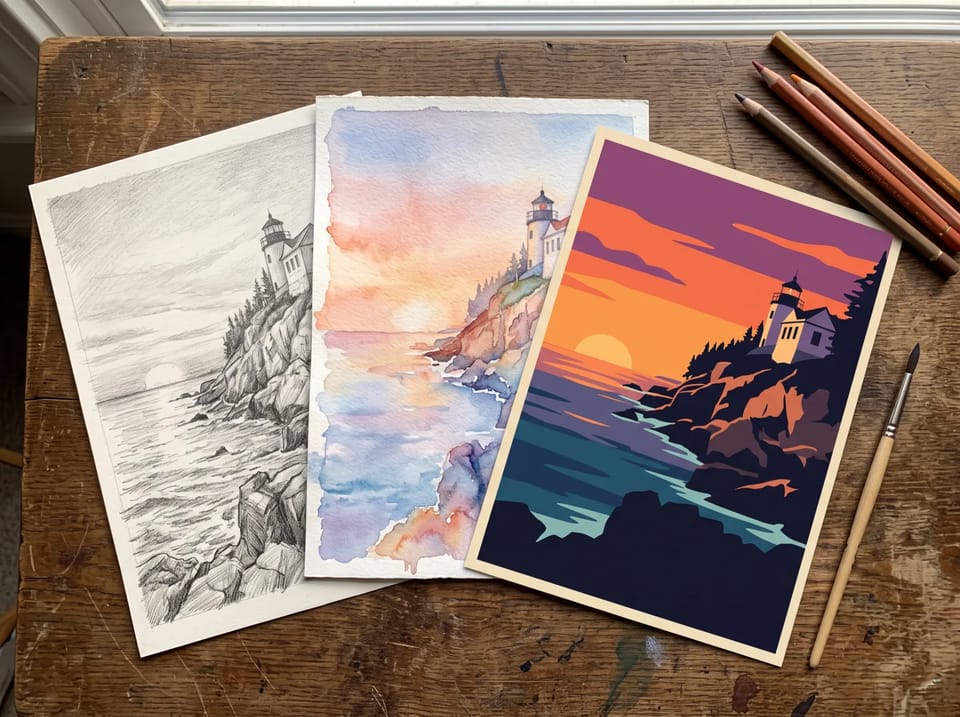
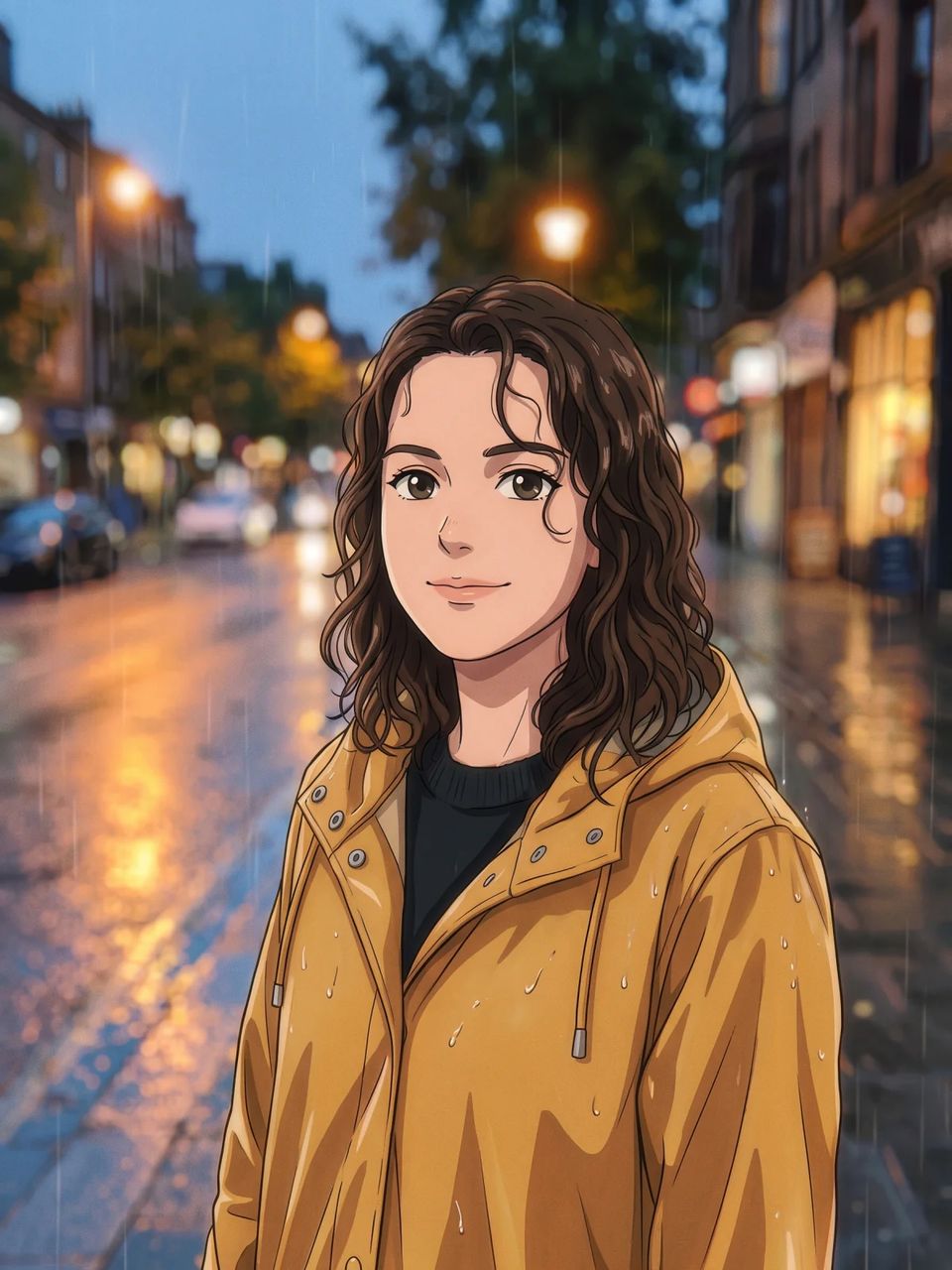
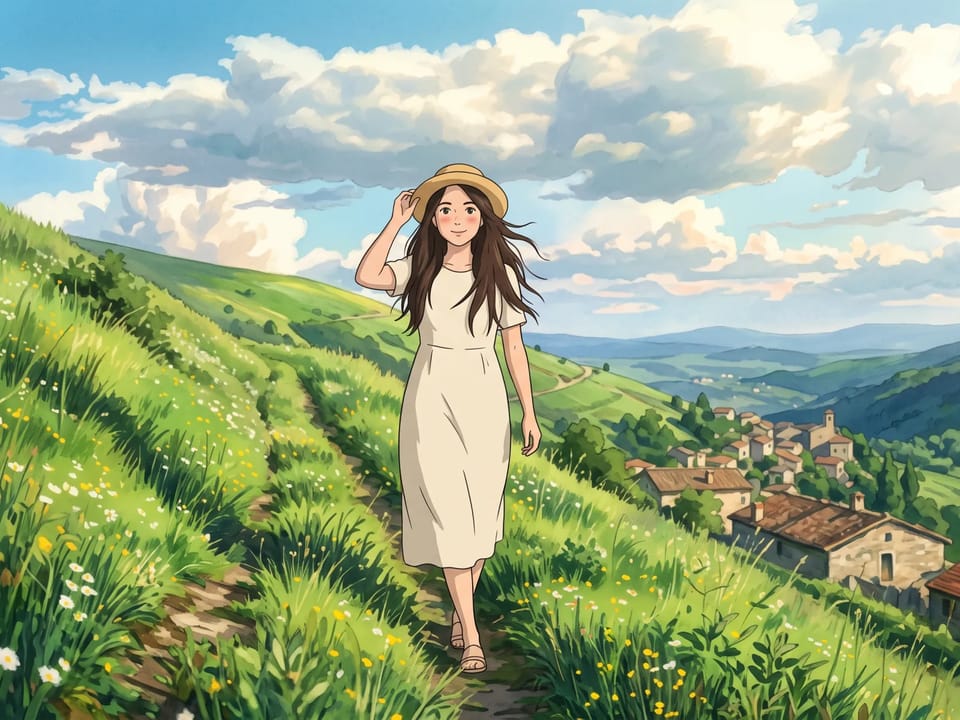
Try watercolor, pencil, anime, or cartoon looks on the same subject. Style-focused AI picture tools give you a starting point for illustrations, posters, and gifts, and you can compare styles side by side.
Browse Tools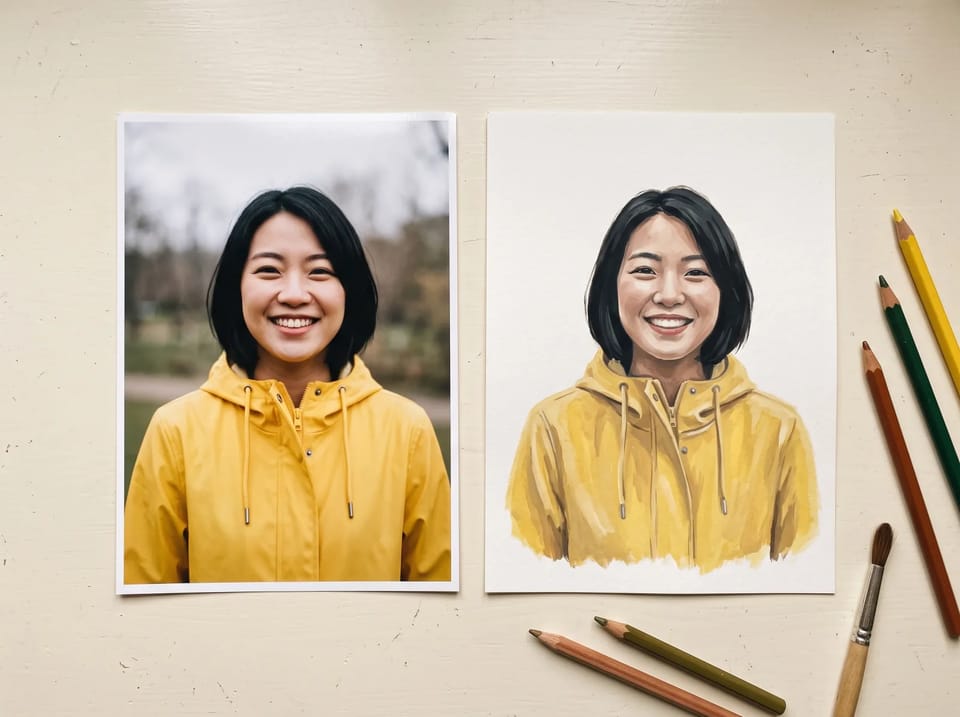
Upload a photo and pick a look: anime, cartoon, pencil sketch, or a gouache painting. Name the details to keep, such as the face and the pose, and the picture follows your reference in its new style.
Browse Tools
Sketch a setting, a mood, or a concept image from a few lines of text. Reuse a reference picture to help carry the same look from one scene to the next.
Browse ToolsTools are grouped by category, and the All view lists every one. Pick the tool that matches your goal and start closer to the picture you want.
Describe a picture in words, or upload a reference photo and describe the style or scene you want. Both routes lead to a picture you can use.
Work with Nano Banana, GPT Image, Seedream, and Grok models in the same workspace. Compare how each one handles your brief.
Pick an aspect ratio for your placement and a resolution the model supports, from social squares to tall phone wallpapers.
Each request shows its credit price before you submit it, so you can compare models and settings with a clear budget.
Finished pictures land in your history. Review them, download them, or reuse one as the reference for your next round.
Answers about what the tools make, how they are organized, and how to get strong results.
Browse the tools by category, pick the one that matches your picture, and turn a prompt or a photo into a result you can use.