
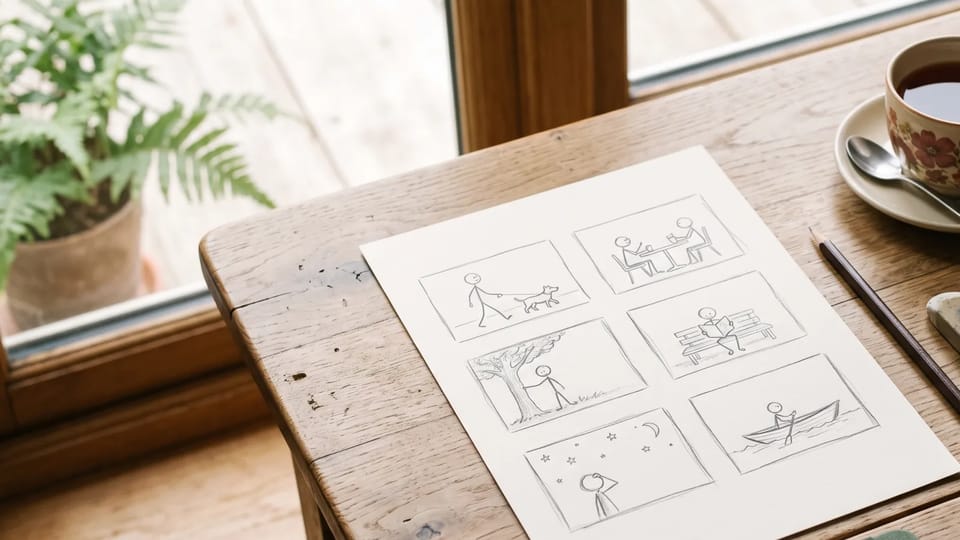
Panel layouts in one picture
Ask the comic panel generator for two, three, four or six panels and describe each one in reading order. The AI comic generator draws the whole page as a single picture, with gutters and borders when you ask for them.
Write your story scene by scene or add a reference photo, then let the AI comic generator draw comic panels, strips and pages in the style you name.
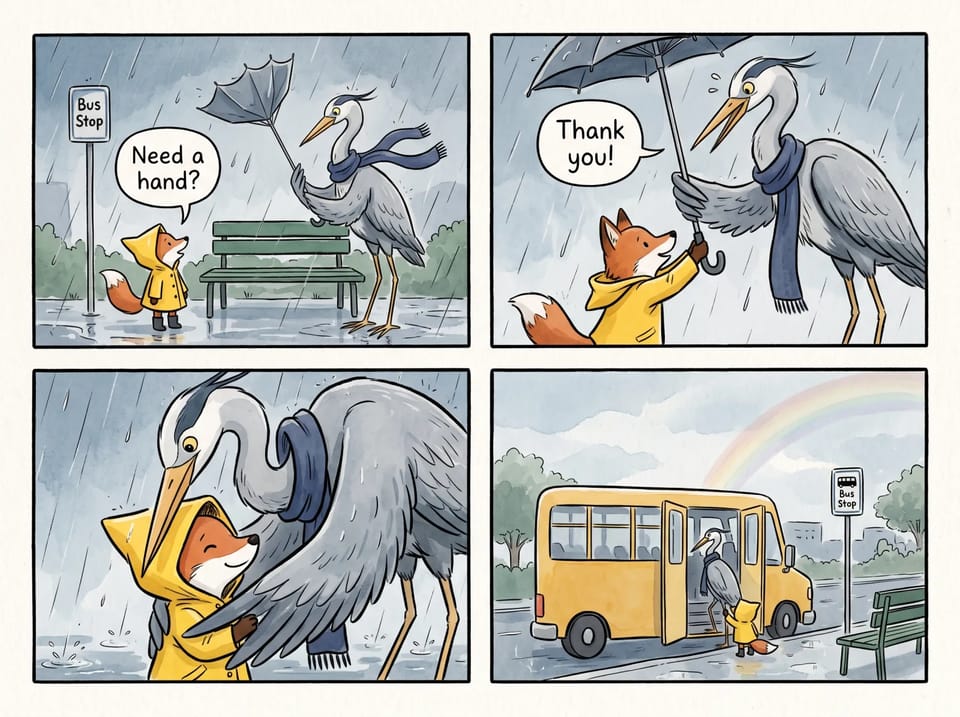 Sample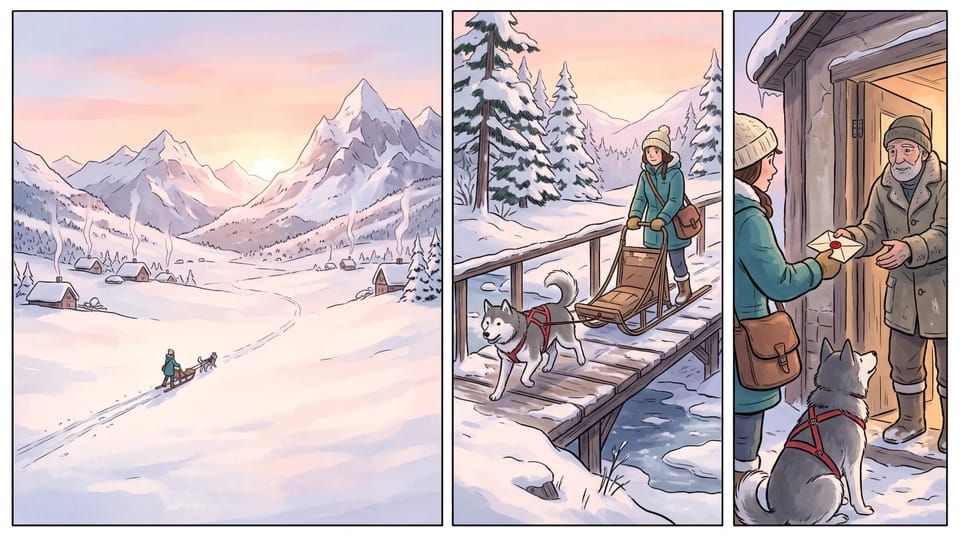
Text to comic starts with a brief, the way you would brief an illustrator: the setting, the characters, what happens and the camera distance for each panel. The AI comic generator from text draws all of it as one comic-style picture.
Name the layout in the prompt, such as a three-panel strip read left to right or a four-panel page, and add short lines of dialogue in quotation marks. Models with large prompt limits, like Nano Banana 2.1 and GPT Image 2, let the AI comic generator follow a long panel-by-panel script.
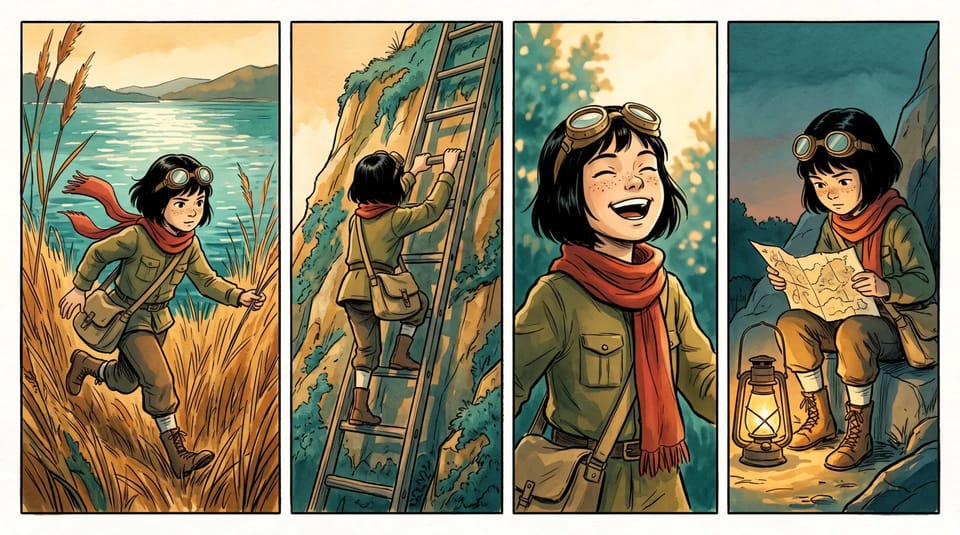
A story only works when the hero looks the same on every page. Describe your character once, with the hairstyle, the clothes and one signature item, and reuse that description in every prompt you give the AI comic generator.
For a closer match, upload a finished panel as a reference image so the next scene starts from the same face and outfit. The comic character maker and the AI comic generator then change only the pose, the setting and the expression.
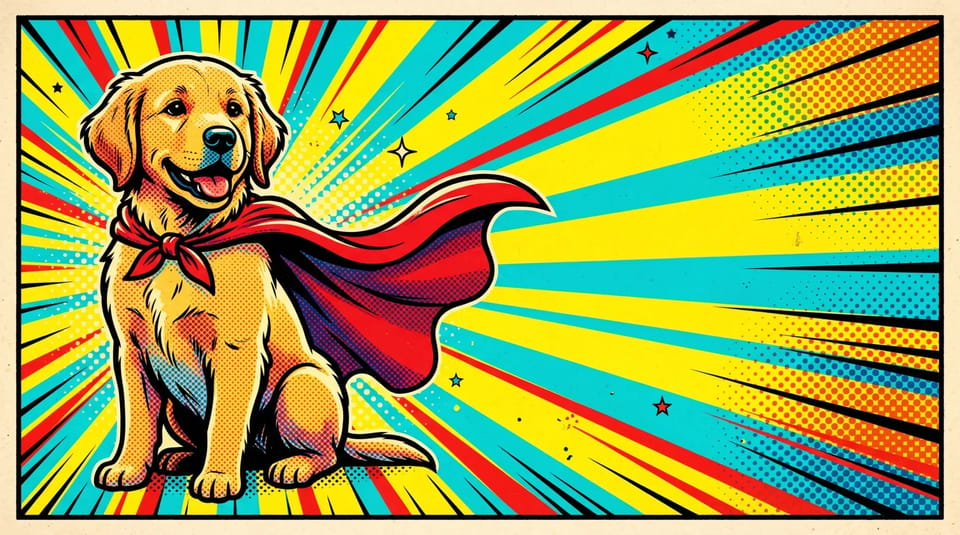
Turn photo into comic book art: upload a clear photo of a friend, a pet or your own face and ask for bold ink outlines, halftone dots and flat colour. The AI comic generator uses the photo as the starting point for the pose and the main features while the style changes.
As an AI image to comic generator and pictures to comic converter, it can star the same reference in a whole photo to comic strip. Add one photo, then describe a different moment for each panel.
From a single gag to a full storyline, tell the AI comic generator the format and the audience in your prompt.
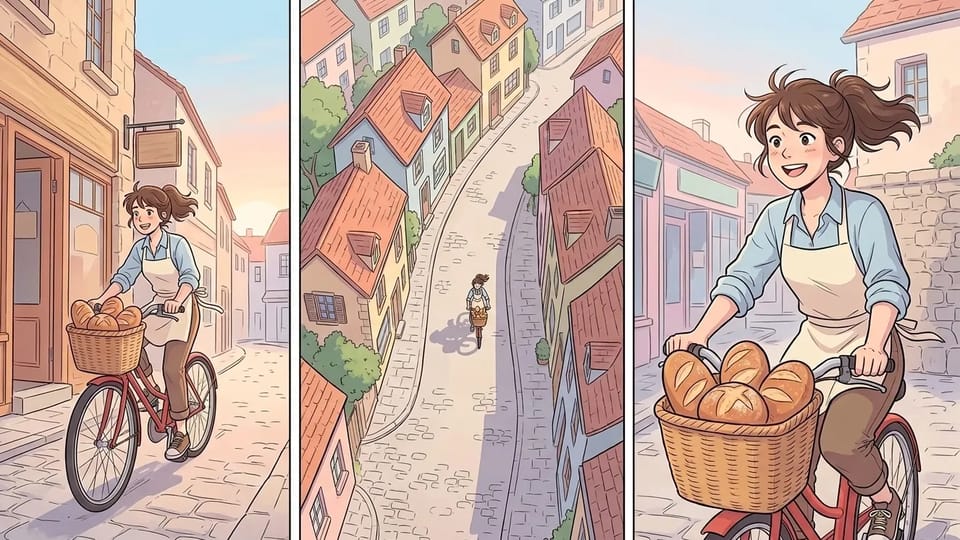
Draft a webtoon episode one scene at a time with the AI comic generator. Choose a tall ratio such as 9:16, or 1:4 on Nano Banana 2.1, and describe soft shading, simple backgrounds and clear poses. Treat it as a webtoon generator for the key moments, then place the pictures in your episode layout.
Draft My Webtoon Panel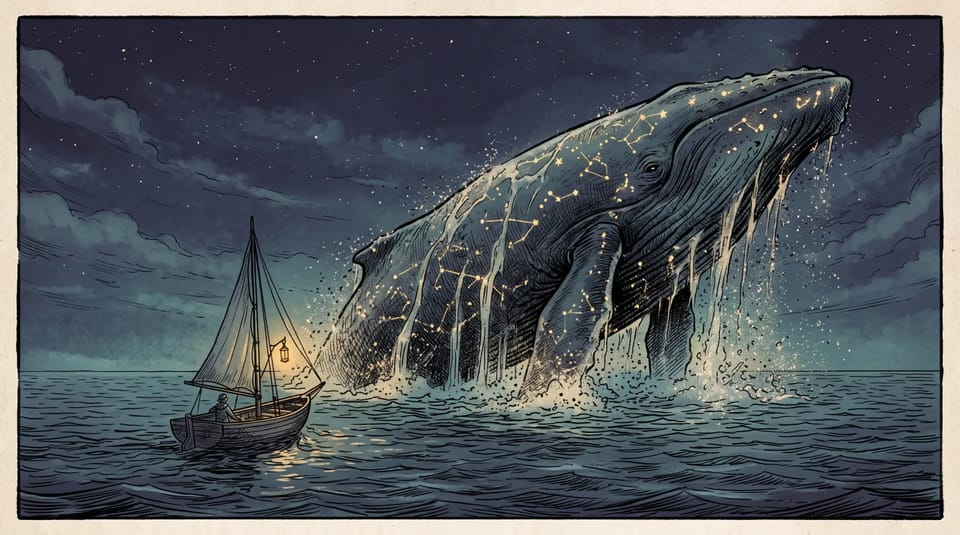
Create the pages that set the mood: a splash panel, a chapter opener or a quiet scene between two characters. As a graphic novel generator, the AI comic generator draws each page as a picture, so you keep control of the story, the lettering and the page order.
Create My Splash Page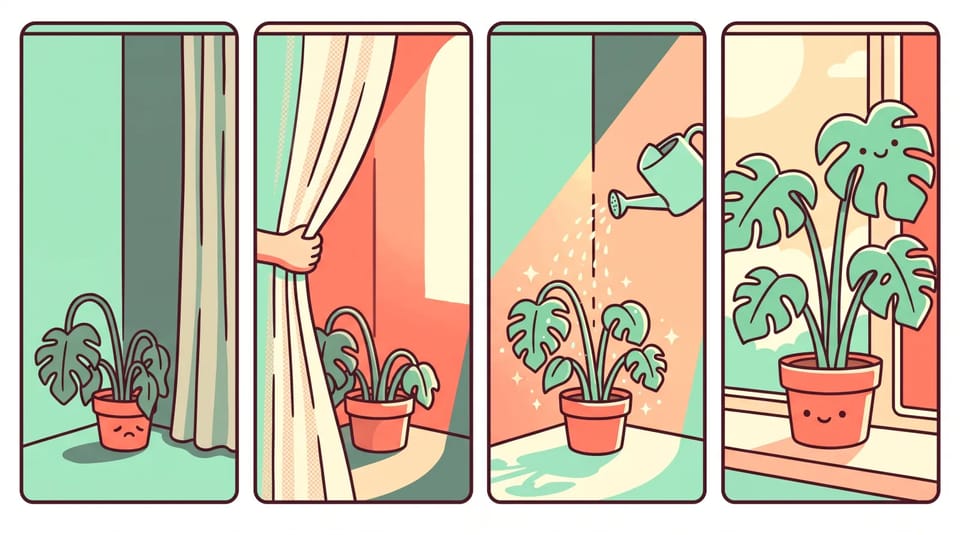
Tell a small story, a habit or a joke in four flat-colour panels. Ask the AI comic generator for a wide ratio for feeds and newsletters and a palette that matches the rest of your posts.
Create My Comic Strip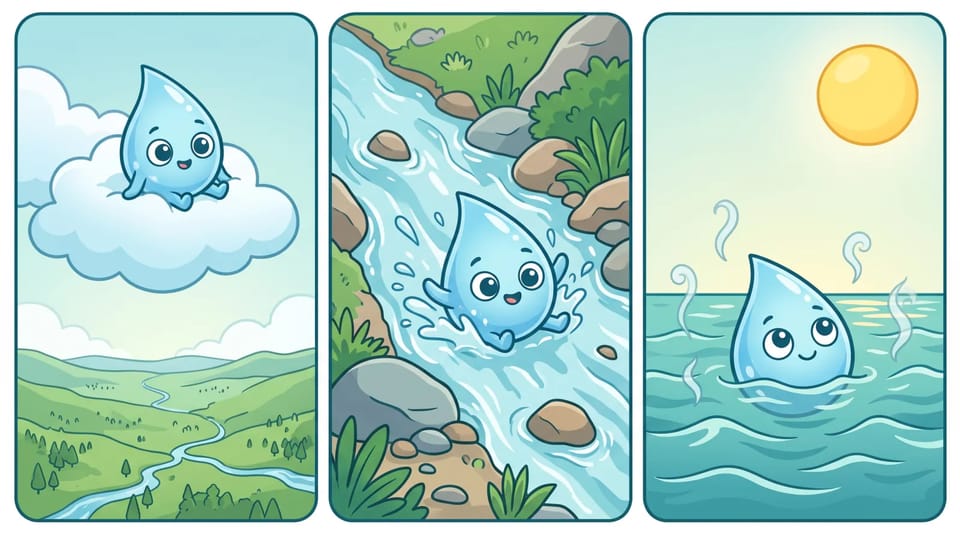
Ask the AI comic generator to turn a science process, a history moment or a class rule into a short strip with one friendly character. Keep each panel to a single idea, like one stage of the water cycle, so students can read it at a glance.
Make My Classroom Comic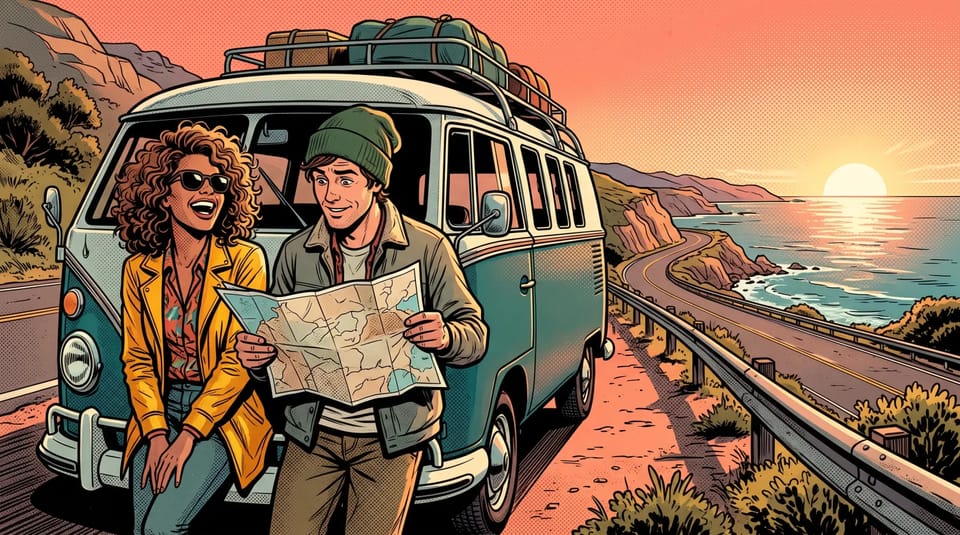
Make a comic about a road trip, a birthday or a pet adventure, using your own photos as references. Tell the AI comic generator what happens in each panel and pick pop art, manga or watercolour ink as the look.
Make My Photo ComicAsk the comic panel generator for two, three, four or six panels and describe each one in reading order. The AI comic generator draws the whole page as a single picture, with gutters and borders when you ask for them.
Put short lines of dialogue in quotation marks and name who speaks, and the AI comic generator can letter them. Models differ in how cleanly they draw words, so keep each line brief and check the spelling in the result.
Name the look in your prompt: manga, American superhero, newspaper strip, pop art, noir ink or soft watercolour. Add comic effects such as halftone dots, speed lines and ink splatter for a classic comic book effect. The AI comic generator can redraw the same story text in a new style.
Use the AI comic strip generator with a wide ratio such as 4:1 or 3:1, or go tall with 9:16 or 1:4 for a webtoon. The AI comic generator also offers 1K to 4K sizes on the models that support them.
Switch the AI comic generator between Nano Banana, GPT Image, Seedream and Grok Imagine models to see how each draws your panels.
Change one detail at a time, like an expression or a background, by adding the picture as a reference and describing the edit. Download the result from the AI comic generator and set it in your own page layout.
Answers about styles, characters, speech bubbles, photos and rights for comics from the AI comic generator.
Write the first scene, choose a style and let the AI comic generator draw your panels. Refine one detail at a time until the page reads the way you pictured it.