
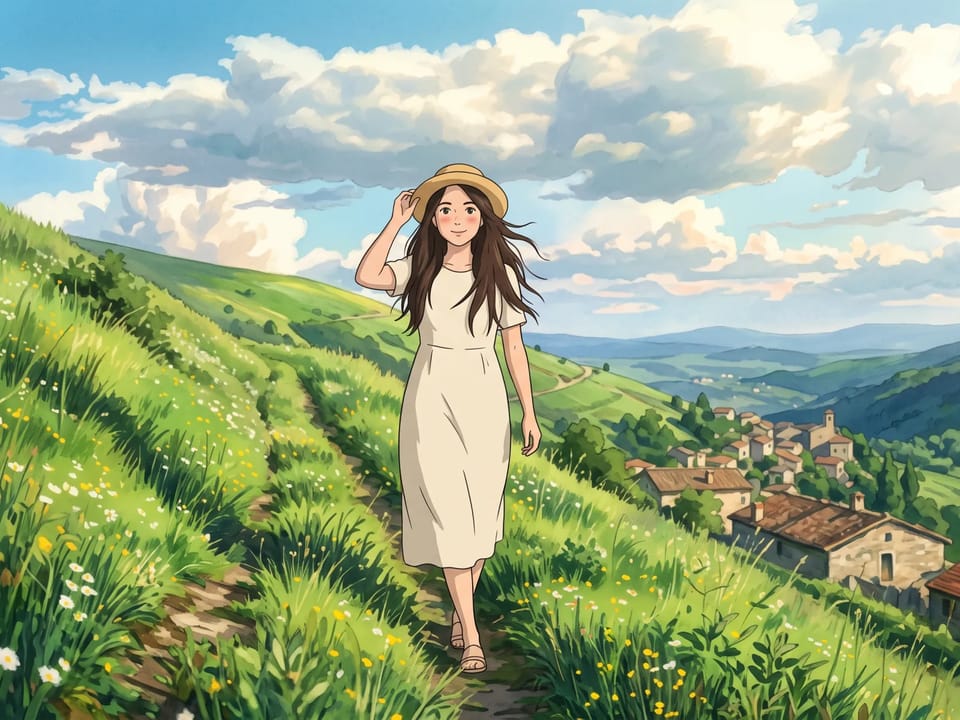
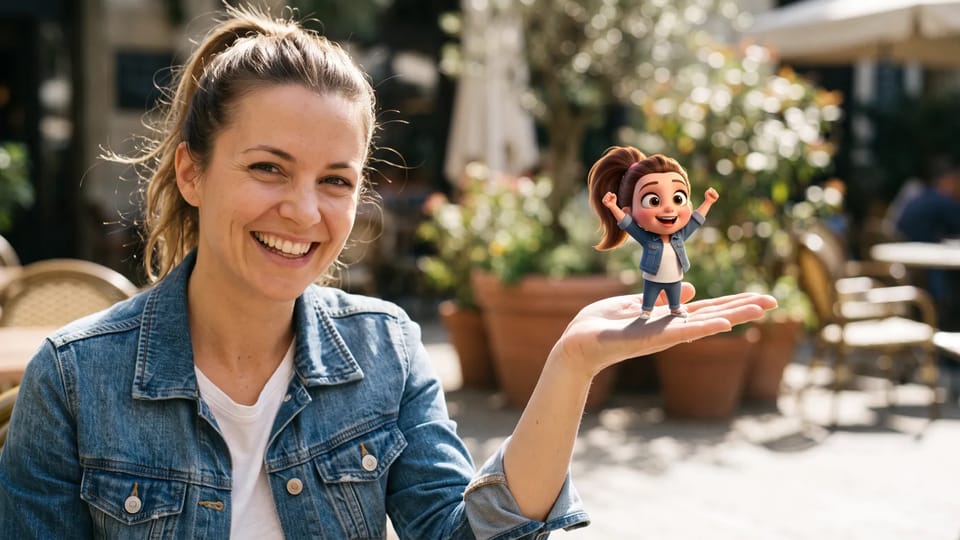
Photo or text input
Start from a photo, a few reference images or a plain description. The Pixar AI generator takes all three.
Upload a photo or describe a scene, and this Pixar AI generator redraws it as a Pixar-style 3D cartoon picture you can download.
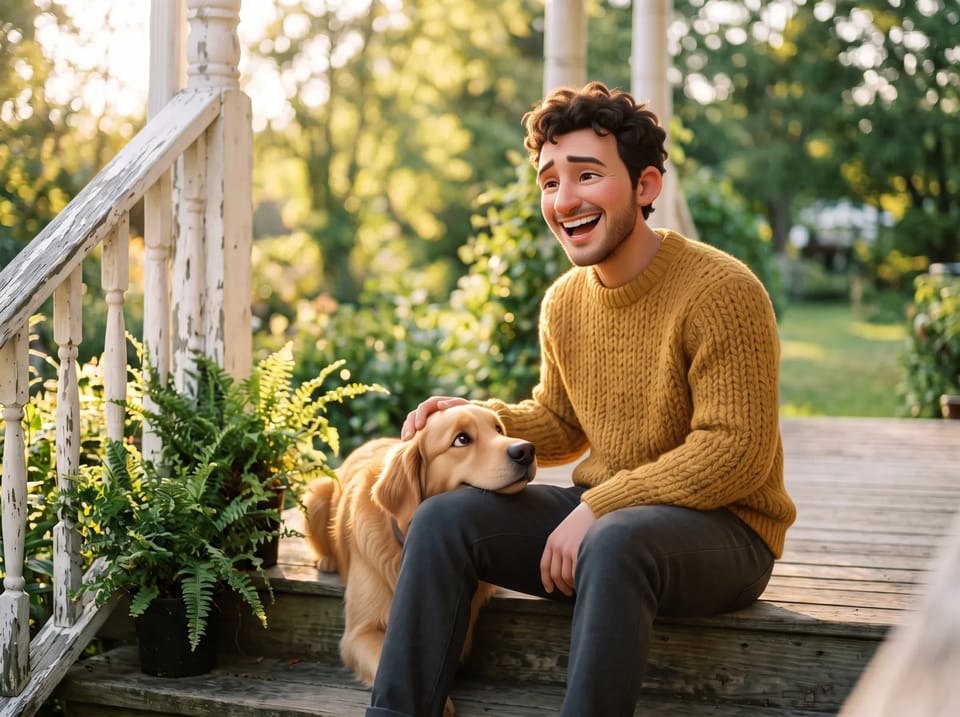 Sample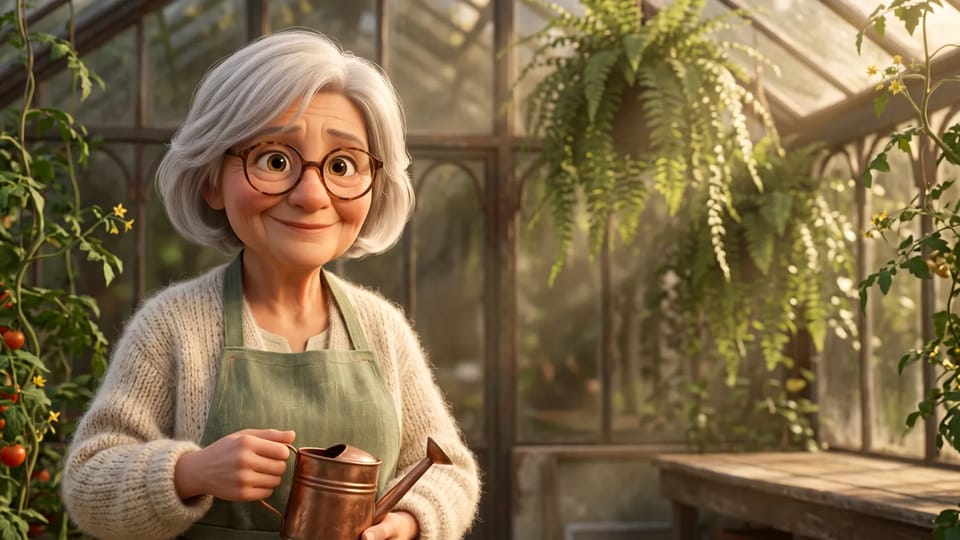
Upload a portrait and the Pixar AI generator uses it as a reference, so your hairstyle, glasses and expression carry into a Pixar-style 3D look. Large eyes, smooth skin and soft rounded features give the face its cartoon charm.
The Pixar AI generator works best with one clear face in even light and no heavy filter. Couples, families and pets can share a frame.
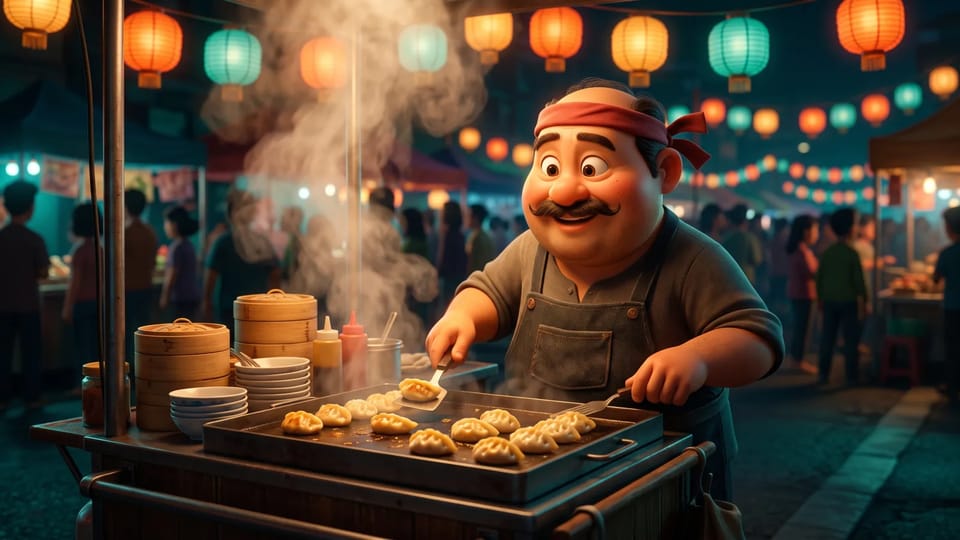
Use the Pixar AI generator like a one-click Pixar filter: upload a photo, keep the starter prompt and press generate. Want more control? Edit the prompt to pixarize a pet, change the outfit or switch the light.
The Pixar effect comes from your words, so one photo can look sunny, moody or festive. Ask the Pixar AI generator for rim light, a lantern glow or a rainy window and the picture follows.
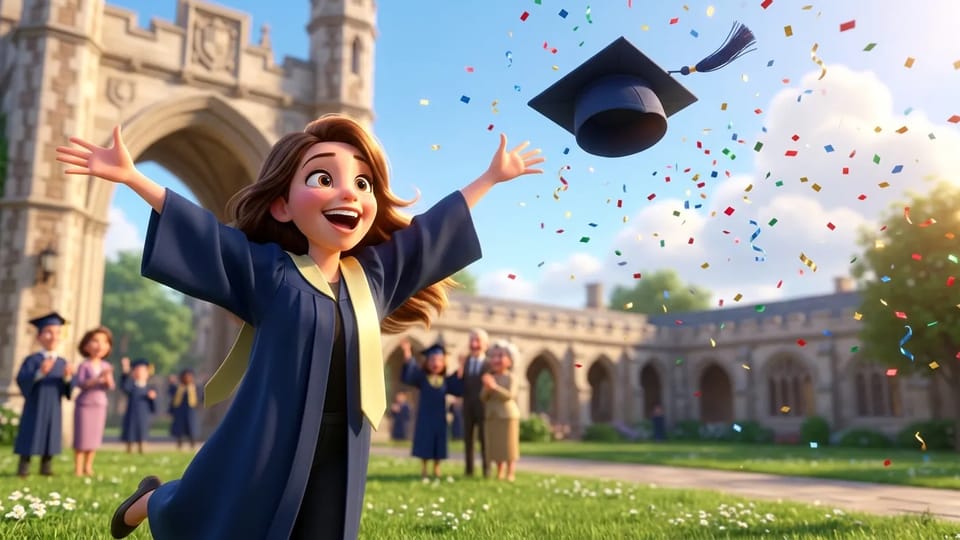
Choose the shape before you generate with the Pixar AI generator: a tall 9:16 for stories, a square for profile pictures or a wide 16:9 for covers and desktop backgrounds. Models that offer 1K, 2K and 4K let you raise the resolution for prints.
Pick the size first and the Pixar AI generator composes the scene to fit it, ready to download for a card, a post or a thumbnail.
From a profile picture to a whole background, here are five ways to use a Pixar AI generator.
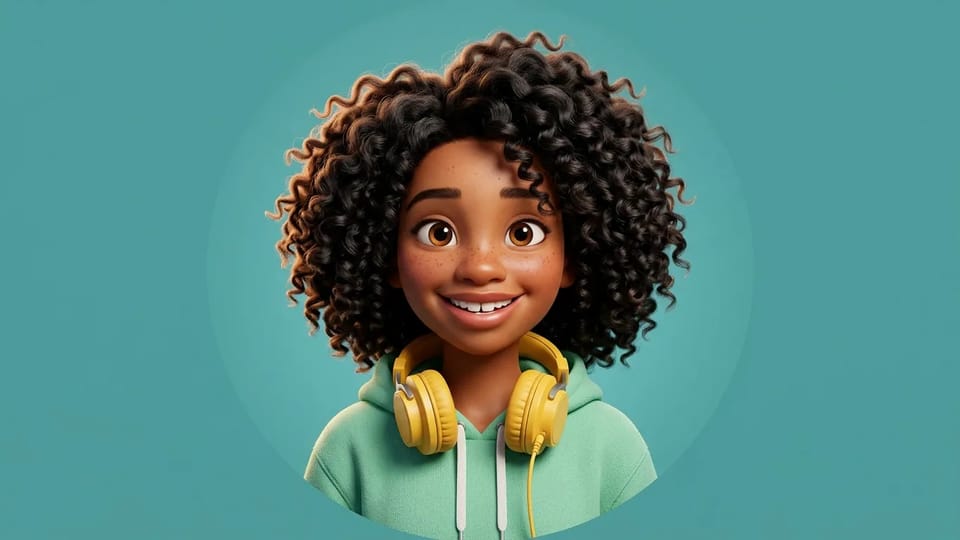
Turn a selfie into a friendly 3D cartoon head and shoulders with the Pixar AI generator. Ask for a plain color backdrop and a centered face so the picture crops cleanly into a round avatar.
Make My Pixar PFP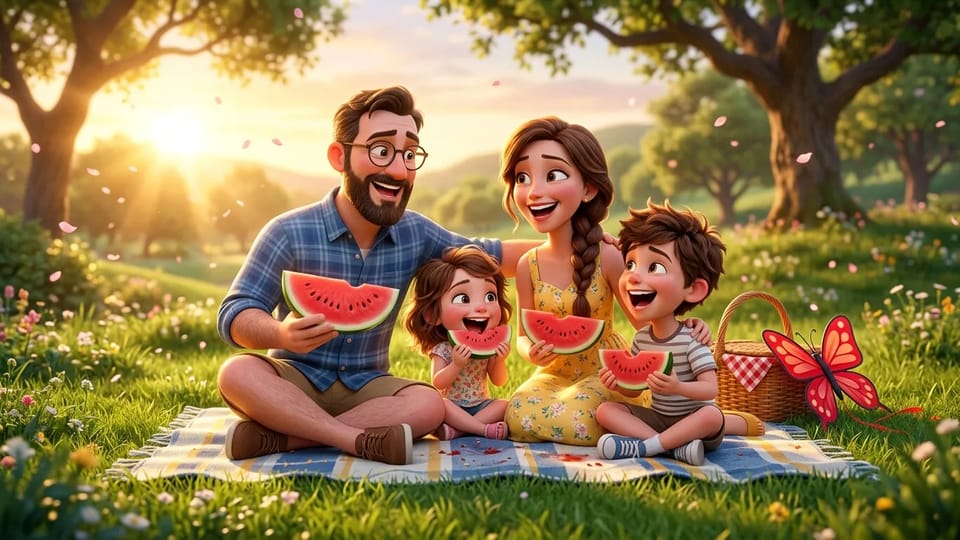
Upload a family photo and ask the Pixar AI generator for a picnic, a birthday table or a holiday card. Add each person's hair, glasses or favorite color to the prompt to keep everyone recognizable.
Create a Family Portrait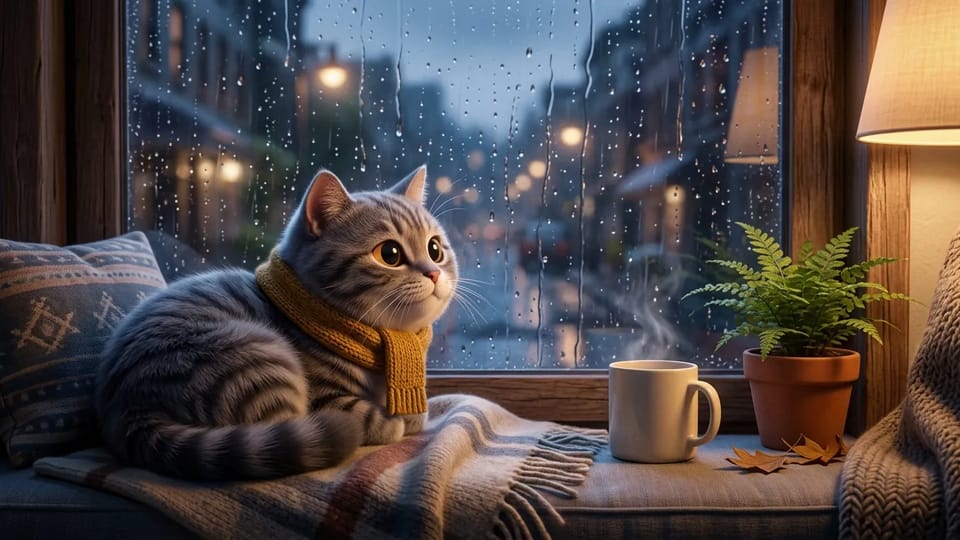
Dogs, cats and rabbits make expressive Pixar cartoon characters. Upload a clear photo of your pet to the Pixar AI generator, name the coat color and add a scarf, a window seat or a garden to build a small scene.
Create a Pet Portrait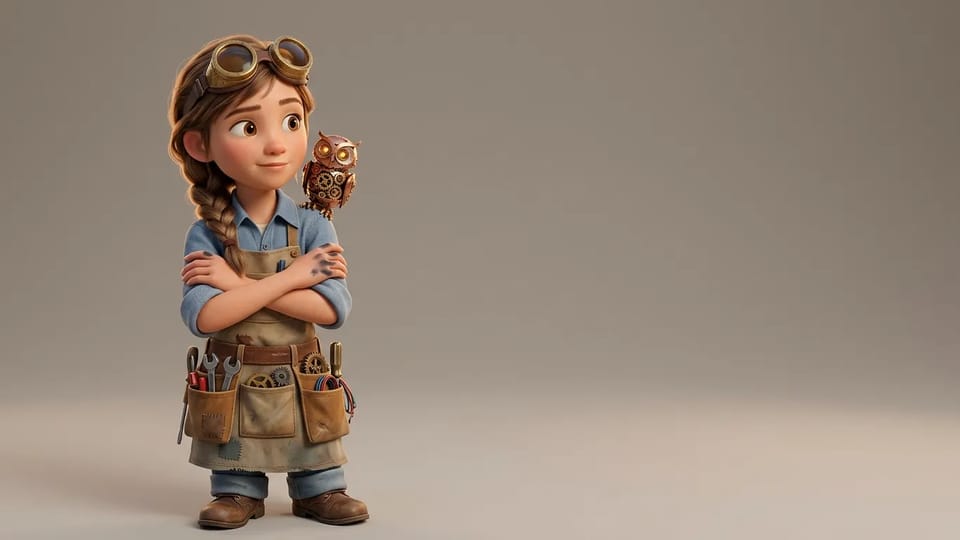
Describe an original character, such as a young inventor with brass goggles and a clockwork owl, and the Pixar AI generator draws it in a clean 3D pose. Use it for story characters, mascots or game concepts.
Design My Character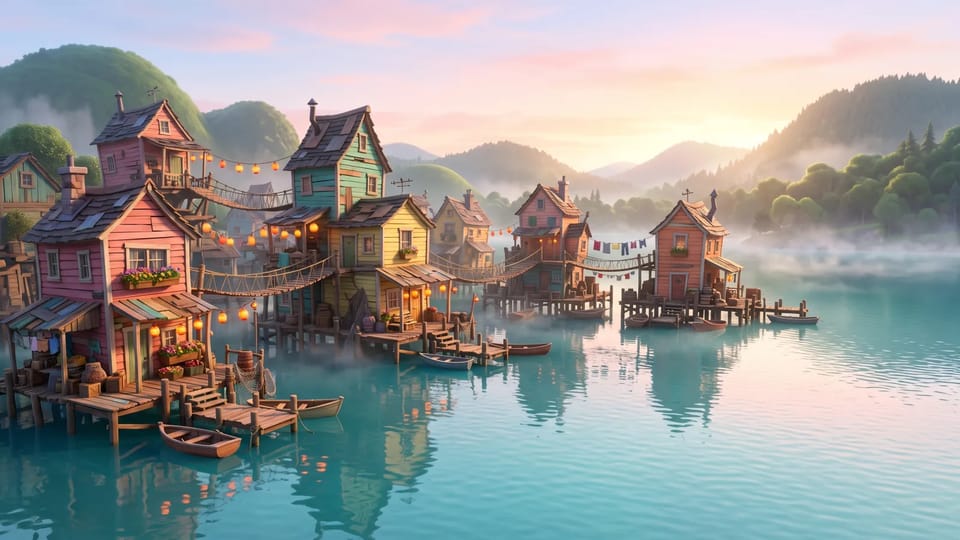
Skip the people and describe a place: a lakeside village at dawn, a cozy kitchen or a night market. A wide ratio lets the Pixar AI generator draw a 3D Pixar environment for a wallpaper, a story or a slide.
Create a BackgroundStart from a photo, a few reference images or a plain description. The Pixar AI generator takes all three.
Ask for big expressive eyes, rounded cheeks and smooth skin to get a Pixar face, and name the hair, glasses and clothes you want kept. Want a Pixar anime mix? Add sharper anime-style eyes and keep the 3D shading.
The prompt box opens with a Pixar-style prompt you can reuse. Change one detail at a time, such as the light or the setting, to see how the Pixar AI generator responds.
Run the same prompt through the Pixar AI generator on Nano Banana, GPT Image, Seedream or Grok Imagine and keep the version you like best.
Pictures from the Pixar AI generator stay in your account, where you can view, download, reuse as a reference or delete them.
The Pixar AI generator draws a look inspired by 3D animated films. CleoPic AI isn't affiliated with Pixar or Disney and doesn't use their characters or logos.
Answers about prompts, photos, sizes and using your Pixar-style pictures.
Upload a photo or write a prompt and see your picture in a Pixar-style 3D look.