
Classic Oil Look
Smooth blended brushwork, soft chiaroscuro light and a warm earth-toned palette, in the manner of an old-master portrait. Use it to convert photo to oil painting for portraits and formal family photos.
CleoPic AI is an AI oil painting converter: upload a portrait, a pet or a landscape and it repaints the photo as a new oil painting with visible brushwork and canvas texture, not a filter laid over your picture. Pick Classic Oil, Impressionist or Thick Impasto, then convert photo to oil painting in one click and download the result.
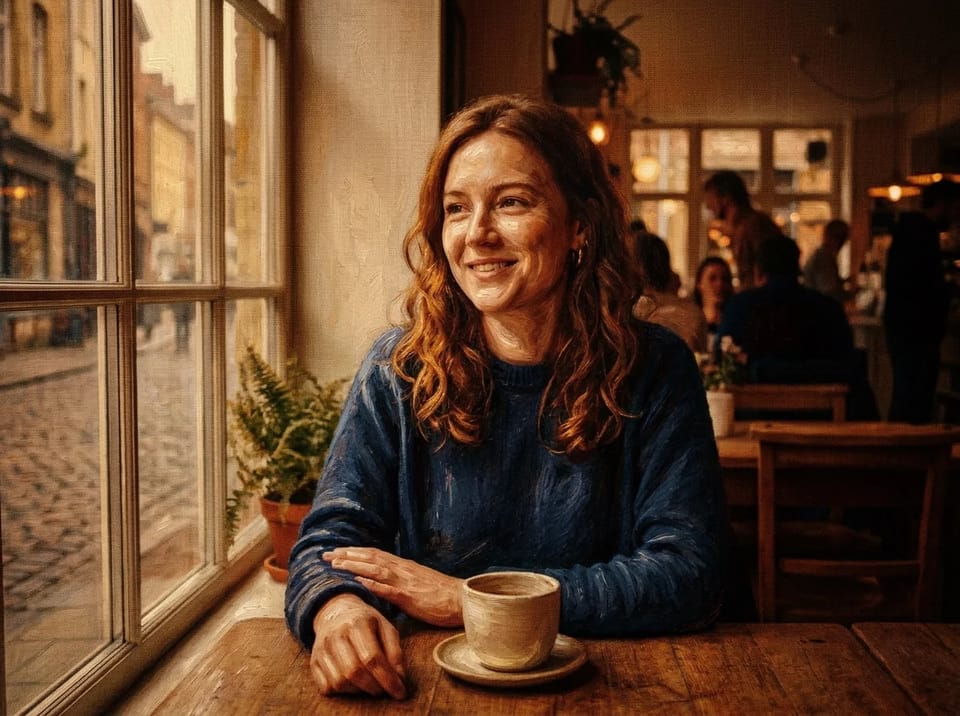

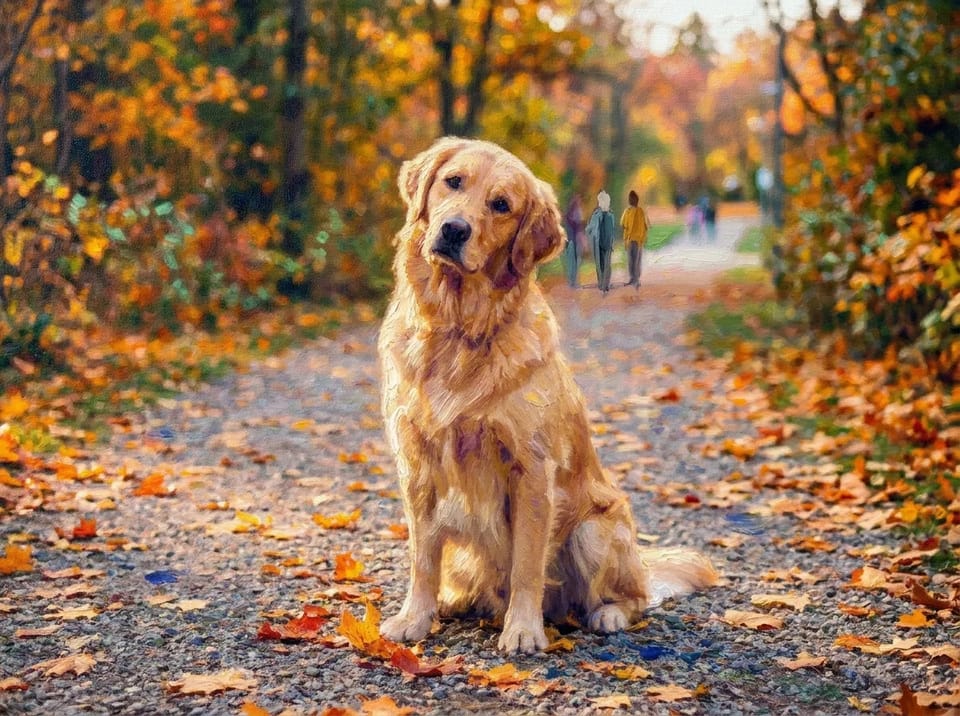
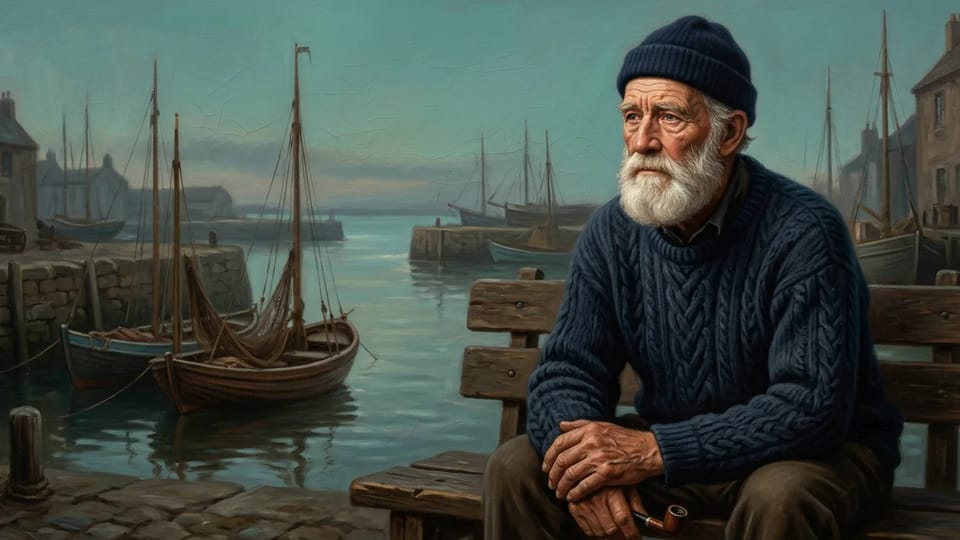
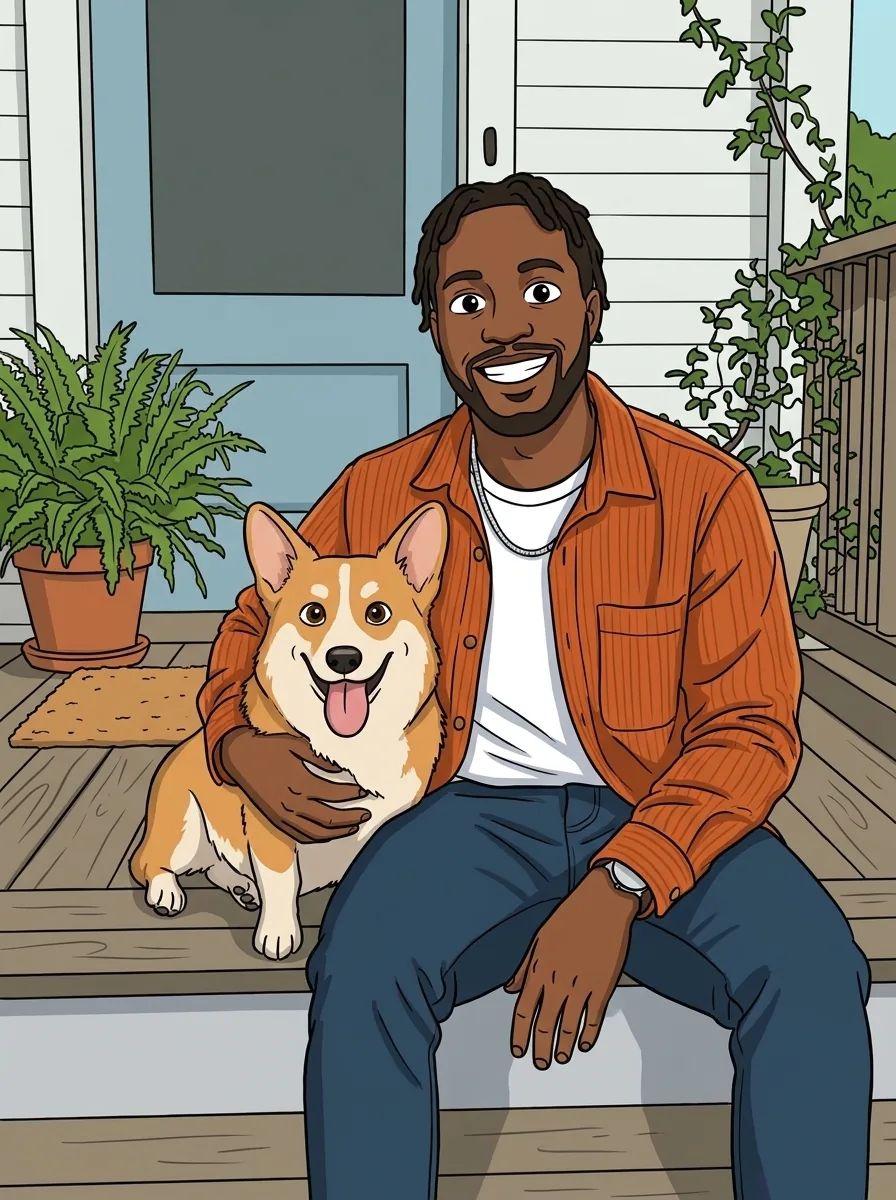
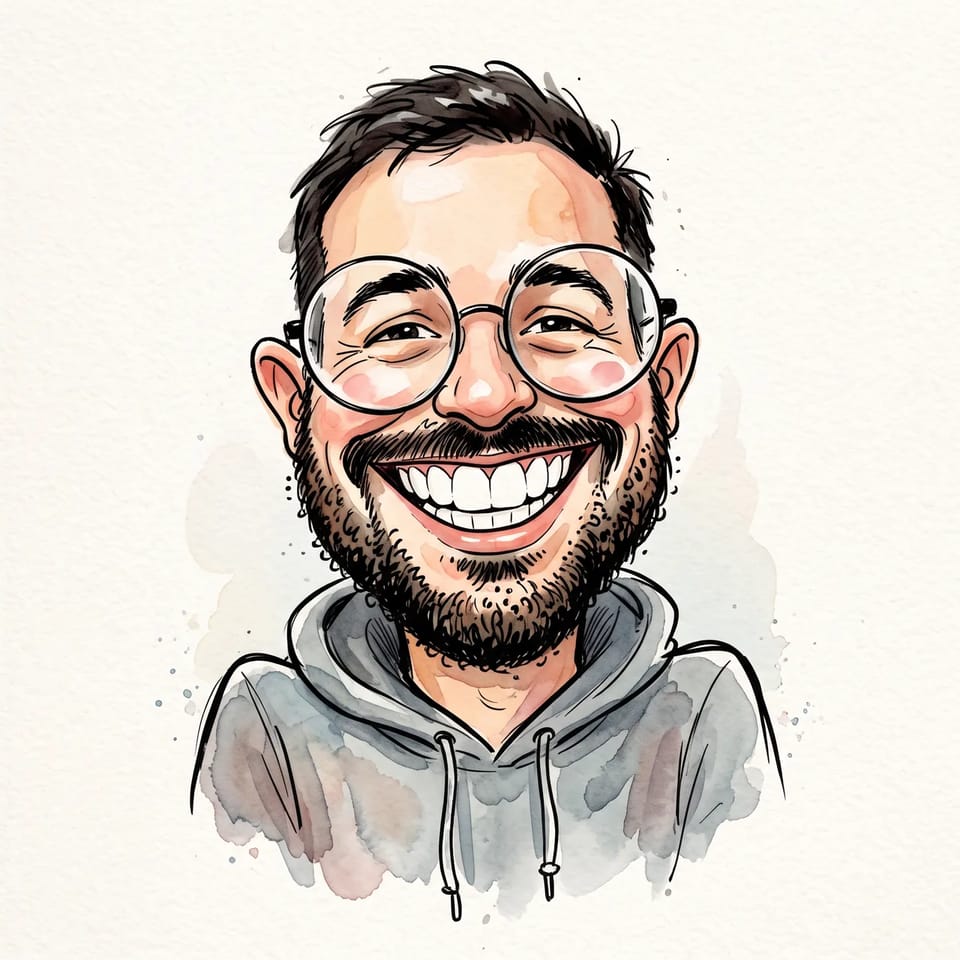
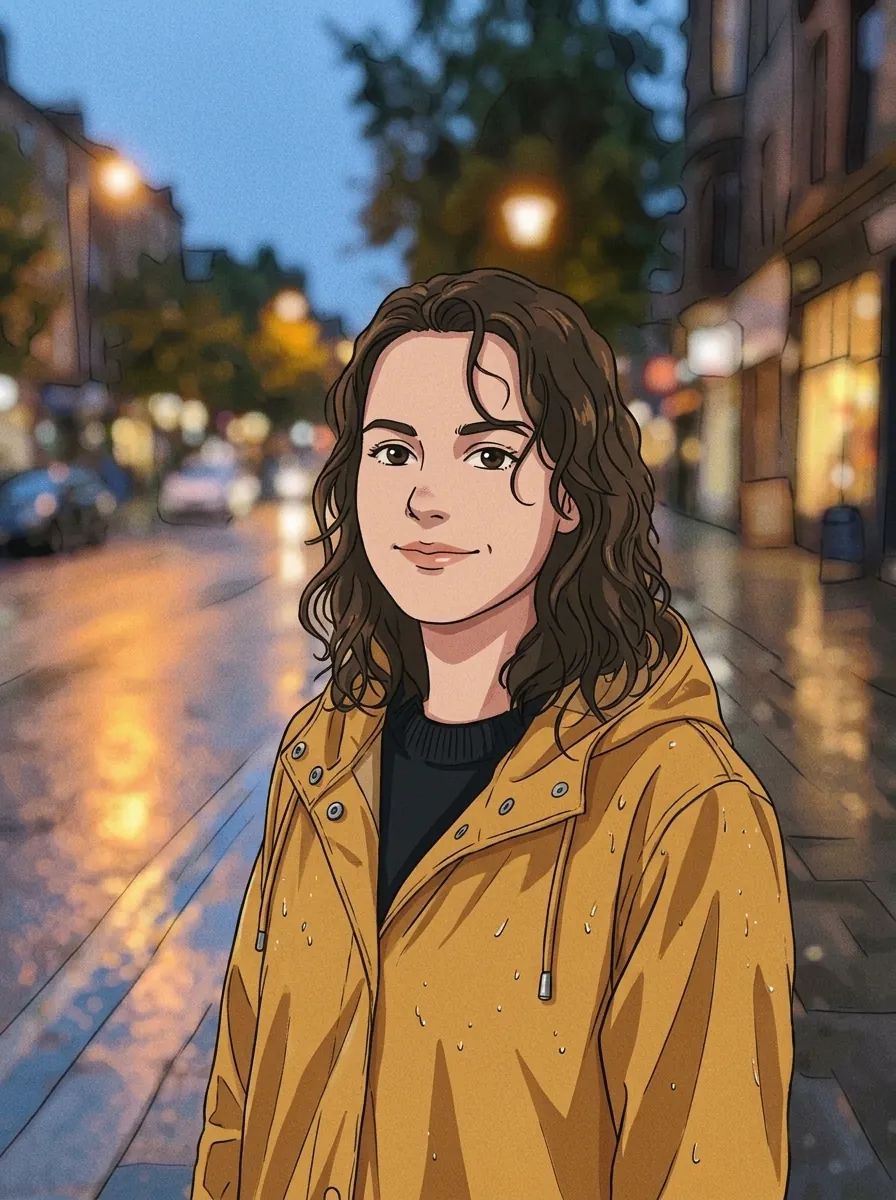
To convert photo to oil painting from a portrait, upload a picture with a sharp, evenly lit face and an uncluttered background. The AI repaints skin with soft modelled tones, hair with visible strokes and the background with canvas texture, and each look asks it to keep the pose, the clothing and a recognizable face.
A centered face in daylight gives the AI the most to hold on to when you convert photo to oil painting, while a blurred or heavily shadowed face gives it the least. The likeness can still vary between generations, so generate again or switch to another look when a result drifts.
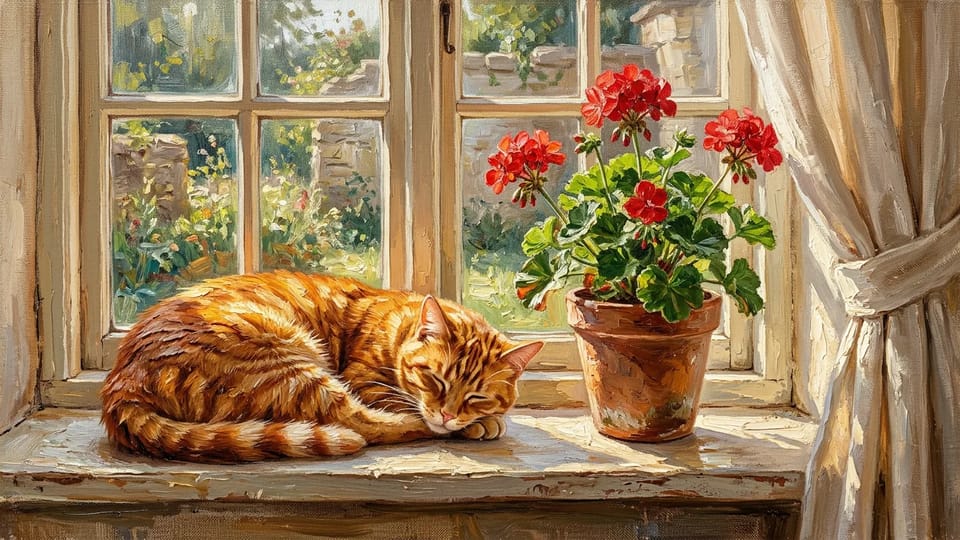
Upload a clear photo of a cat, a dog or another pet and convert photo to oil painting: fur turns into brushstrokes, from the tilt of an ear to the shine in the eyes. A sharp photo taken at the pet’s eye level works best, because the AI paints what the photo shows.
The result is your pet as it looks in the picture, painted on canvas, without a costume, a throne or a changed background. To convert photo to oil painting with soft, dappled fur choose Impressionist, and for bold ridges of paint choose Thick Impasto.
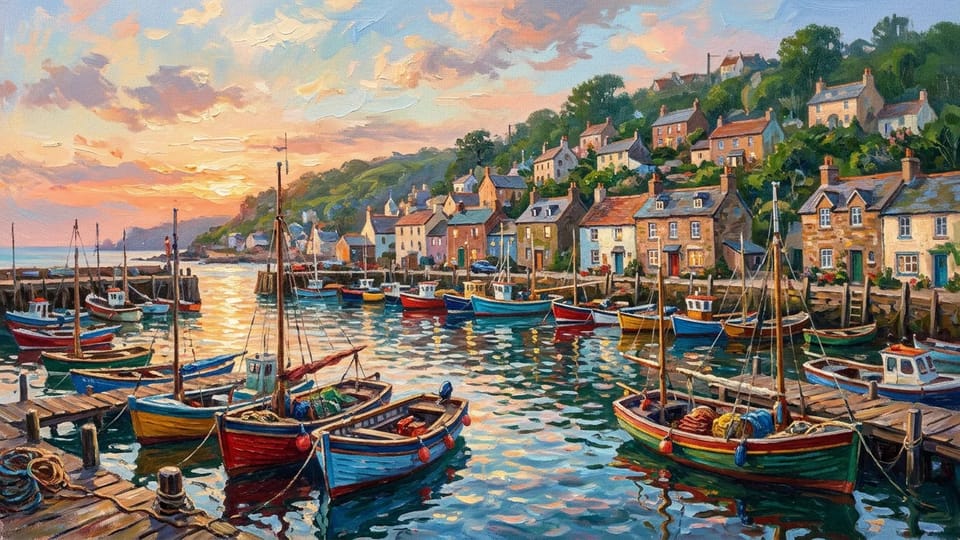
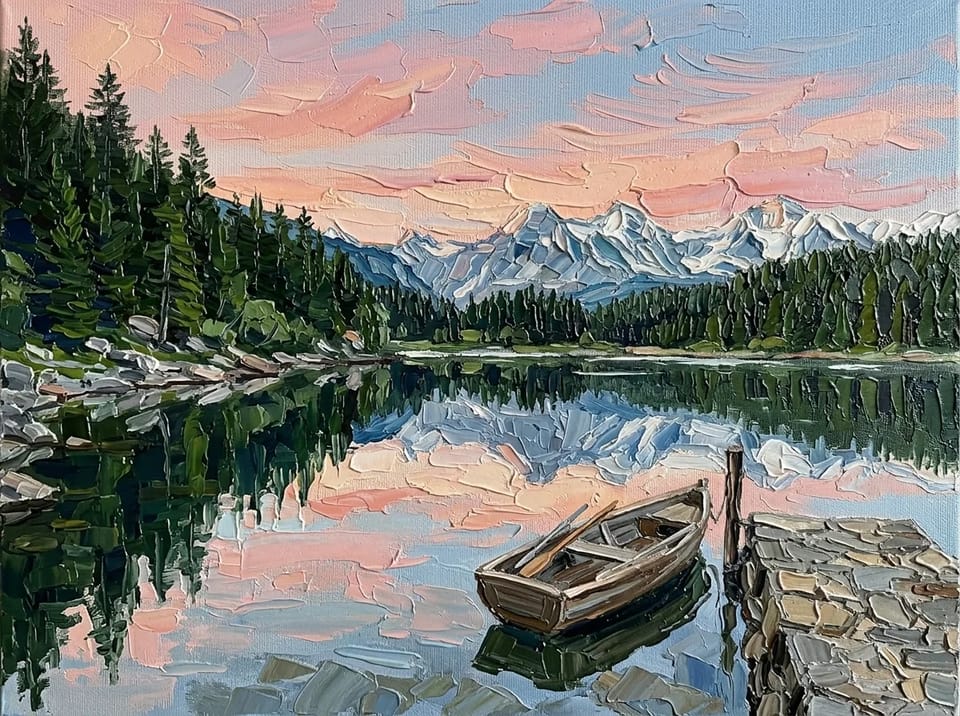
Landscapes, travel shots and family scenes turn into oil paintings with a mood of their own: a harbor at golden hour, a mountain lake at sunrise, relatives gathered under a tree. When you convert photo to oil painting, Impressionist keeps light and color loose, and Thick Impasto turns skies and water into bold blocks of paint.
Group shots work best when everyone is clearly visible and not too small in the frame, because faces that are tiny in the photo come out as simple painted marks after you convert photo to oil painting.
Convert photo to oil painting once and use the result as a gift, as wall art or as a painted profile picture.
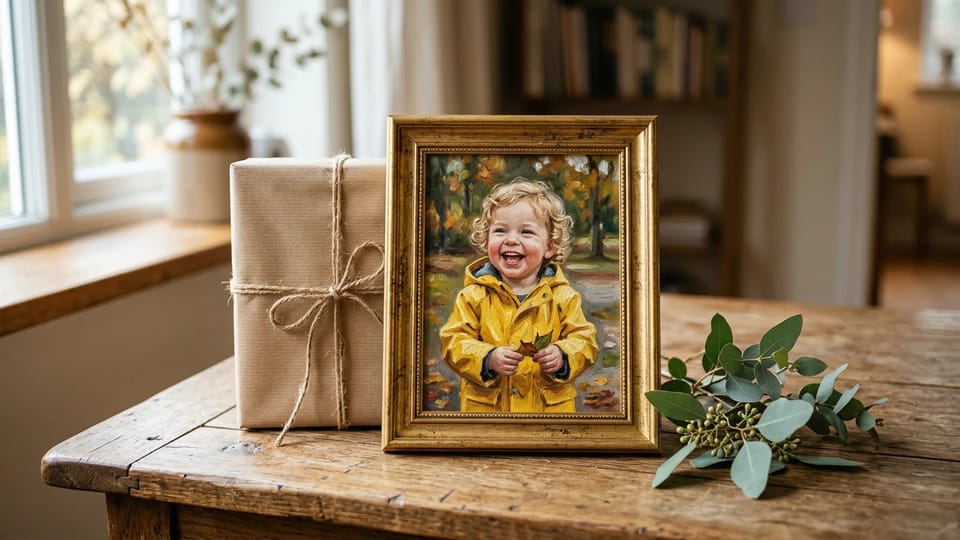
Convert photo to oil painting from a family portrait, a wedding photo or a pet and give the file or a printed copy as a present. Print it at a shop you choose, or send the image for someone to frame.
Make a Gift Painting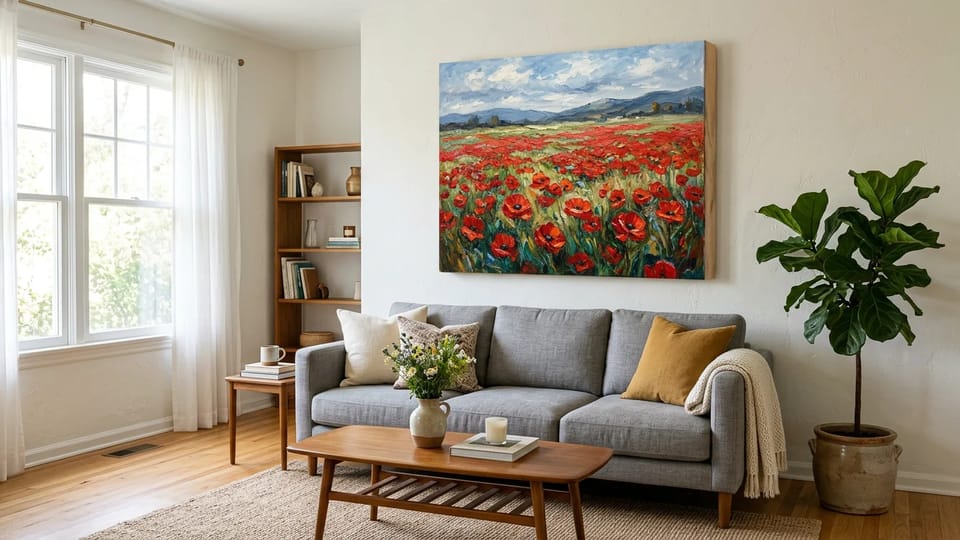
Convert photo to oil painting at 2K or 4K where the model offers it and send the original file to a canvas printer. The brushwork and canvas texture carry over to a stretched canvas or a framed print.
Make Wall Art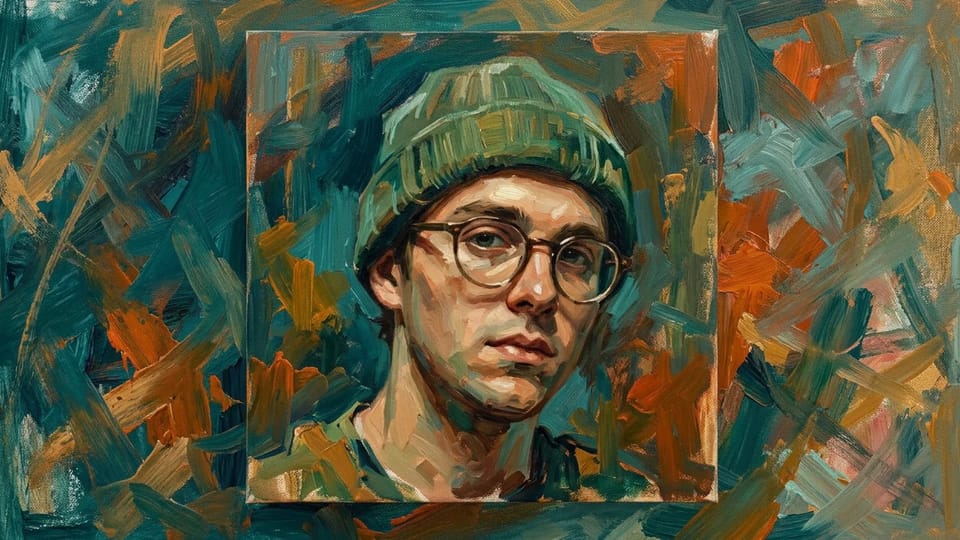
Convert photo to oil painting from a selfie for a blog, a game profile or a social account, in Classic Oil or Thick Impasto. Crop the painted head and shoulders to a square after you download it.
Paint My SelfieSmooth blended brushwork, soft chiaroscuro light and a warm earth-toned palette, in the manner of an old-master portrait. Use it to convert photo to oil painting for portraits and formal family photos.
Short dabs of broken color, soft dappled light and loosely suggested details. Use it to convert photo to oil painting for gardens, harbors and sunlit outdoor photos.
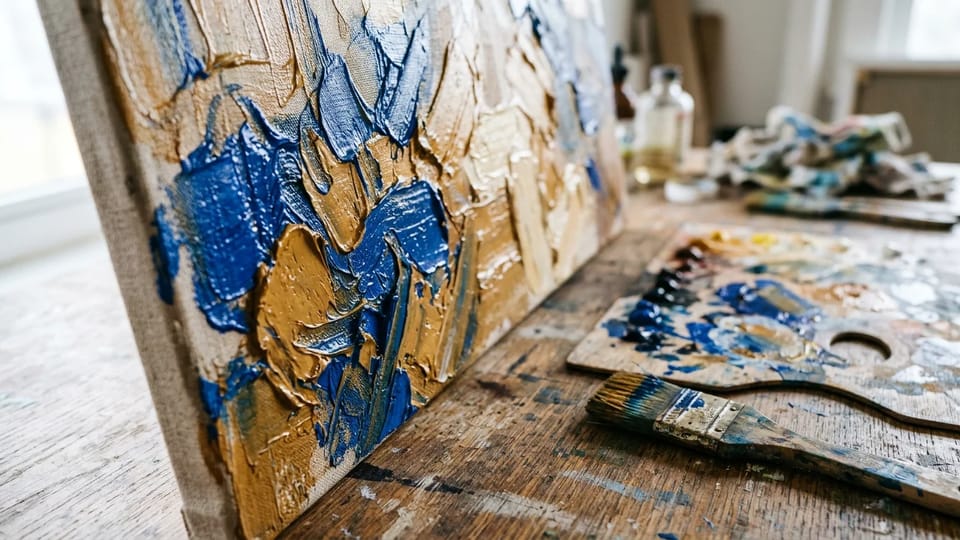
Heavy palette-knife strokes, raised ridges of paint and bold blocks of color on a textured canvas. Use it to convert photo to oil painting for landscapes, pets and expressive portraits.
Open Describe your own to write a prompt such as oil on linen with loose palette-knife strokes, and convert photo to oil painting with your photo as the starting point.
Choose 1K, 2K or 4K depending on the model, plus a ratio from square to wide. A larger setting gives a bigger file when you convert photo to oil painting for a canvas print, and the Credit price shows before you generate.
Answers about looks, likeness, Credits, watermarks and printing when you convert photo to oil painting.
Upload a portrait, a pet or a landscape, pick a look and convert photo to oil painting in seconds.