
Print-Ready Sizes and Ratios
Save each photo to cartoon picture at 1K, 2K or 4K and as PNG or JPG where the model offers them, in square, portrait, landscape or story ratios.
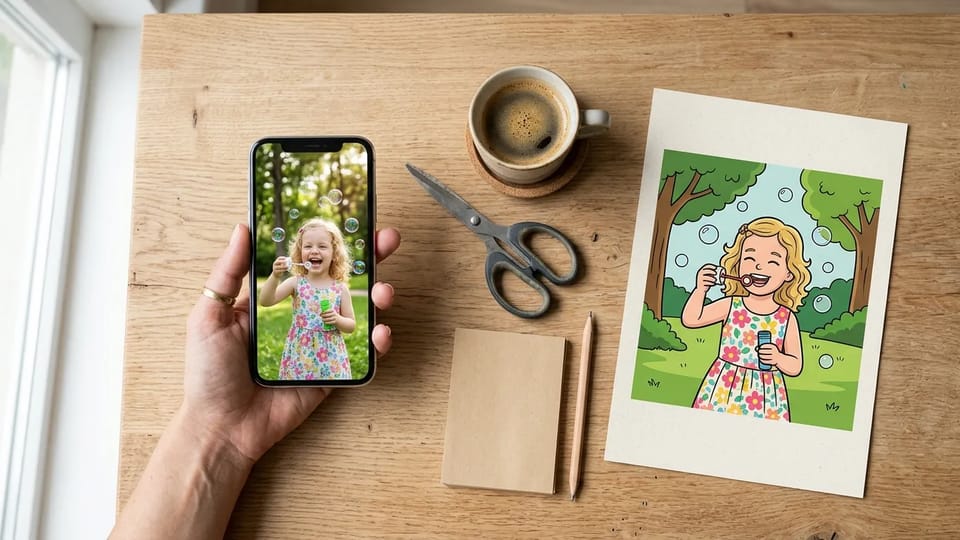
Photo to cartoon is an AI converter that redraws a real photo as a 2D cartoon picture in which people and pets still look like themselves. Upload a selfie, a family shot or your dog, pick an AI cartoon style, and download your photo to cartoon picture.
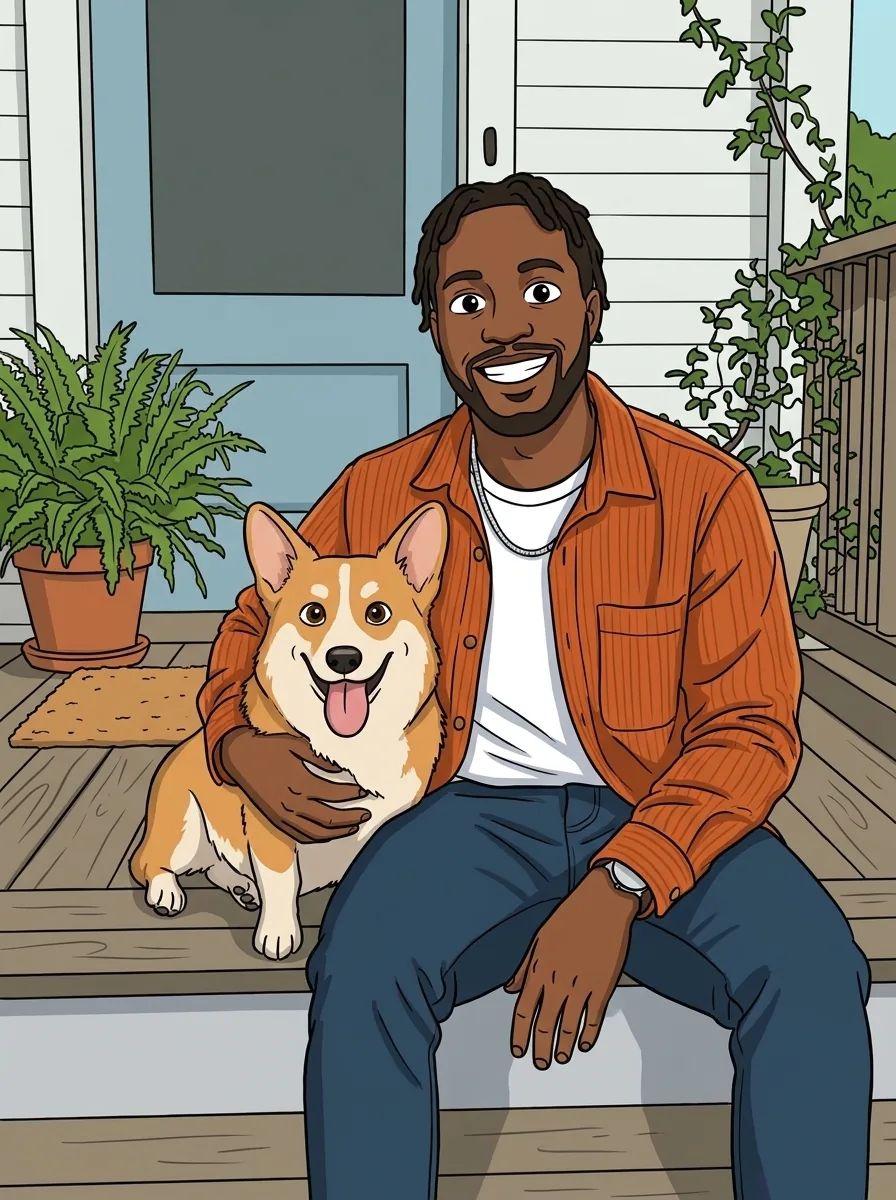
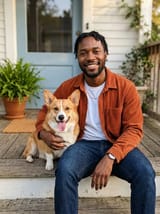
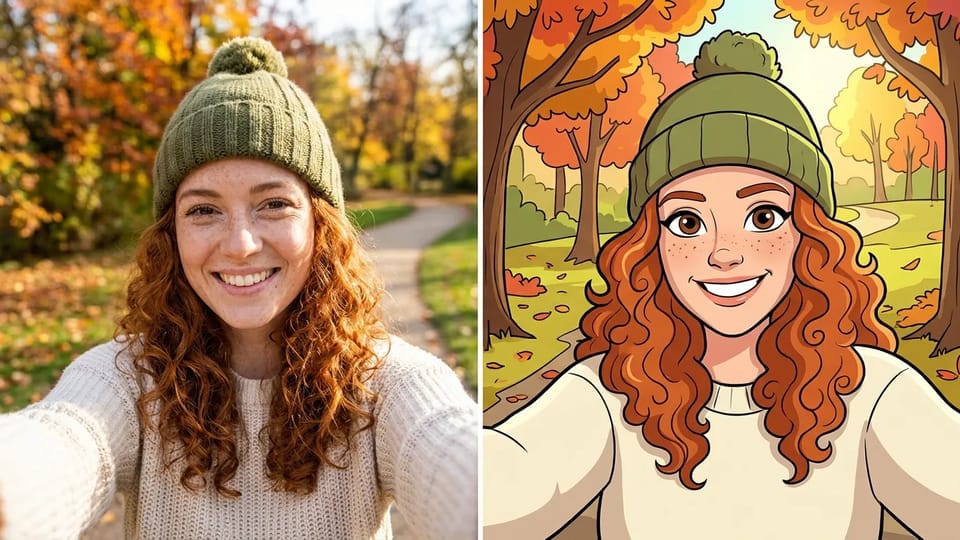
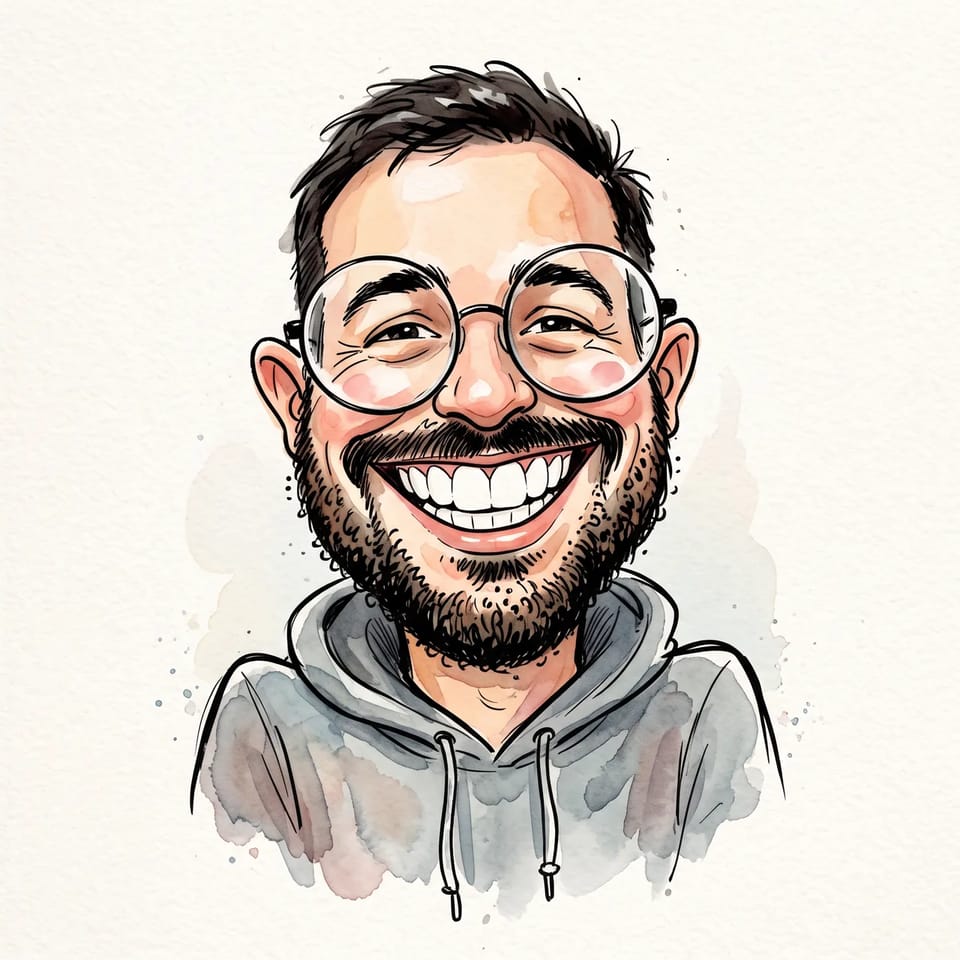
Searching for a cartoon version of myself that friends would recognize? Upload a selfie and the photo to cartoon AI redraws your own face shape, hairstyle, glasses and smile in clean 2D lines, rather than swapping in a generic cartoon face.
Every AI cartoon style keeps the expression, pose and outfit from your photo, so the cartoon still reads as you at a glance. A front-facing, evenly lit photo gives the closest likeness when you turn yourself into a cartoon with the photo to cartoon converter.
It is the quickest way to make a cartoon character of yourself for a profile picture, a card or a gift, and the photo to cartoon generator keeps every version in your history so you can compare them.
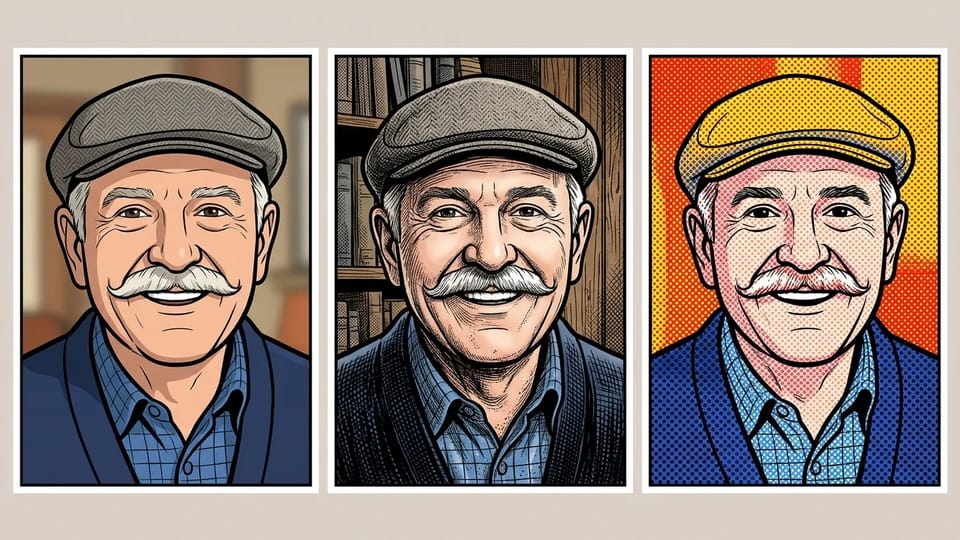
Pick Classic for bold outlines and flat color, Comic Book for inked lines and crosshatched shadows, or Pop Art for heavy outlines and Ben-Day dots. Each AI cartoon style is a ready-made prompt, so one click is enough to turn a photo to cartoon art, much like a cartoon photo filter with far more control. The same three looks make it an image to cartoon converter for selfies, pets and travel shots alike.
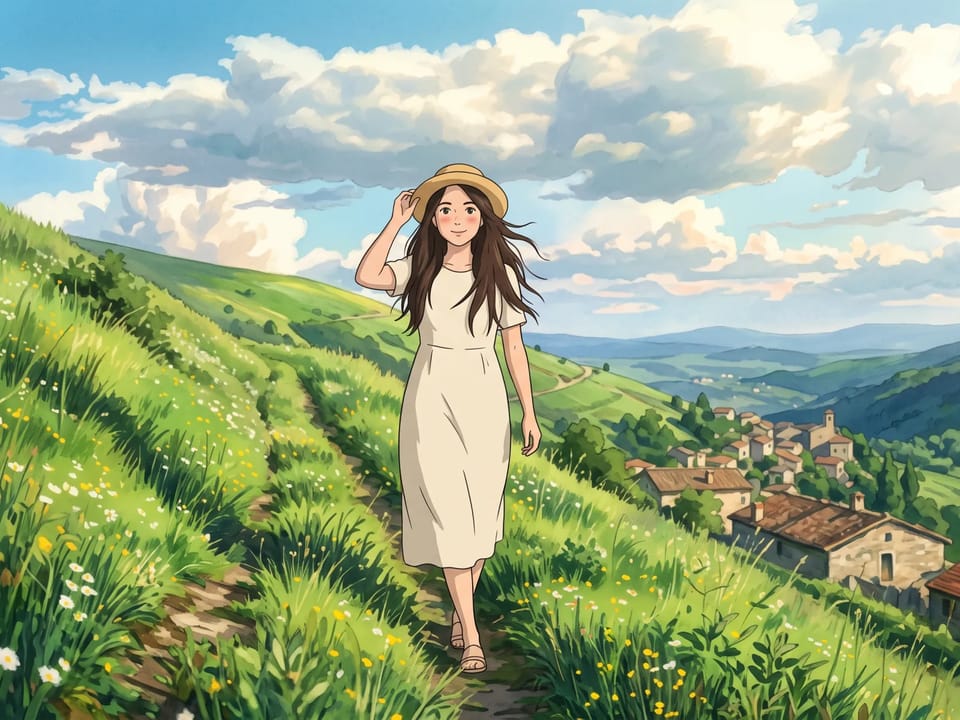
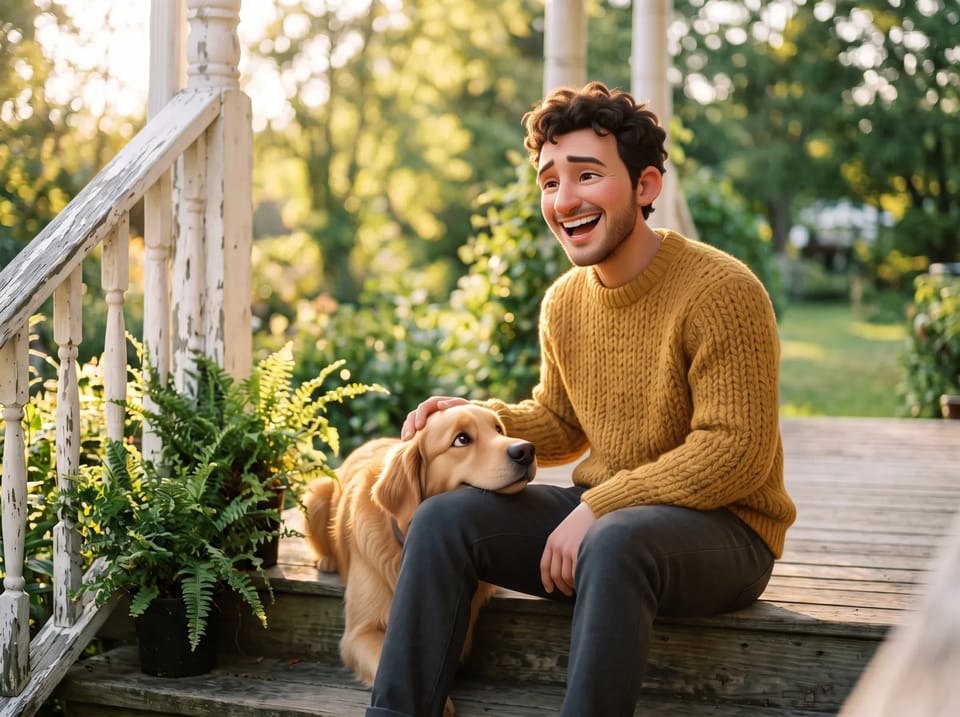
A few looks that start from a photo sit outside photo to cartoon: use photo to anime for anime art and the AI comic generator for multi-panel comic pages. Pixar-style 3D, Ghibli scenes and caricatures with exaggerated features each have a tool under More Tools, while chibi, pencil sketch and line art are separate looks again.
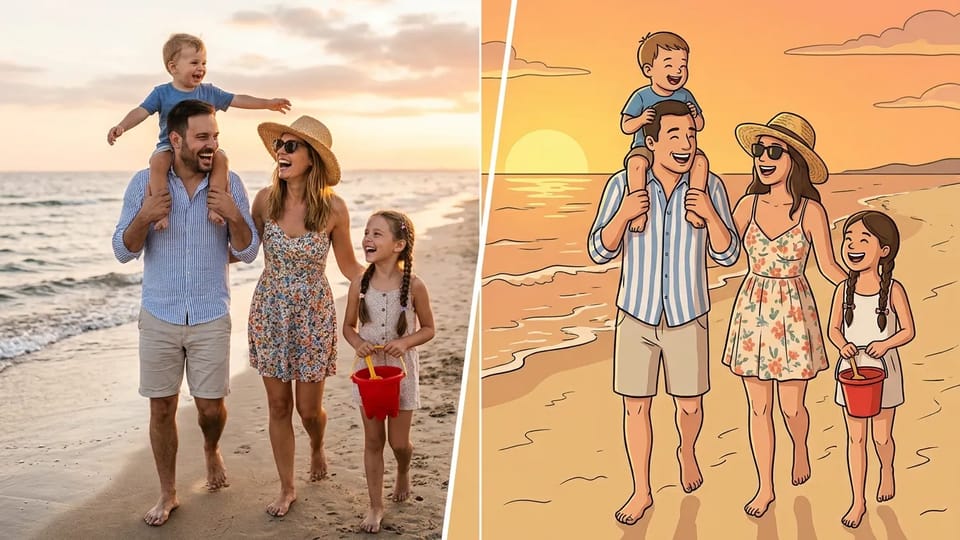
Turn your picture into a cartoon even when it holds more than one person. The photo to cartoon generator draws couples, siblings, grandparents and kids together in one cartoon scene, and each person keeps their own hair, clothes and expression.
Upload the group shot as one photo. Faces that fill more of the frame keep more detail, so crop in close around a large group before you convert photo to cartoon.
The AI cartoonizer handles kids and grandparents in the same frame, so you can make a cartoon out of a picture from a reunion, a wedding or a holiday and give everyone the same photo to cartoon look.
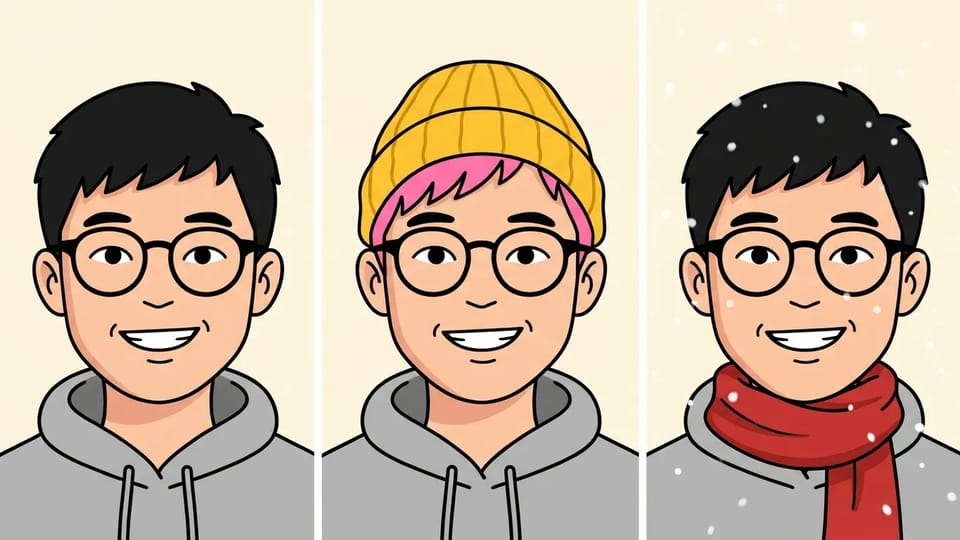
Switch to Describe your own to edit the prompt behind any AI cartoon style. Make your hair pink, add a knitted hat, swap the background for a beach, or ask for thicker outlines, and the photo to cartoon converter keeps your face from the photo while it follows your words.
Try prompts such as "cartoon my photo with pink hair", "the same cartoon with a red scarf and falling snow" or "the Classic look with a sunset sky behind me". Optimize prompt rewrites your photo to cartoon idea three ways, and Prompt from image writes a prompt from a picture whose look you like.
From a new profile picture to a mug for your grandparents, these are everyday uses for an AI cartoon made with the photo to cartoon generator.
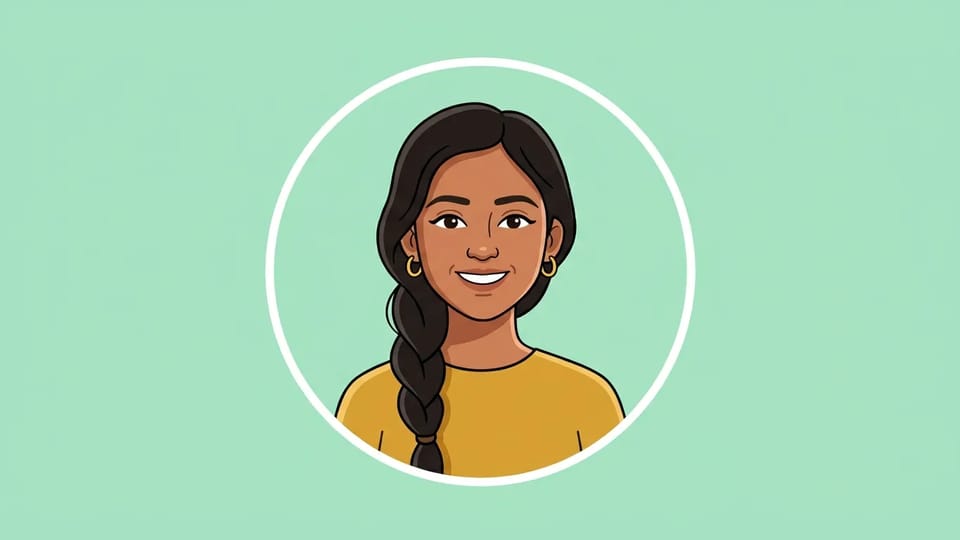
Turn yourself into a cartoon for Instagram, Discord or your work chat. Start from a front-facing selfie in good light, pick a style and choose 1:1 so the photo to cartoon result fits a round profile frame.
Make My Cartoon Character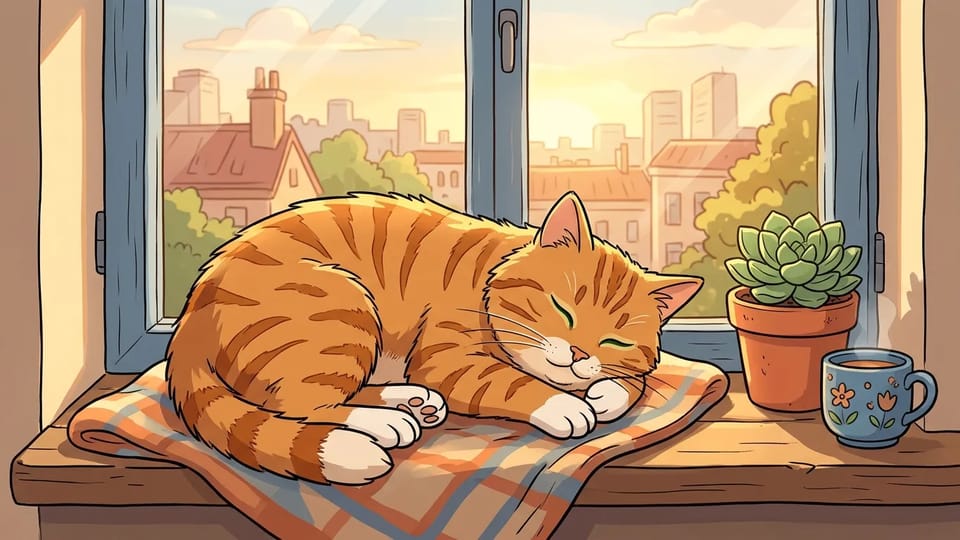
Dogs, cats and rabbits keep their coat colors, ear shapes and expressions in a photo to cartoon picture, and a photo of you together comes out in one shared style. Painted pet portraits in oil or royal costume are a different look from a cartoon.
Cartoon My Photo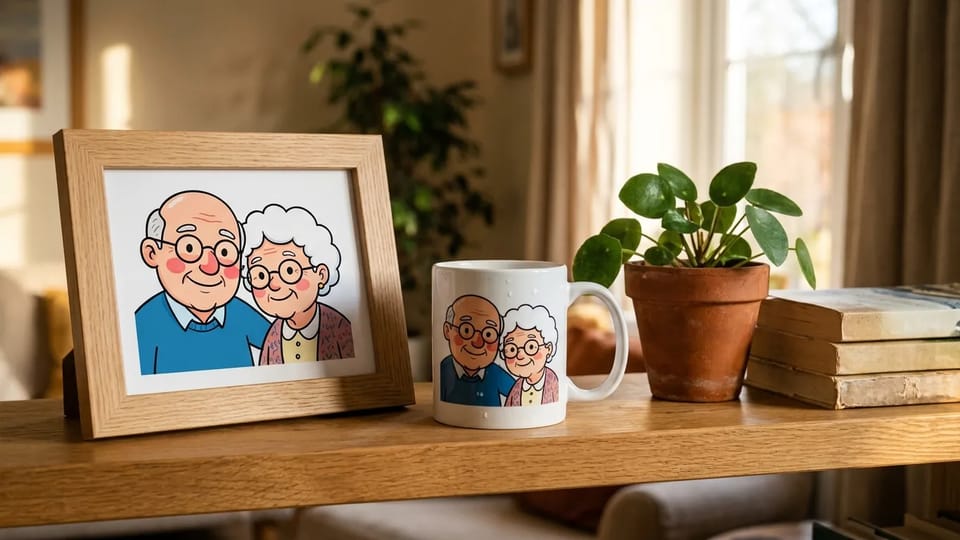
A cartoon family portrait makes a personal birthday card, mug or framed print. Choose 2K or 4K before you generate so the photo to cartoon picture stays sharp at print size.
Make a Cartoon Gift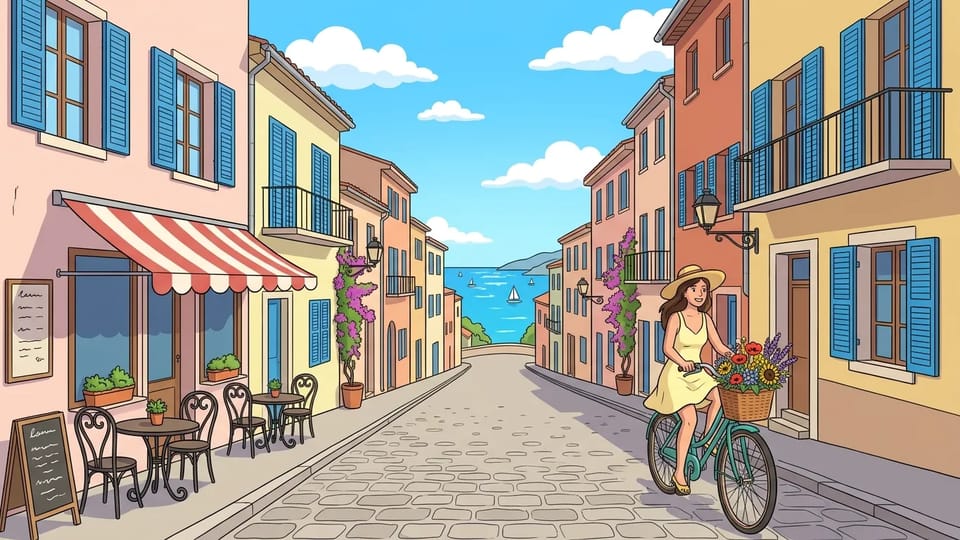
Cartoonize a picture of your trip, your street or your team picnic for a social post, a story or a blog header. In the photo to cartoon generator, pick 1:1 or 3:4 for feeds, 9:16 for stories and 16:9 for blog headers.
Cartoonize My PictureSave each photo to cartoon picture at 1K, 2K or 4K and as PNG or JPG where the model offers them, in square, portrait, landscape or story ratios.
Switch styles, edit the prompt or regenerate with the same photo in the photo to cartoon generator. Image to Image opens a finished cartoon as the reference so you can keep adjusting it.
The AI cartoonizer works beyond faces: dogs, cats, city streets, beaches, cars and houses all become clean 2D cartoon scenes in the photo to cartoon generator.
Skip the sketching and the Photoshop layers. Pick a style, and this cartoon maker from photo draws the outlines, colors and shading for you.
Use the photo to cartoon converter in any modern browser on a phone, tablet or computer, with nothing to install.
Pick from Nano Banana, GPT Image, Seedream and Grok Imagine models in the model menu of the AI image to cartoon converter, each with its own detail and speed.
Answers about styles, likeness, photos, Credits and downloads for the photo to cartoon converter.
Upload a selfie, a pet or a group shot, pick one of three AI cartoon styles, and let the photo to cartoon converter draw it.