
Choose the Flat AI Palette in Words
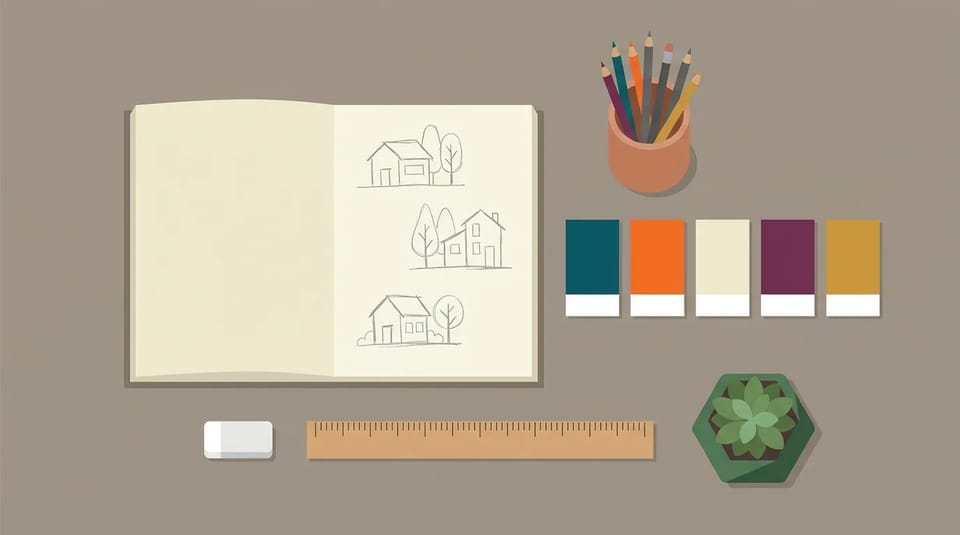
Name three to six colors, such as navy, peach, and cream. The flat illustration generator keeps the fills solid, and in this flat illustration maker changing one color means changing one word and generating again.
A flat illustration generator turns a written description into a flat-style picture built from solid colors and simple shapes, with no heavy shading or 3D depth. Describe a scene, a character, or a spot illustration, name the palette, and download flat AI art for a blog, a slide, or a website.
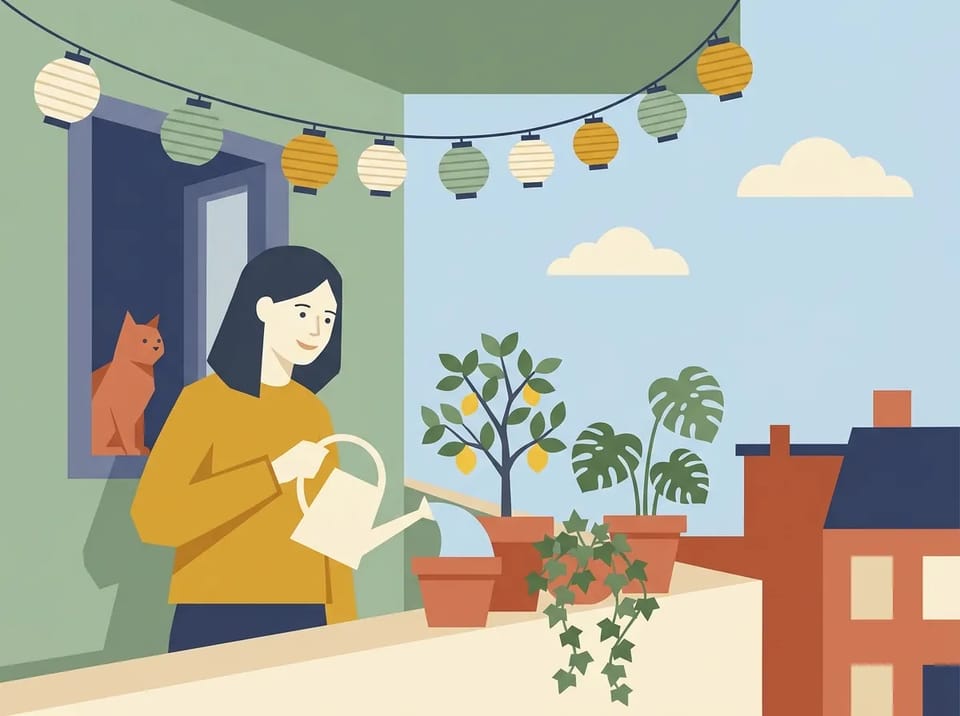
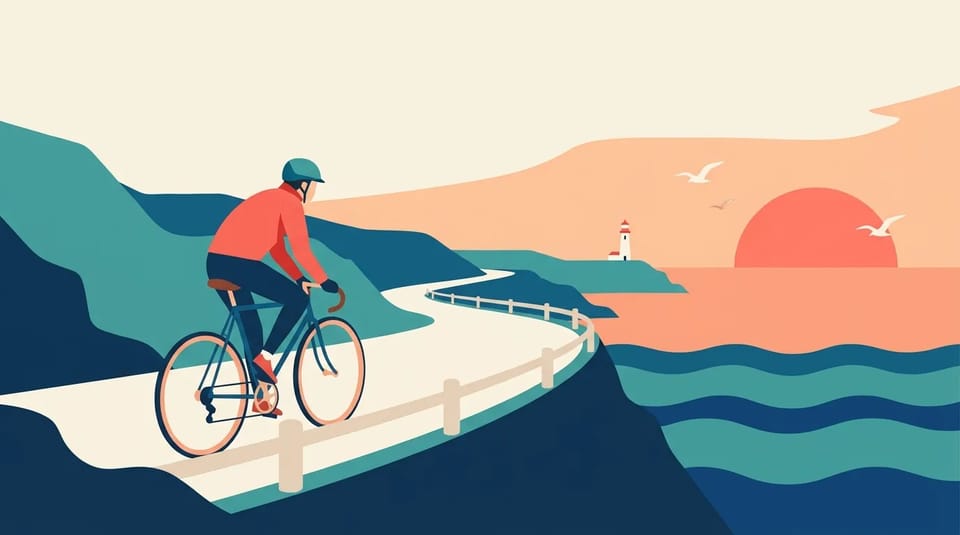
Type what you want to see, and the flat illustration generator draws it as flat art, much like a flat illustration maker that works from words: solid color fields, clean edges, simple geometric shapes, and no realistic lighting. A line such as a cyclist on a coastal road at sunrise, minimal flat style, coral and teal palette is enough to start.
This flat illustration AI generator works from your words, so you are not limited to the fixed templates of a typical flat design generator or stock packs. Ask the flat illustration generator for one object, a character, or a full scene, then change one detail and generate again until the flat AI picture fits. Prefer to start from a rough layout? Add it as a reference image.
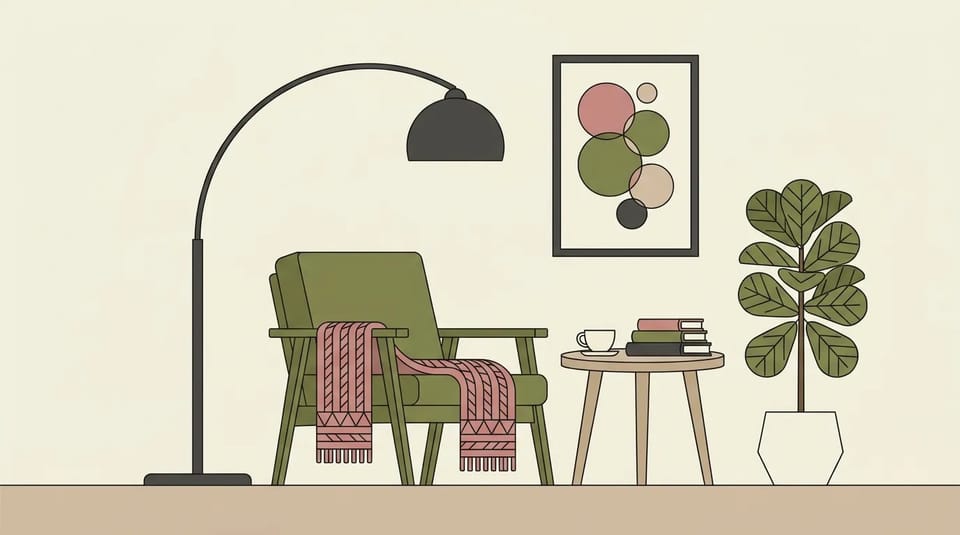
A flat AI look comes from naming what to leave out as much as what to draw. In the flat illustration generator, write four things after the subject: solid flat colors, no gradients or shadows, simple geometric shapes, and a limited palette of three to six named colors. Add thin outlines or no outlines to set the line style.
Try this in the flat illustration style generator, a 2D flat style AI prompt for a cozy reading nook with an armchair, a floor lamp, and a fig plant: Scandinavian flat illustration, dusty rose, olive, and cream, thin charcoal outlines, no shadows, no texture. Stuck for words? The wand beside the prompt box of the flat illustration generator rewrites your idea into three prompts, and the photo button writes a prompt from a picture you like.
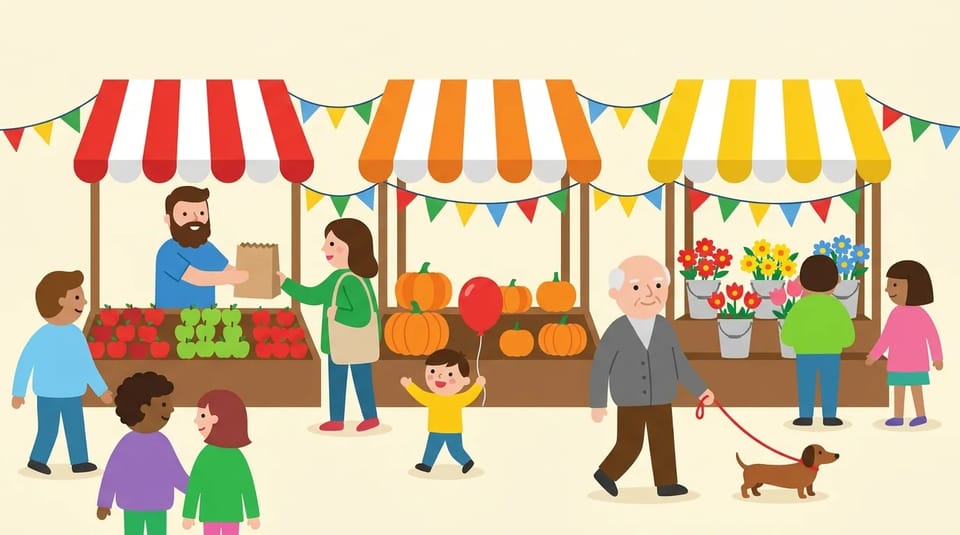
The flat illustration generator draws people, animals, and whole settings, not only icons. Describe a farmers market with a vendor, a child holding a balloon, and a man walking a dog, and the picture comes back as one composed flat AI scene with simple rounded figures and a shared palette.
That makes a flat design illustration generator useful for storytelling: a whole moment in one frame rather than separate clip art pieces to arrange yourself. Keep the characters simple, with dot eyes and solid outfit colors, and the flat illustration generator keeps them consistent with the 2D flat style AI look across the scene. Designing one original character in depth is a separate job for a character generator.
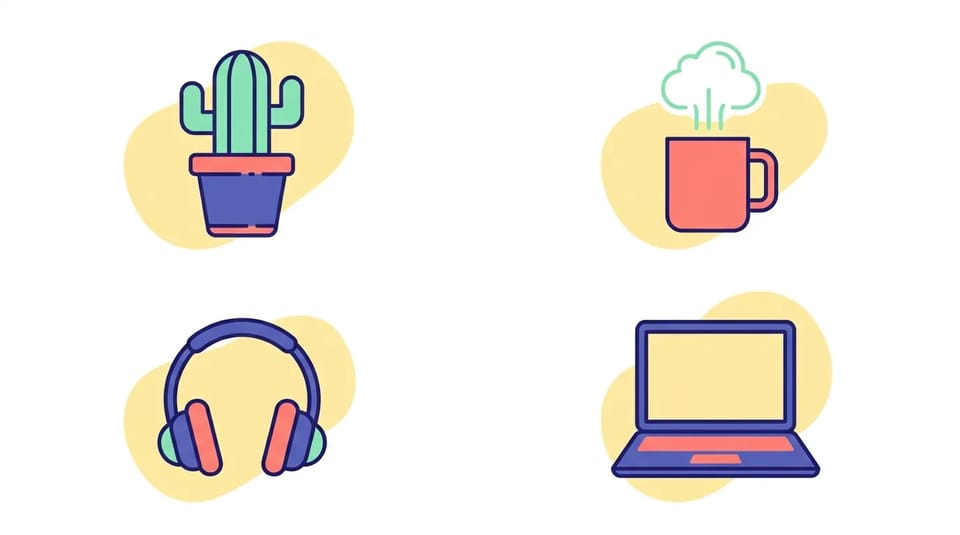
A set of flat AI illustrations looks like a set when every picture shares the same palette, line weight, and corner shapes. Write one style line, such as indigo, coral, and mint, thin outlines, rounded corners, each object on a pale yellow blob, and paste it after every subject you give the flat illustration generator.
For a closer match, add your first result as a reference image and ask the flat illustration generator for the next object in the same style. The flat AI result keeps the colors and shapes of the reference while it draws the new subject. Every flat 2D style illustration in the set then reads as part of one family. Moving the look of a finished picture onto a different photo is style transfer, a separate task.
Flat AI art stays clear at any size, which is why bloggers, designers, and presenters use a flat illustration generator. Pick a use, describe the picture, and the flat illustration maker draws it in one consistent 2D style.

A flat illustration generator gives every article a header and inline flat AI art without stock photos. Describe the topic as a scene, such as a camper van by a mountain lake for a travel post, choose a wide 16:9 ratio, and reuse the same palette in the flat illustration maker so the posts read as one series. Flat 2D style illustration also stays readable when the picture shrinks to a thumbnail.
Create a Flat AI Blog Header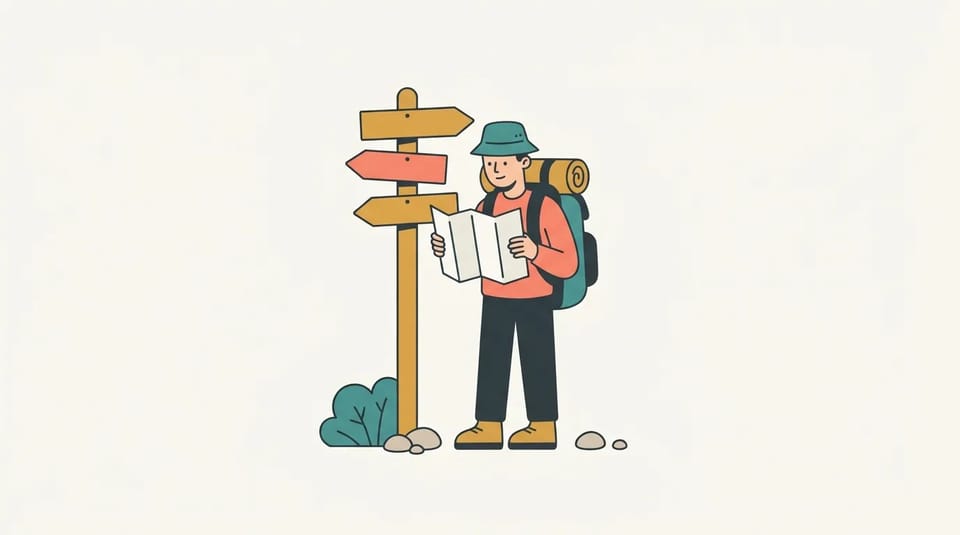
Use the flat illustration generator as a flat design illustration generator for the small pictures a website or app needs: an empty state, an onboarding screen, a 404 page, or a feature section. Ask for one figure on a plain off-white background with space around it, so the art sits cleanly in a layout. Simple flat shapes sit well beside icons and interface colors.
Draw Flat AI Spot Art
A slide reads faster with one clear picture. Describe the idea, such as a team around a growing bar chart, leave empty space for the slide title, and generate at 16:9 so the flat illustration generator fills the slide edge to edge with a flat 2D style illustration. Reuse the same style line in the flat illustration maker for every slide, and the whole deck looks drawn by one hand.
Make Flat AI Slides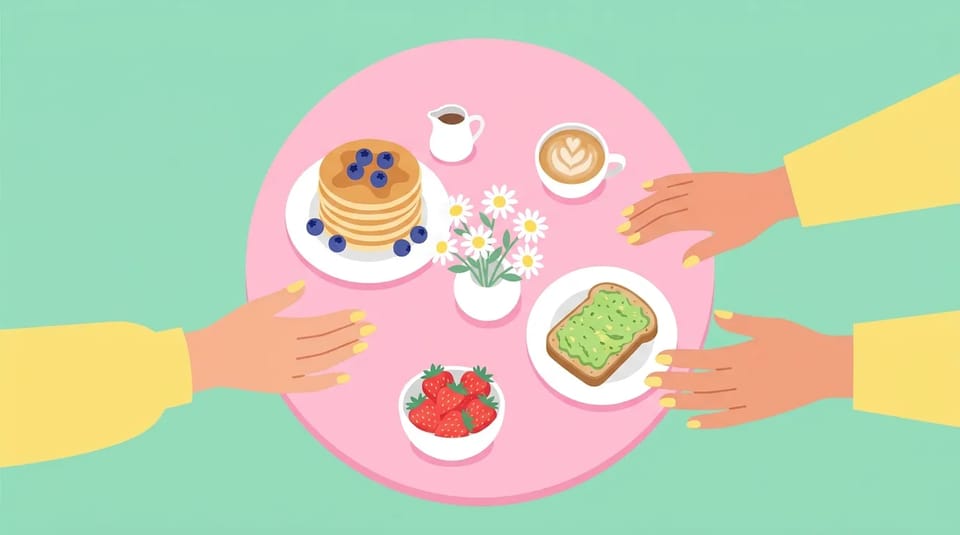
Food, travel, and everyday moments turn into bright posts as flat AI pictures. Describe the picture, pick 1:1 for a feed, 3:4 for a portrait post, or 9:16 for stories, and the flat illustration generator draws it in bold solid colors that stand out in a feed. Any flat design generator works best here with one subject and a plain background.
Make a Flat AI PostName three to six colors, such as navy, peach, and cream. The flat illustration generator keeps the fills solid, and in this flat illustration maker changing one color means changing one word and generating again.
Ask for thin outlines, bold outlines, or none at all, or switch to an isometric angle for rooms and buildings. Each variation is written into the prompt, so the flat illustration generator follows the look you name, the way a flat illustration style generator should.
Add one or more reference images to guide a pose, a layout, or a rough sketch of the flat AI picture, and say what to keep. How many references you can add depends on the model you pick in the flat illustration generator.
Pick 16:9 for headers and slides, 1:1 for a feed post, 9:16 for stories, or 21:9 for a panoramic scene. The flat illustration generator lists the ratios each model supports for flat AI art.
Run one description on Nano Banana, GPT Image, Seedream, or Grok Imagine in the flat illustration generator and keep the flat AI picture you like best. Models draw flat shapes a little differently, so a second model in this flat design generator is a quick fix.
Models in the flat illustration generator with resolution options offer 1K, 2K, or 4K. Choose 4K when a flat 2D style illustration has to stay sharp on a large screen or in print.
Answers about prompts, palettes, file formats, Credits, and what you can do with flat AI art from the flat illustration generator.
Describe a scene, a character, or a set of objects, name the palette, and let the flat illustration generator draw it as flat AI art in clean, solid colors.