
CleoPic AI logoCleoPic AI

AI Consistent Character Generator

An AI consistent character generator keeps one character's face, hair, and outfit the same while the scene, the pose, or the art style changes. Upload a picture of your character or describe one, write what happens next, and get a new picture of the same character for your book, comic, or series.

Model
Reference Images (optional)
References (optional)1/16
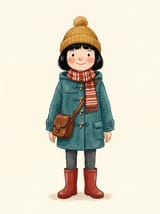
Full-body storybook girl with a black bob, mustard pom-pom beanie, teal duffel coat, striped scarf, and red boots on a plain cream background
@img1

Up to 16 JPEG, PNG, WebP images · 30 MB each.

530 / 20,000

Paid Feature
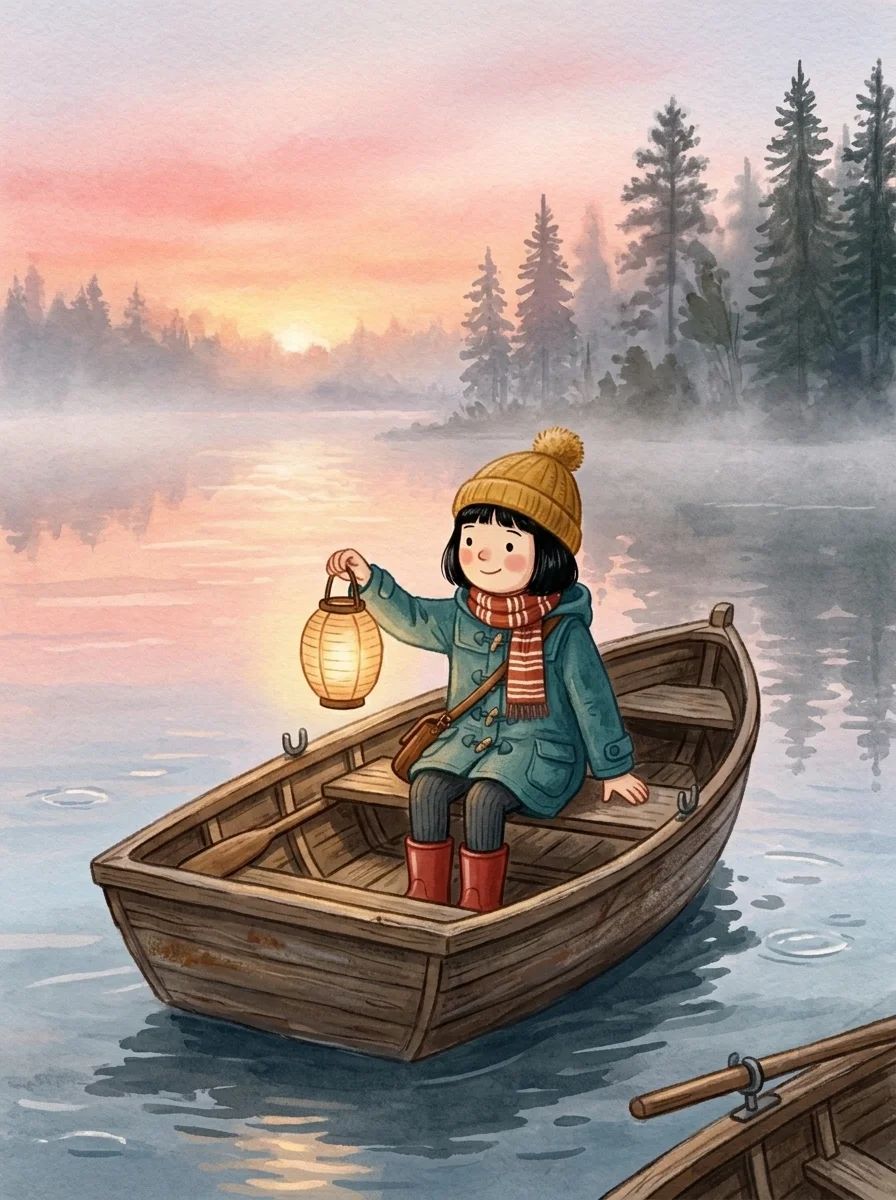
  • The same storybook girl in a mustard beanie and teal duffel coat holding up a paper lantern in a rowing boat on a misty lake at sunriseFull-body storybook girl with a black bob, mustard pom-pom beanie, teal duffel coat, striped scarf, and red boots on a plain cream background

How to Use the AI Consistent Character Generator

Upload one clear, full-body picture of your character, or describe the face, hair, outfit, and art style and generate that picture first. A plain background and a neutral pose give the AI consistent character generator the cleanest reference.

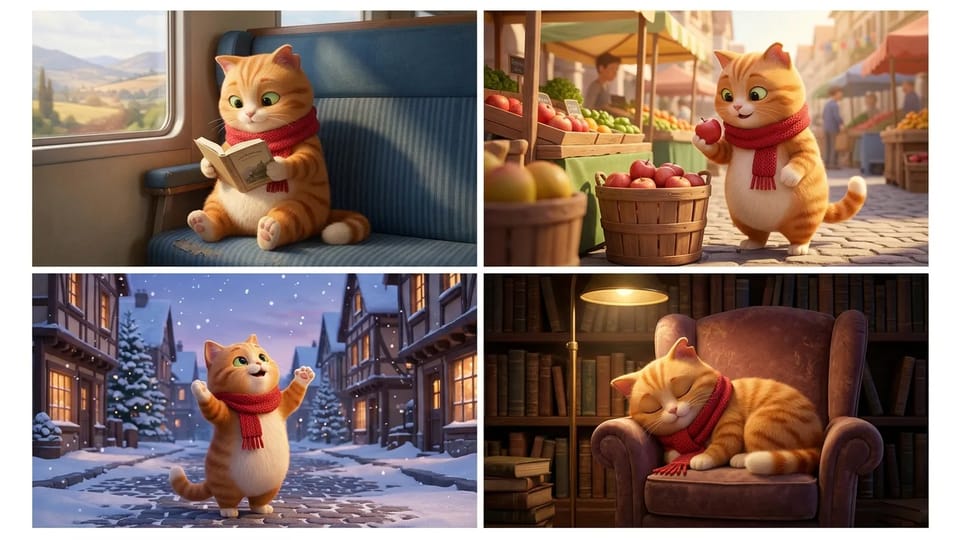
Four scenes of the same orange tabby cat in a red scarf reading on a train, picking apples at a market, catching snowflakes, and napping in a library

Upload a Character, Get a New Scene

Upload a picture of your character and describe where they are and what they are doing. The AI consistent character generator reads the face, hair, outfit, and colors from the reference image and draws the same character on a train, at a market stall, or out in the snow.

This is what consistent character AI is for: the identity stays fixed while the pose, the setting, and the light change. Models in the AI consistent character generator accept from 1 to 16 reference images, so add every angle of the character you have.

Upload My Character
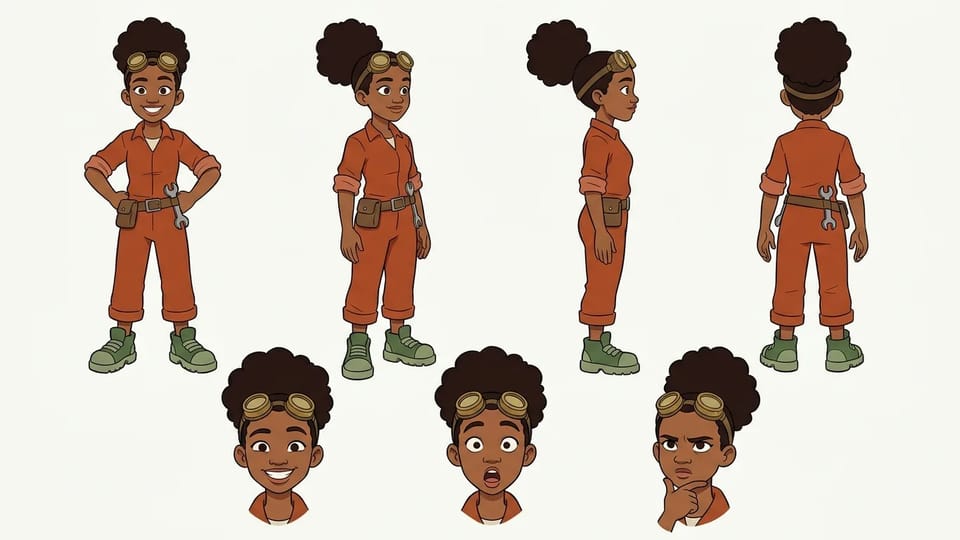
Character turnaround sheet of a teenage inventor girl with brass goggles and an orange jumpsuit in front, three-quarter, side, and back views with three expressions

An AI Character Sheet Generator for Every Angle

Ask for a turnaround in the prompt and the AI consistent character generator draws front, three-quarter, side, and back views in one picture, with a few expression close-ups beside them.

A character sheet AI result like this is the strongest reference for later scenes, because it shows what a single front view hides, such as the back of the hair or a tool belt. Save it as your AI character reference sheet and upload it with every prompt to the AI consistent character generator.

Create My Character Sheet
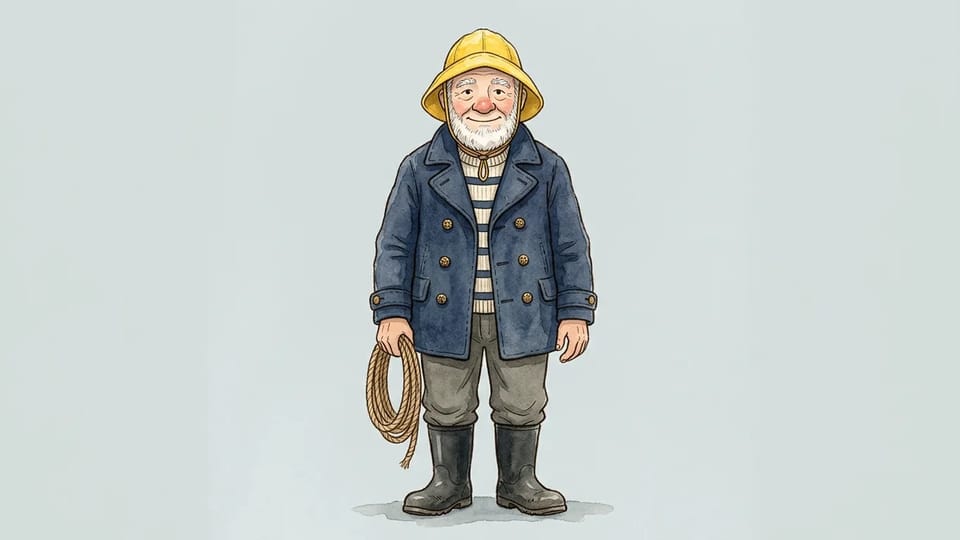
Full-body front view of an elderly lighthouse keeper with a white beard, yellow rain hat, and navy peacoat holding a coil of rope on a plain background

No Picture Yet? Describe Your Character First

You can start from words alone. Describe the age, face, hair, outfit, two or three accessories, and the art style, and the AI consistent character generator works as a consistent character creator, drawing a first reference picture of your character.

Ask for a full body, a front view, a neutral pose, and a plain background. That clean picture becomes the anchor for the AI consistent character generator: add it as the reference for every scene that follows, so all your consistent AI characters start from the same look.

Describe My Character
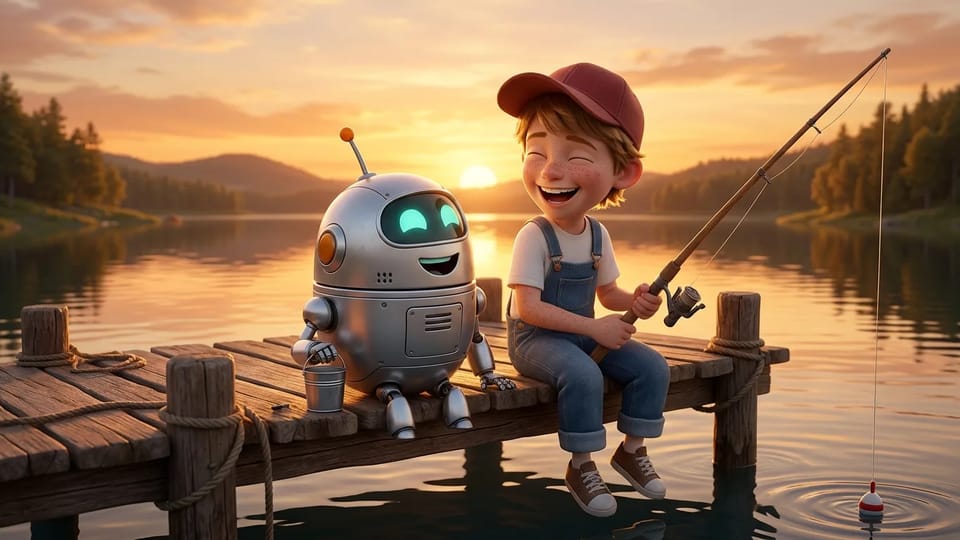
A freckled boy in a red cap and a small round silver robot laughing together on a wooden pier at sunset, the boy holding a fishing rod

Two or More Consistent AI Characters in One Scene

Upload one reference picture for each character, then tell the AI consistent character generator who stands where and who does what, for example the boy on the left holding the fishing rod and the robot on the right holding the bucket.

Giving each character its own reference and its own colors keeps the consistent character generator from blending their faces, which protects AI character consistency in group scenes. Start with two characters, then add more once each one holds steady.

Create a Two-Character Scene

Where Creators Use an AI Consistent Character Generator

Stories, comics, and social posts all need consistent AI characters who come back looking the same. Pick a use to see how creators set up consistent character AI for it.

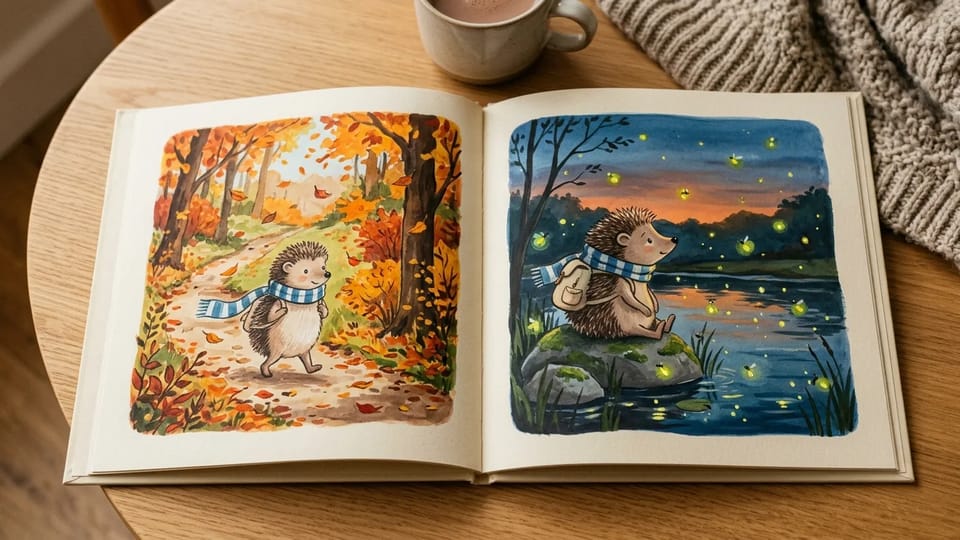
Open picture book on an oak table showing the same hedgehog in a striped scarf walking through an autumn forest and sitting by a pond at dusk

One Hero, Every Page

Picture book authors make one reference picture of the main character, then run the AI consistent character generator page by page with the same description and a new action. A 3:4 or 4:3 ratio suits most book pages, and 4K output on the models that offer it leaves room for print, so the hero on page one is still recognizable on page twenty-four.

Start My Picture Book

What the AI Consistent Character Generator Keeps and Changes

AI Character Consistency: What Stays

The face, hair, skin or fur color, body proportions, signature outfit, and accessories come from your reference. Name each of them in the prompt so the AI consistent character generator keeps AI character consistency from one picture to the next.

What You Can Change

Change the pose, the expression, the setting, the time of day, the camera angle, and even the outfit when the story calls for it. Change one or two things per prompt in the AI consistent character generator so the character stays easy to recognize.

Prompts That Do Not Drift

Write one short identity block, such as "Mabel, nine, black bob, mustard pom-pom beanie, teal duffel coat, red boots", and paste it unchanged into every prompt for the AI consistent character generator. Only the action and the place after it change.

A Reference Sheet Maker Too

Ask for a turnaround and the AI consistent character generator doubles as a reference sheet maker, giving you one character sheet for AI scenes with the front, side, and back of your character.

Same Character, New Art Style

Keep the reference and name a new style, such as anime, watercolor, or 3D cartoon, and the AI consistent character generator redraws the same character. For a series of consistent AI characters, pick one style and repeat it in every prompt.

Sizes for Print and Posts

Choose square, portrait, or widescreen ratios in the AI consistent character generator, with 1K, 2K, or 4K output on the models that offer them. Every picture downloads as a PNG file.

Several Models to Compare

Finding the best AI for character consistency takes a quick test: Nano Banana, GPT Image, Seedream, and Grok Imagine models in the AI consistent character generator follow references in different ways. Run the same character on two of them and keep the one that holds the face best.

Reuse a Character Next Time

Keep your best AI character reference sheet or picture and upload it to the AI consistent character generator in your next session. Any picture you make here can also be added as a reference for the next scene.

Four Ways to Get AI Character Consistency

Reference pictures give most creators the best balance of consistency and effort, because the AI consistent character generator reads the look from a picture instead of guessing it from words. The table compares the four common methods by what you provide and what they hold steady.

Character Consistency Methods Compared

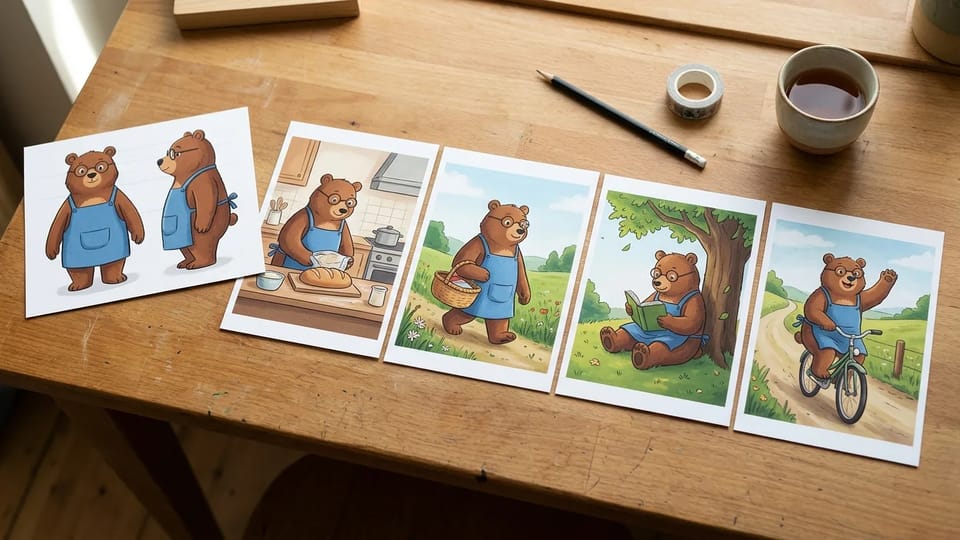
Four ways to keep an AI character consistent, including the reference method of the consistent character generator, compared by what you provide, what stays the same, effort, and best use
MethodWhat you provideWhat stays the sameEffortBest for
The same description in every promptA detailed text description of the characterThe general look; the face and small details often change between picturesLowQuick ideas and rough drafts
A reference picture with each prompt, as in this consistent character generatorOne or more pictures of the character plus a prompt for the new sceneFace, hair, outfit, and colors, with occasional drift in small detailsLowPicture books, comics, and social series
A character sheet as the referenceA turnaround with front, side, and back views, made firstThe same as a single reference, plus the angles one front view hidesMediumLong series with many camera angles
Training a custom model (LoRA)Usually 15 to 50 pictures, setup time, and GPU accessThe most detail, once training succeedsHighStudios and technical teams

The AI consistent character generator on this page uses the reference method. Upload your character and describe the next scene to try it.

AI Consistent Character Generator FAQ

Answers about reference pictures, character sheets, Credits, and rights in the AI consistent character generator.

Keep Your Character the Same in Every Scene

Upload a character or describe one, and the AI consistent character generator keeps the look the same while the story moves on.