
Pick the model
Choose among Nano Banana, GPT Image, Seedream and Grok Imagine models for your cartoon to realistic AI image. The Generate button shows each model’s Credit cost before you start.
Cartoon to realistic AI turns a cartoon, anime or illustration into a photo-style picture of the same character, with real skin, hair, fabric and light. Upload one drawn image for anime to real life results, pick Natural Photo, Studio Portrait or Hyper-Real, and CleoPic AI recreates the design as a photograph.
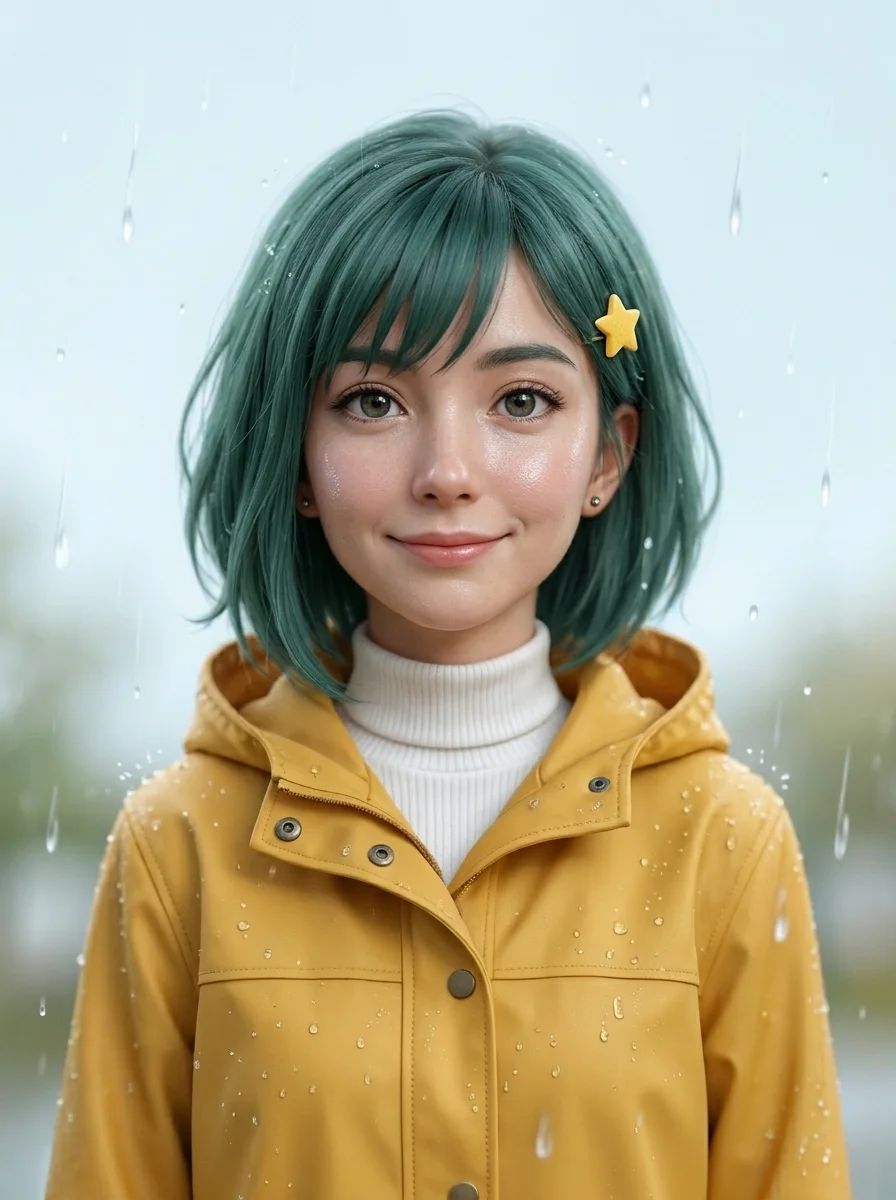
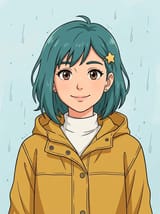
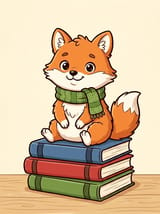
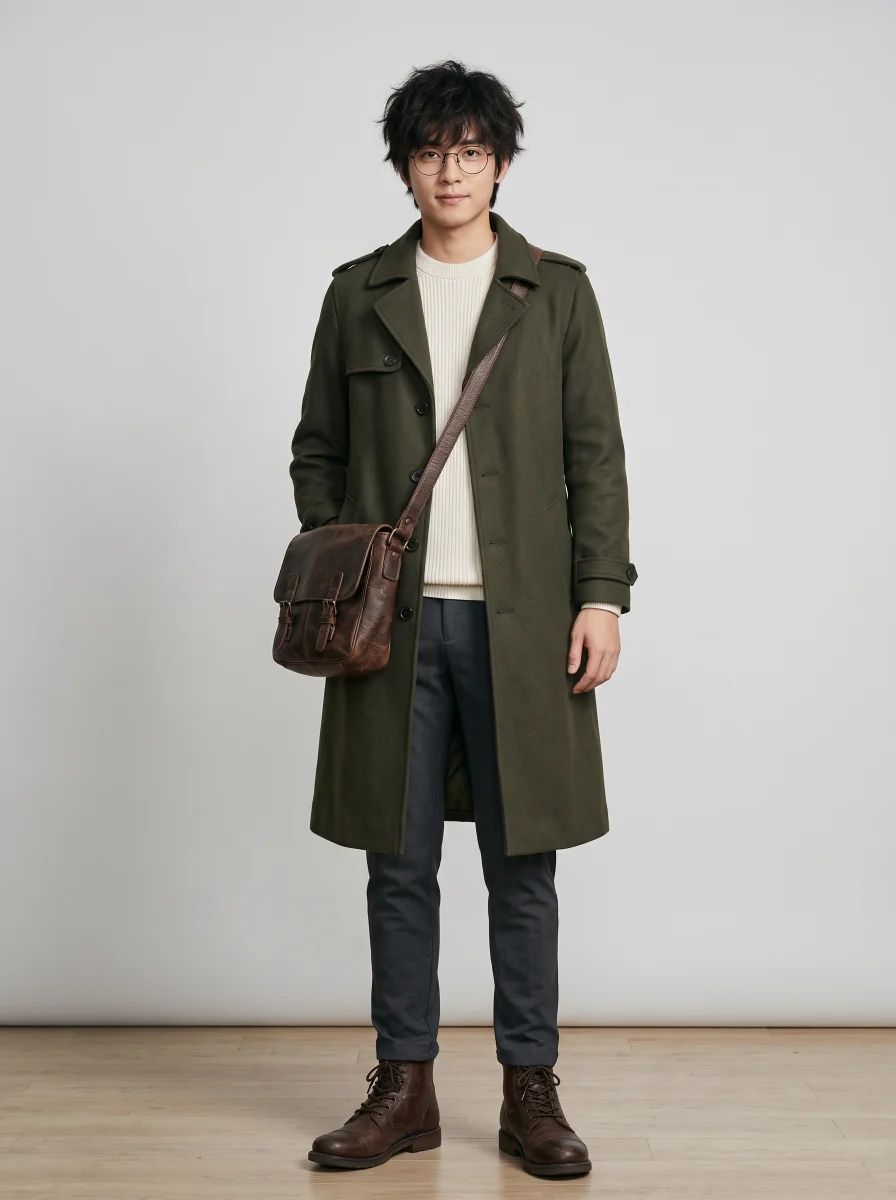
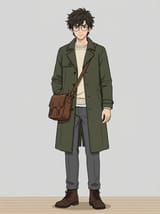
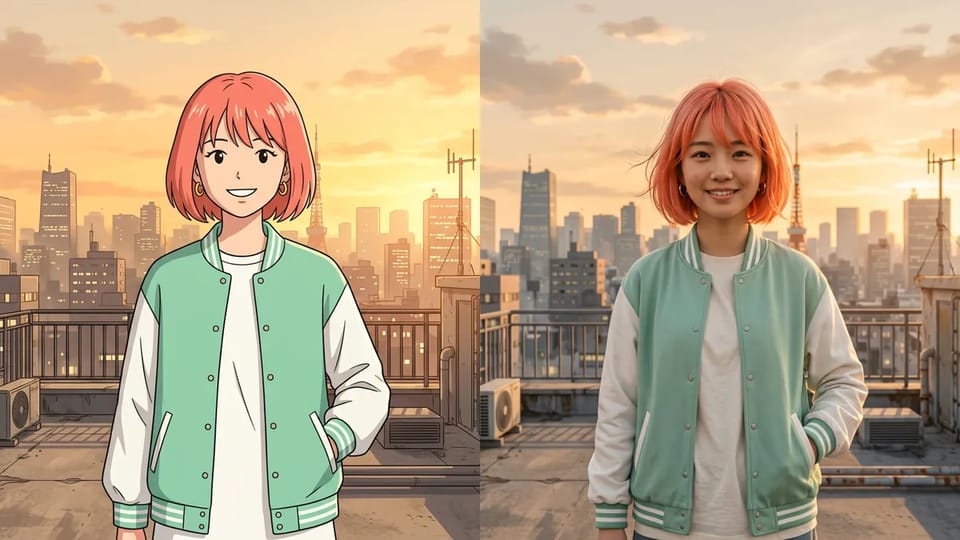
The cartoon to realistic AI converter keeps the design cues that make a character recognizable: hairstyle and hair color, outfit, accessories, pose and expression. Drawn outlines and flat shading turn into skin, hair strands, stitched fabric and light that falls the way it would in a real place.
The cartoon to realistic AI image is a new photographic version of the drawn character, not a way to uncover a real person behind a drawing. Expect a faithful reading rather than an exact copy, and compare hair, eyes and clothing after each run.
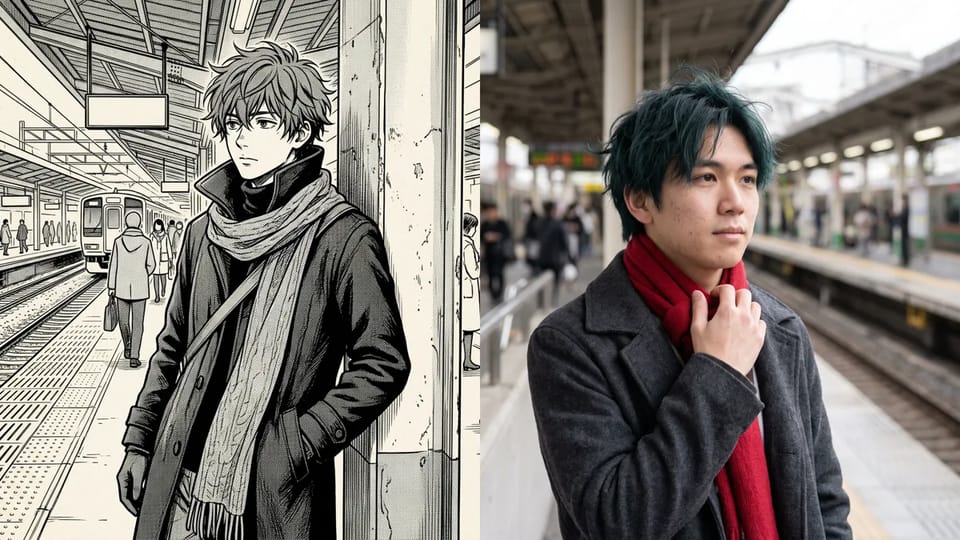
The same cartoon to realistic AI workspace handles anime to real life, Western cartoons, comic panels, manga ink drawings and rough sketches. Upload the drawing and it comes back as a photograph; the cleaner the lines and the larger the face, the closer the match.
Black-and-white manga has no color to copy, so anime to realistic AI results use hair and clothing colors the AI chooses from the drawing. Name the colors you want under Describe your own to decide them yourself.
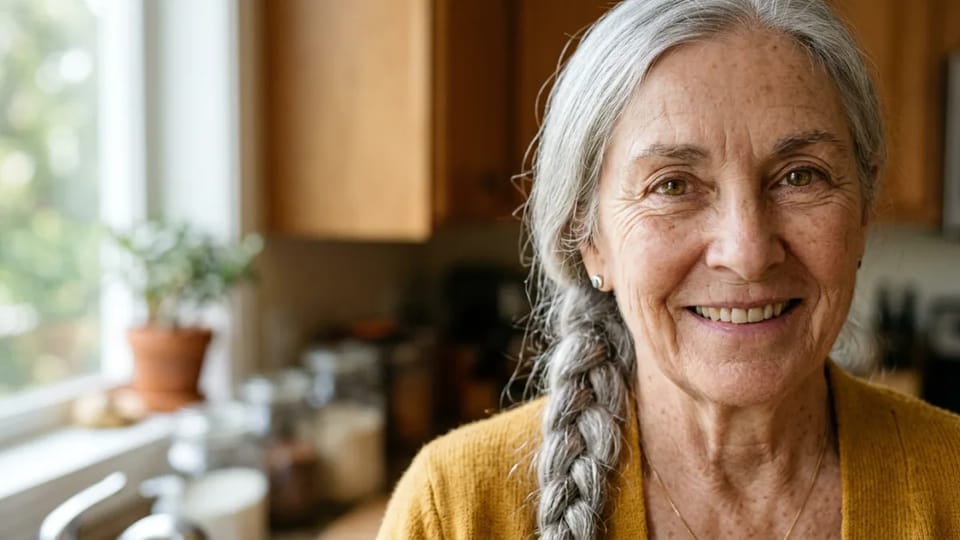
How well you convert image to realistic AI depends on the look you pick. Natural Photo gives soft daylight and believable skin. Studio Portrait adds a clean key light and gentle shadows for a posed look. Hyper-Real pushes pores, fine hairs, fabric weave and catchlights as far as the model can take them.
Each look works like a cartoon to realistic AI filter: a ready-made direction, so one click is enough. To use your own wording, open Describe your own and write a short line such as warm evening light or a plain gray backdrop.
People use a cartoon to realistic AI generator to plan costumes, imagine fan art as AI anime in real life, preview their own designs and surprise kids with their drawings.
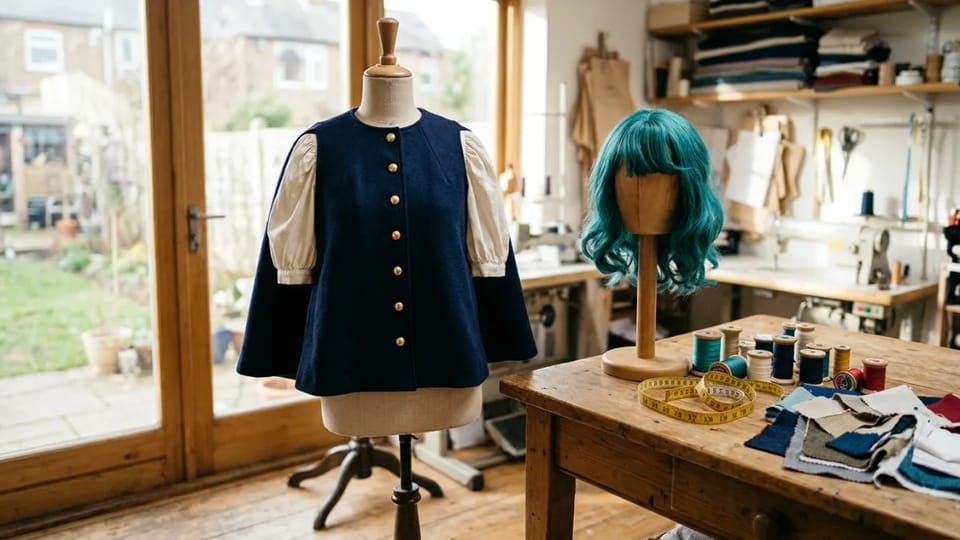
See how a drawn costume might look in cloth and wig fibers before you cut any fabric. Run the character art through the cartoon to realistic AI converter, then study the layers, seams and colors. It is a visual direction, not a sewing pattern.
Convert a Costume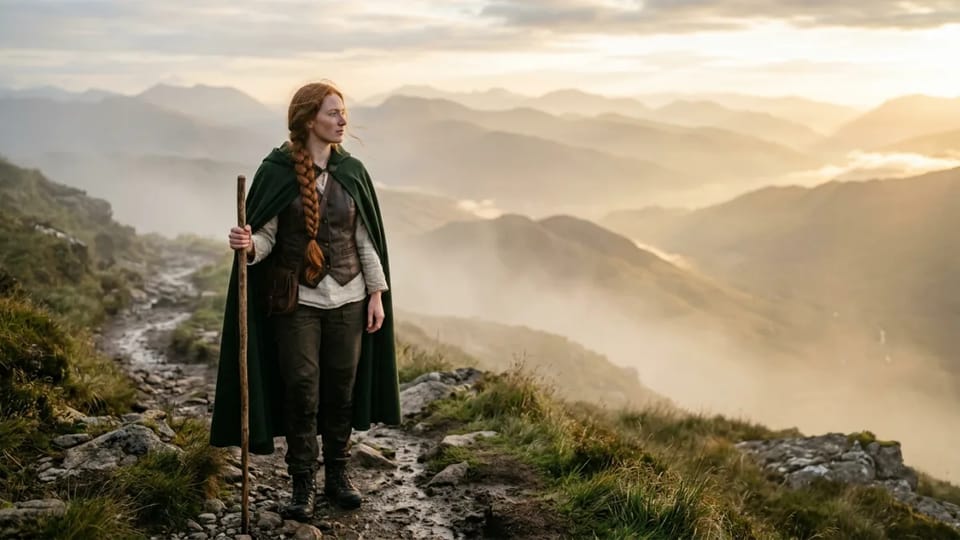
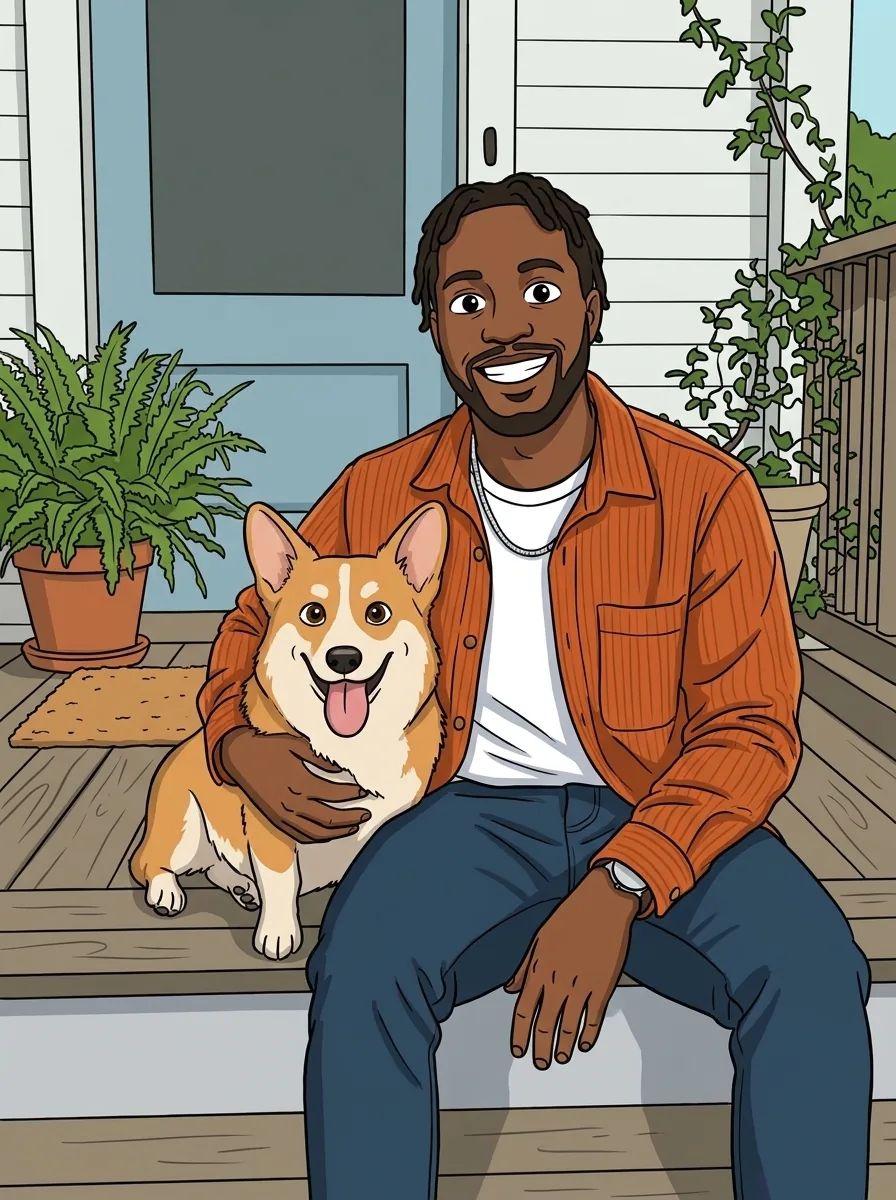
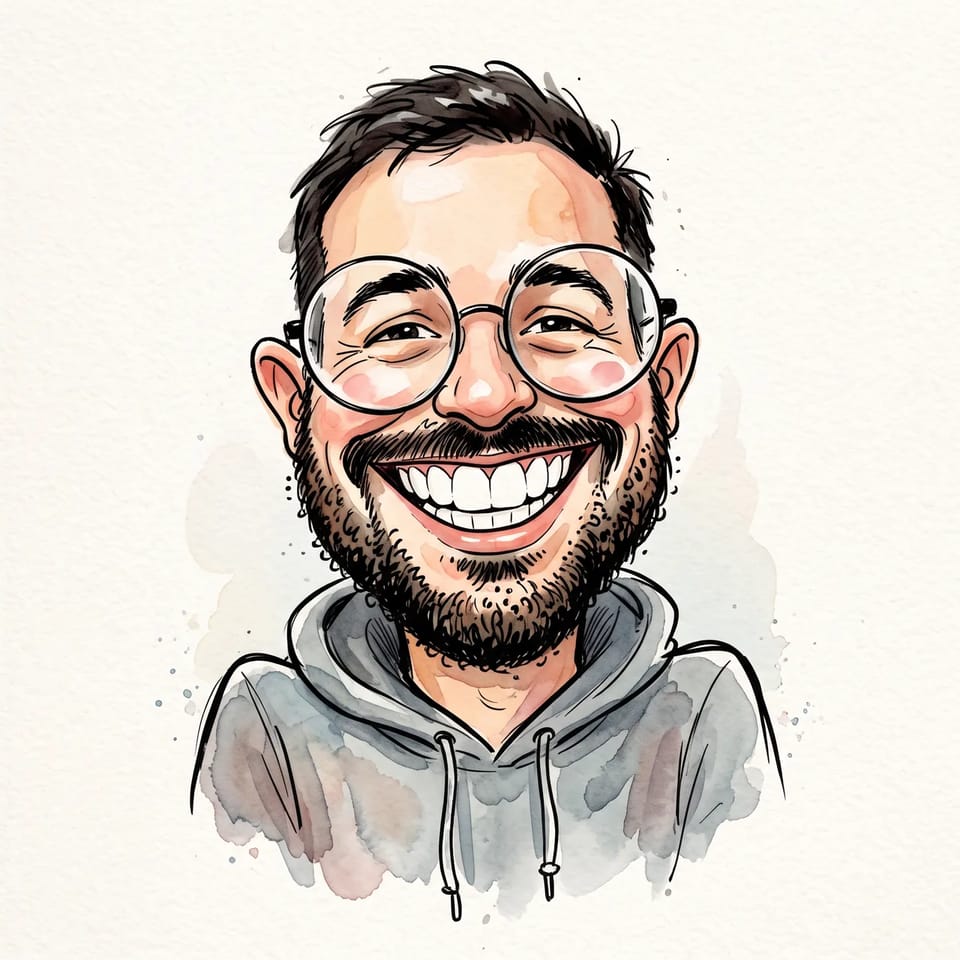
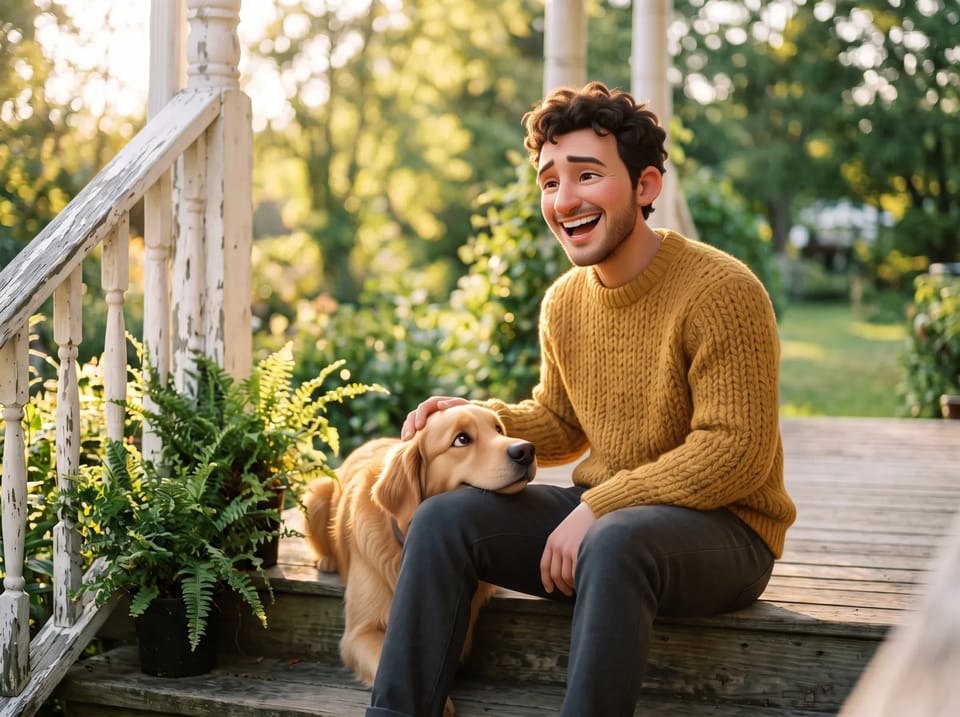
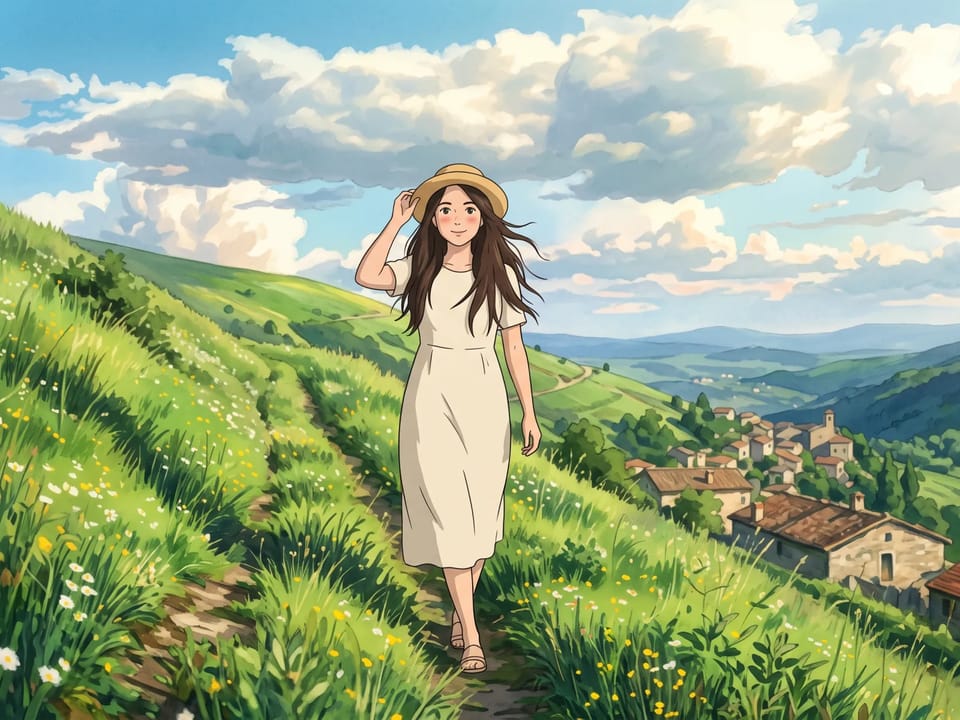
Ever wondered how a favorite anime or cartoon character would look in real life? Upload the art to the cartoon to realistic AI generator, then set the AI anime to real life result beside the drawing to compare the hair, outfit and mood.
Try Fan Art
Designed a character for a story or a comic? A cartoon to realistic AI picture shows which design cues carry across, such as silhouette, palette and props, before you commit to the next drawing.
Preview a Character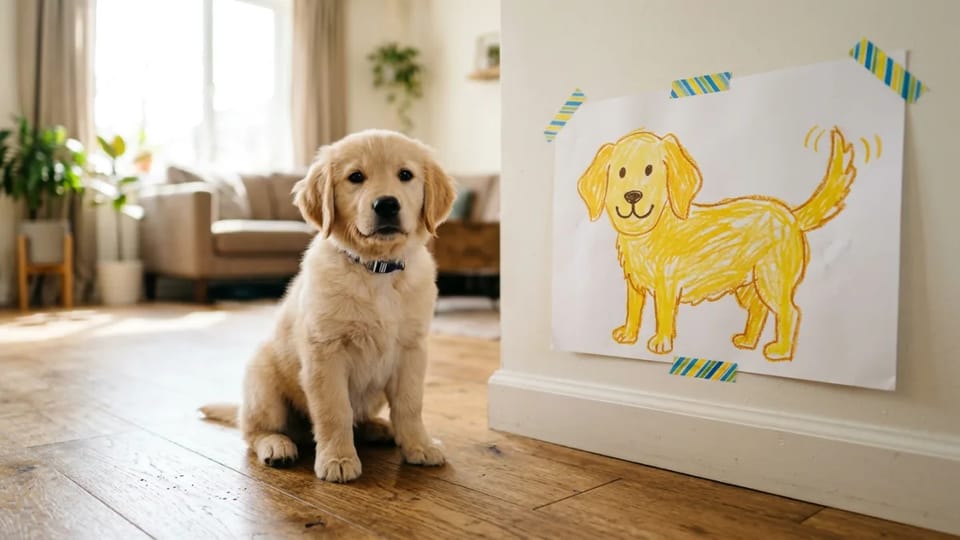
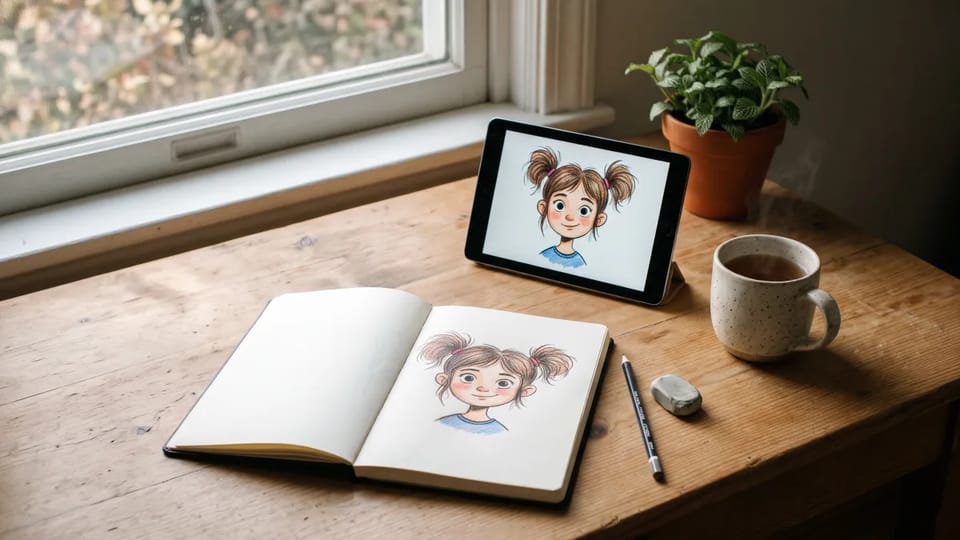
Photograph a crayon dog or a marker cat, upload it and let the cartoon to realistic AI converter show a realistic version beside the original. It makes a playful family or classroom activity.
Convert a DrawingChoose among Nano Banana, GPT Image, Seedream and Grok Imagine models for your cartoon to realistic AI image. The Generate button shows each model’s Credit cost before you start.
Pick a vertical portrait, a square or a wide scene for your AI cartoon to real life run and, where the model offers it, 1K, 2K or 4K resolution.
Under Describe your own, add a line about light, hair color or clothing detail. Anime to real life results improve when the line names what to keep, and your drawing stays the guide for the character and the scene.
JPEG, PNG and WebP files work in the AI anime to real life converter, and the Photo field shows the largest file the chosen model accepts.
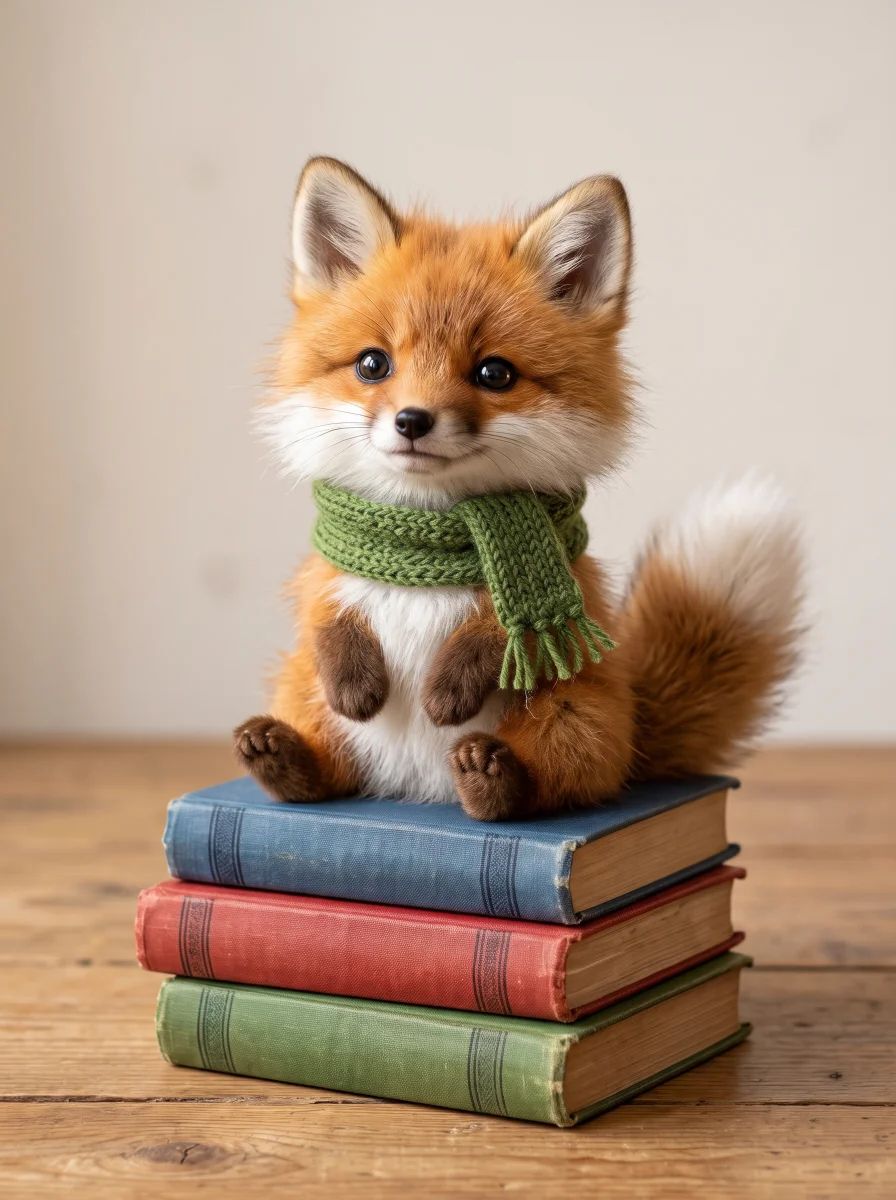
Cartoon to realistic AI turns a cartoon fox into a photographed fox with fur, and a child’s crayon dog into a realistic puppy, as long as the drawing is clear.
Answers about cartoon to realistic AI fidelity, anime to real life, Credits, watermarks and privacy when you turn a cartoon into a realistic image.
Upload a cartoon, anime or illustration, pick a look and let the cartoon to realistic AI converter show the character as a photograph.