

Start from words, no photo needed
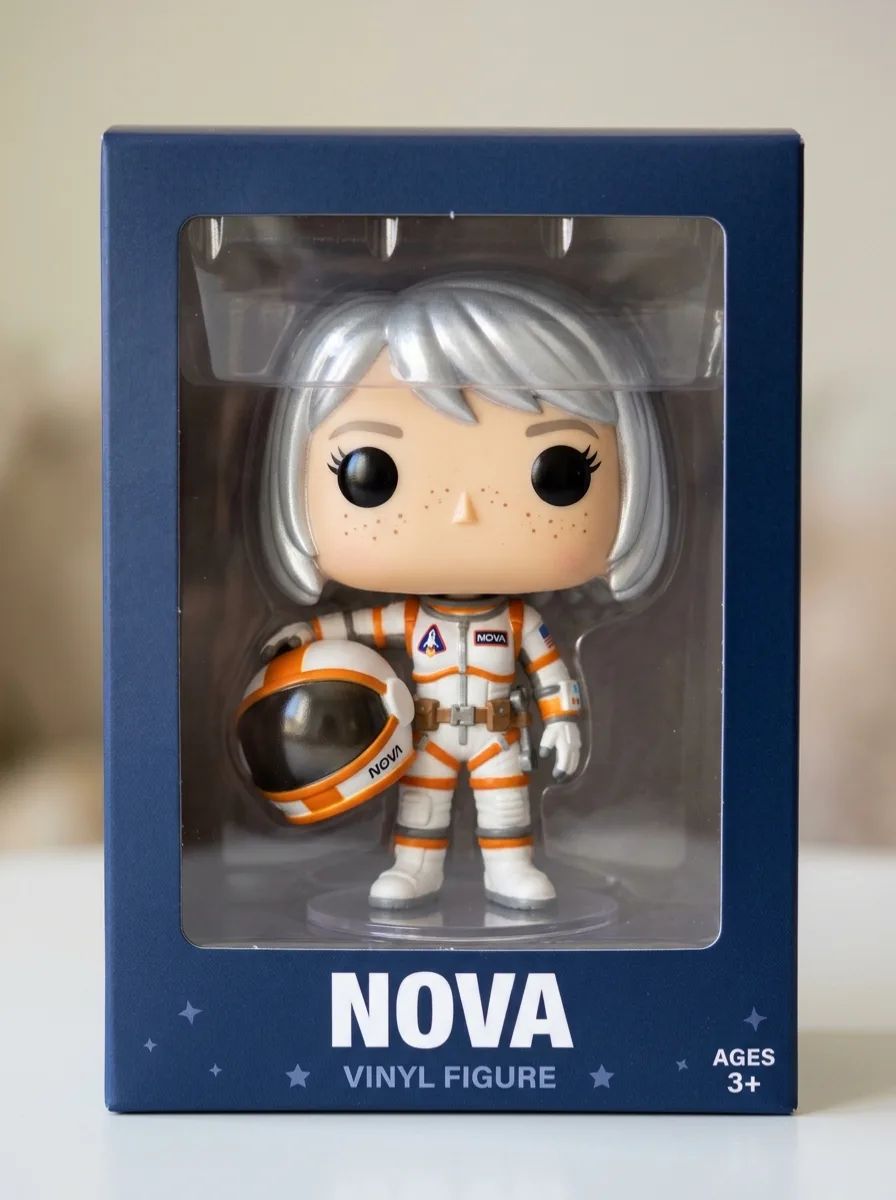
Describe a person or an original character, the outfit and the pose, and the AI Funko Pop generator draws a new figure from the text alone, for example a young astronaut with a silver bob holding her helmet.
The AI Funko Pop generator turns a photo or a short character description into a picture of a Funko Pop-style vinyl figure, with an oversized square head, black bead eyes and a small body. Add a photo of yourself, a friend or your pet to this Funko Pop maker, describe the outfit, props and box, then download your picture.
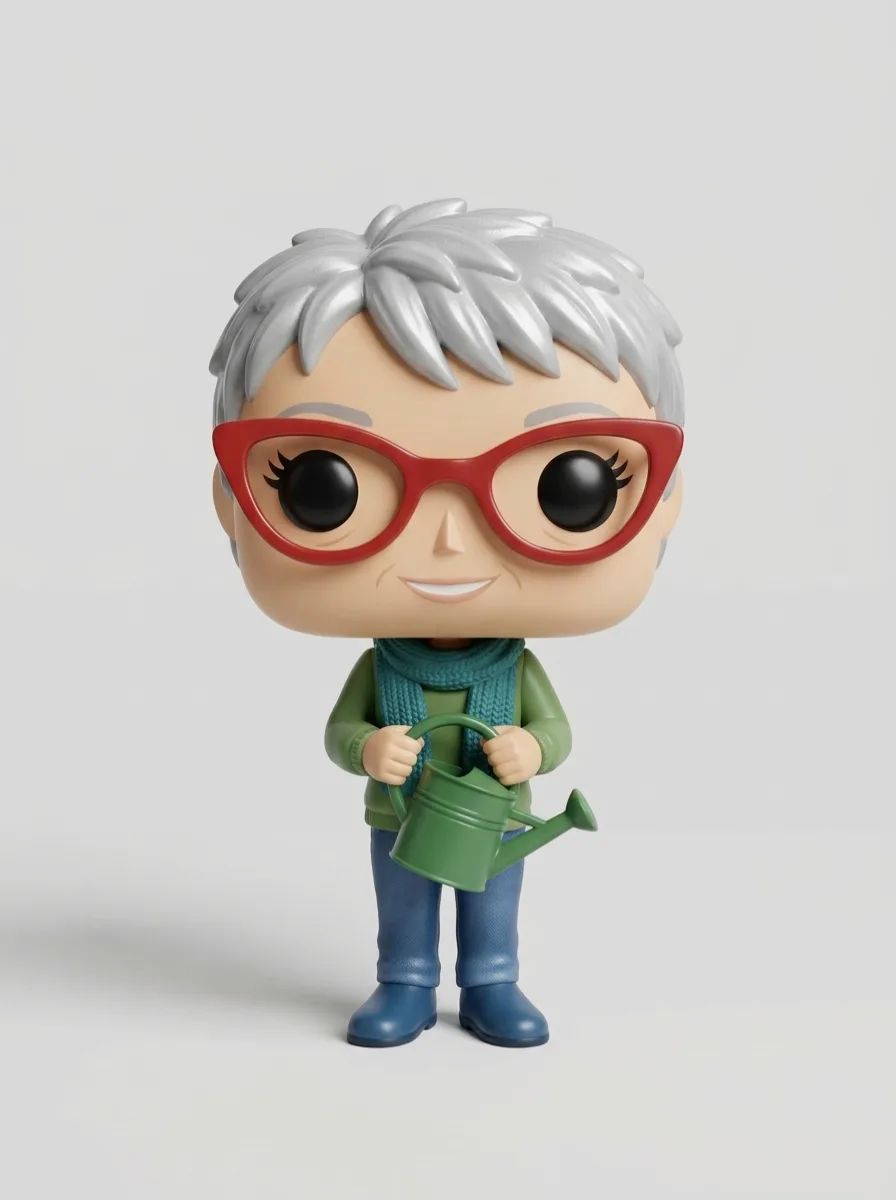

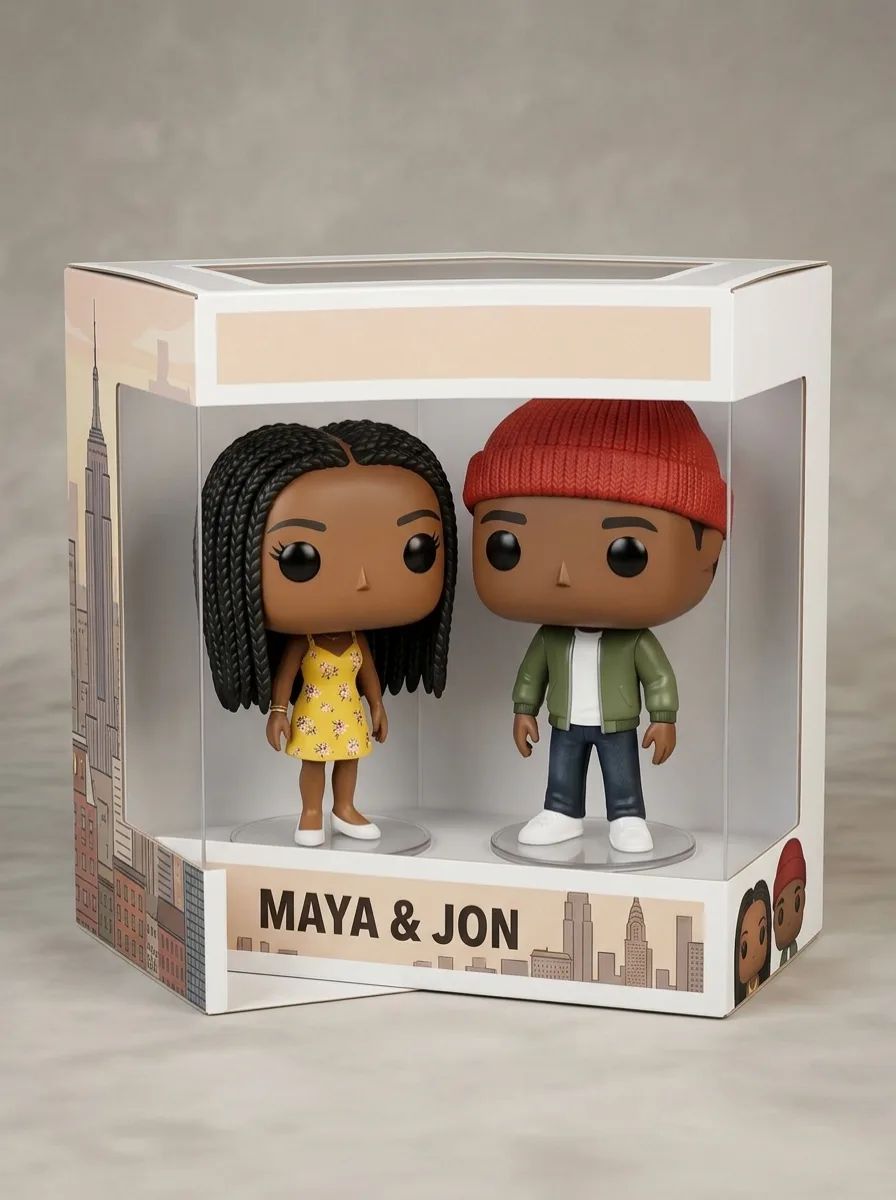

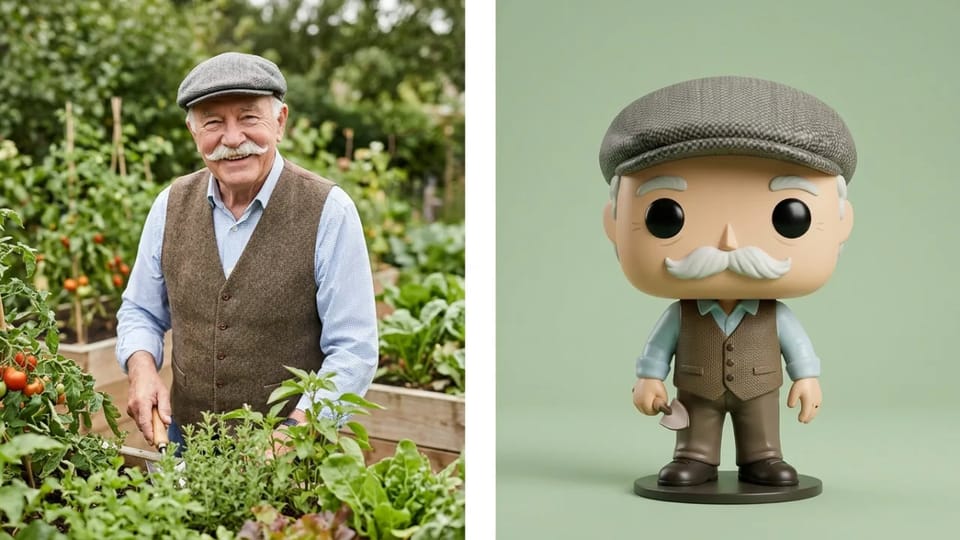
Add a clear photo to the AI Funko Pop generator and it redraws the person as a full-body vinyl figure. Hairstyle, hair color, face shape, glasses, beard and signature clothes carry over, while the head turns square and the eyes become black beads, the two traits that make a picture read as a Funko Pop. The AI Funko Pop generator works the same way with a photo of a friend, a parent or a grandparent.
For the whole figure rather than a head and shoulders, type “make this picture a full body Funko Pop” in the prompt box and name one thing to keep, such as the flat cap or the red scarf. The Funko Pop generator from photo then draws the shoes, the stance and the outfit too.
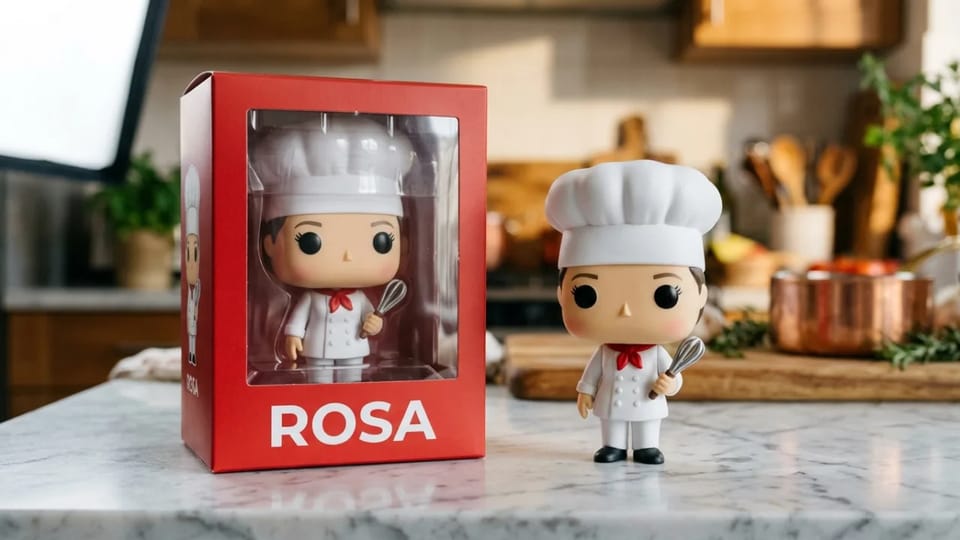
Ask the AI Funko Pop generator for a window display box and write the name to print on it, and the figure appears inside the box with the name on the front. Leave the box out of the prompt and you get a loose figure on a stand instead, ready to use as a sticker or an avatar.
Short names of one or two words print most cleanly. Keep brand logos off the box, because Funko and Pop! are trademarks of Funko; a plain colored box with a name already reads as a collector’s box. A carded package with a poseable figure is an action figure, a different toy look from what this AI Funko Pop generator draws.
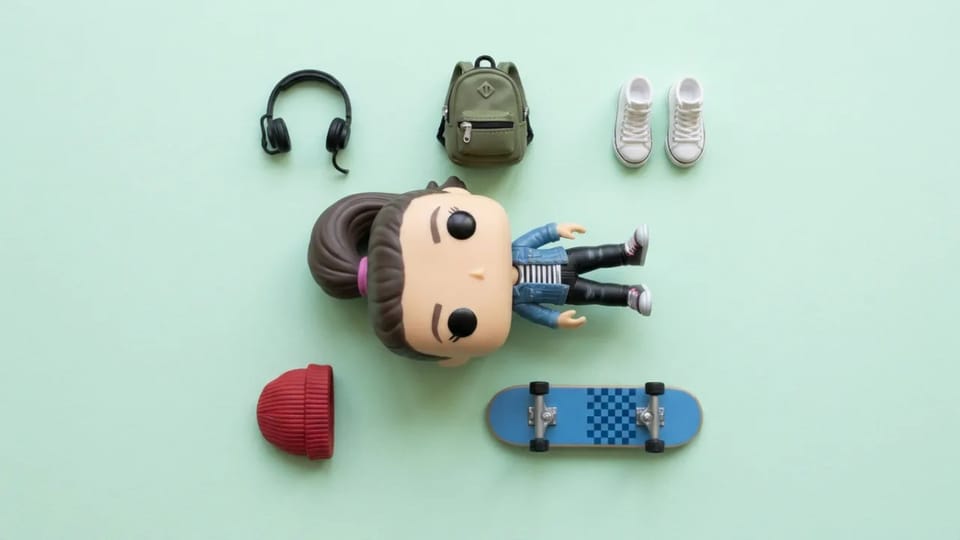
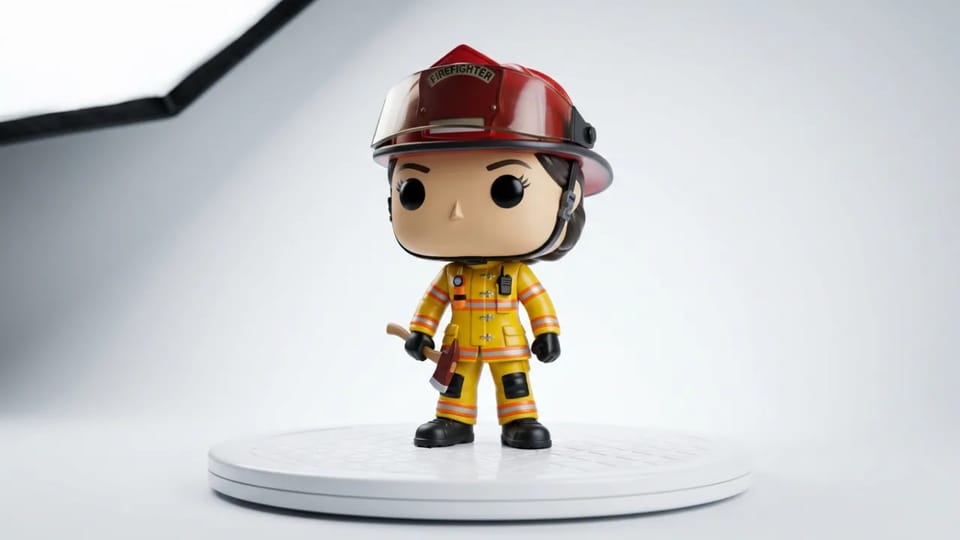
Everything the figure wears or holds comes from your description. Write a denim jacket and high-top sneakers, a skateboard under one arm and headphones around the neck, and the AI Funko Pop generator dresses the body in what you list while it keeps the square head and bead eyes.
That is more choice than a fixed parts menu in a custom Funko Pop maker. Name the outfit first, then one or two props, then hair and makeup, and change one detail per run so you can compare the Funko Pop AI results side by side.
Use a picture from the AI Funko Pop generator wherever a collectible look fits: a shared post, a gift card or a profile picture.
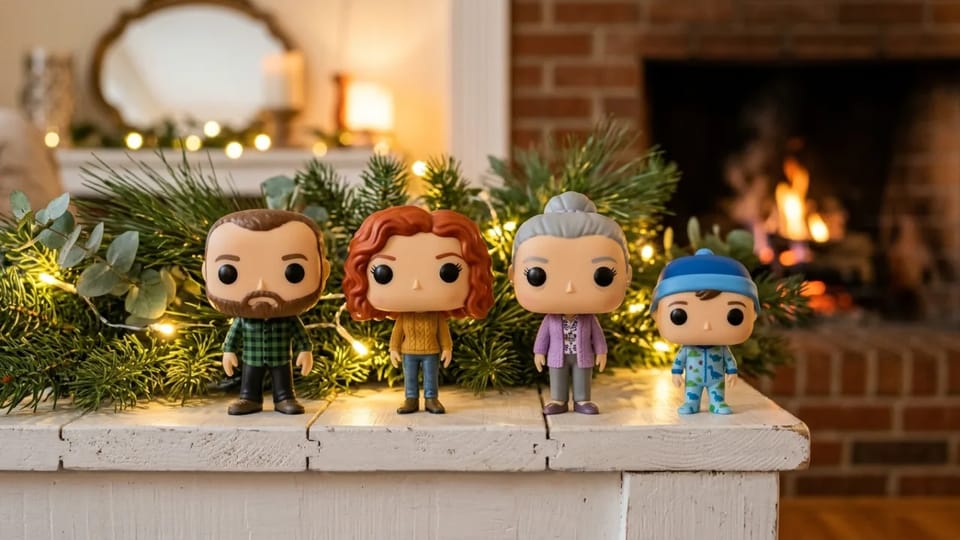
Add a group photo, or one photo per person, and ask the AI Funko Pop generator for matching figures side by side: a couple, a family on the mantel or a whole team in jerseys. The default model takes up to 16 reference images. Name each person’s outfit so the figures from this Funko generator stay easy to tell apart.
Make Our Set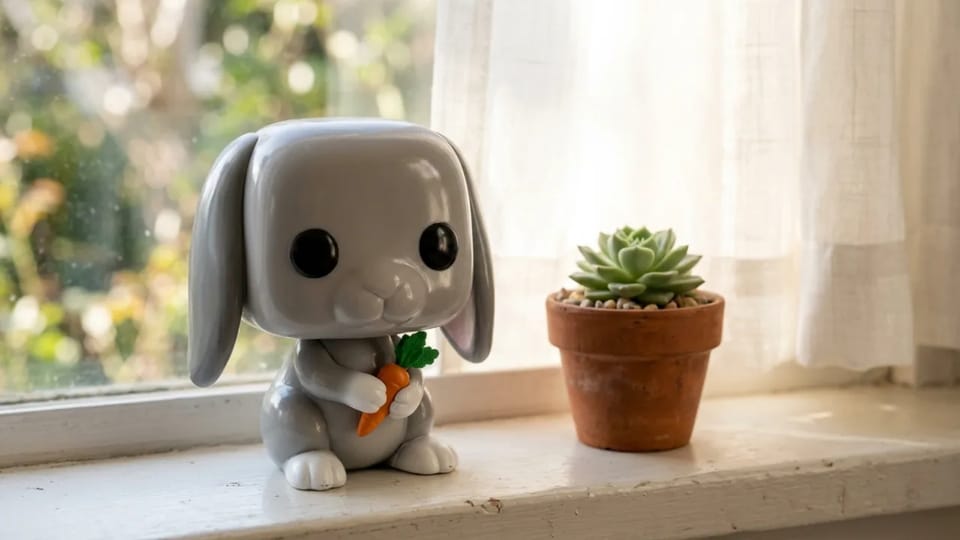
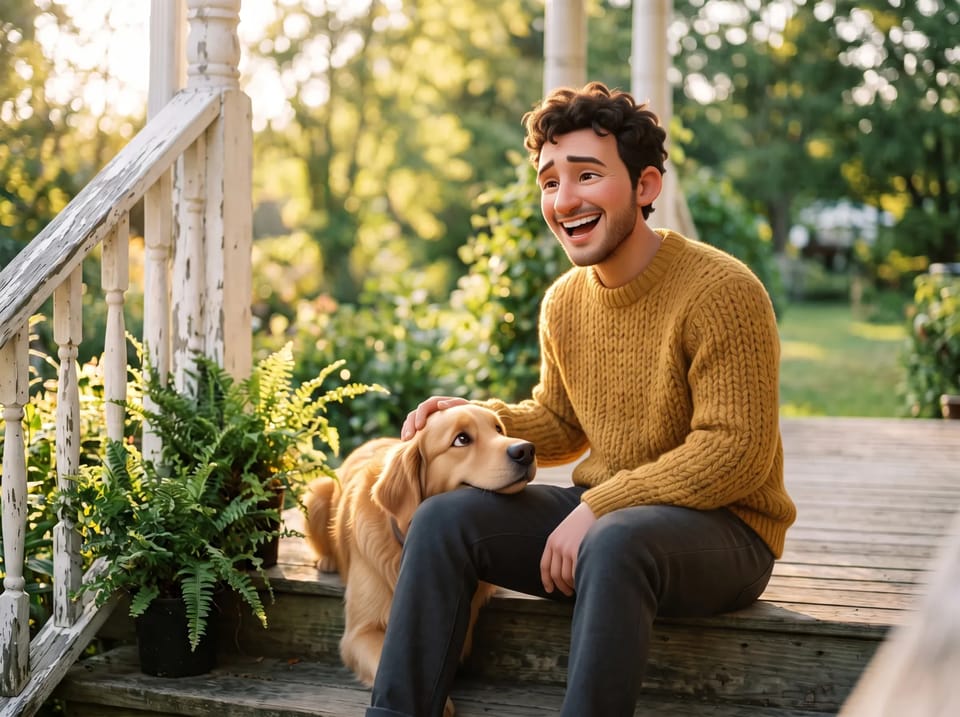
Upload a photo of your dog, cat or rabbit, and the AI Funko Pop generator, a Funko Pop maker for pets too, keeps the coat color, markings and ear shape on a square-headed vinyl figure. Add a collar, a bow tie or a favorite toy in the prompt.
Make My Pet’s Pop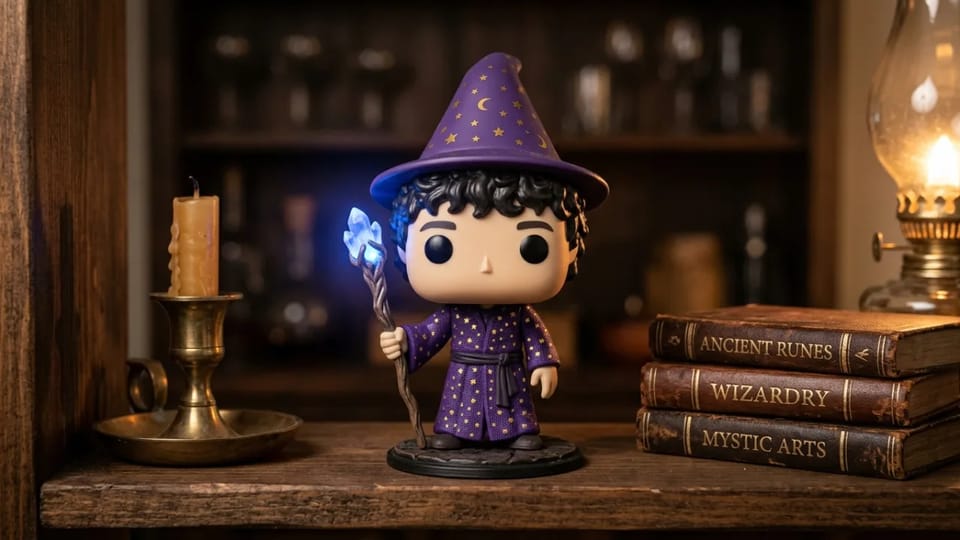
Describe a character you invented, a hero from your tabletop game or your AI companion, and this custom Funko Pop maker turns the description into a figure. Add a reference drawing and the AI Funko Pop generator matches the costume and colors.
Create My Character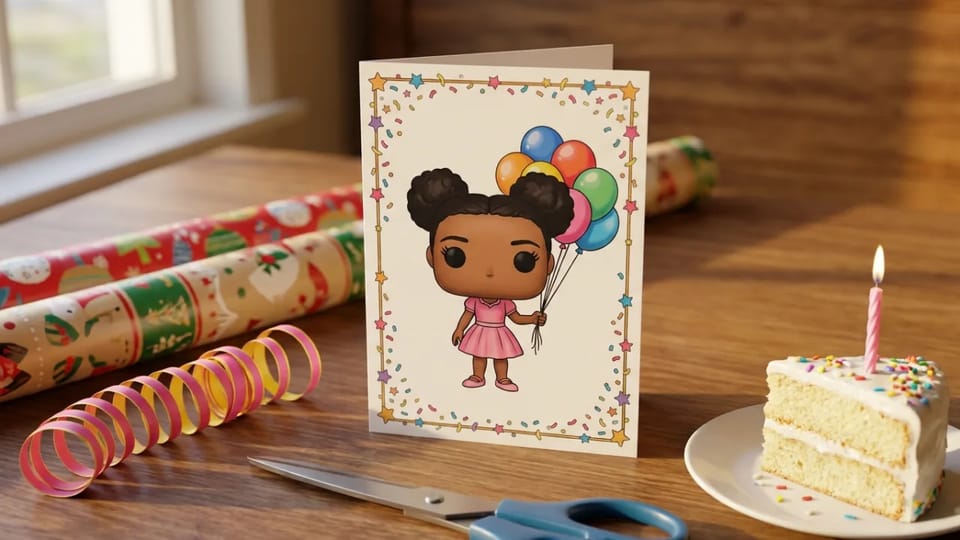
Make a figure of the birthday person, the newlyweds or your partner for an anniversary with the AI Funko Pop generator, then print the picture on a card or send it with a message. You get a Funko Pop AI picture to print or share, not a boxed toy.
Make a Gift Picture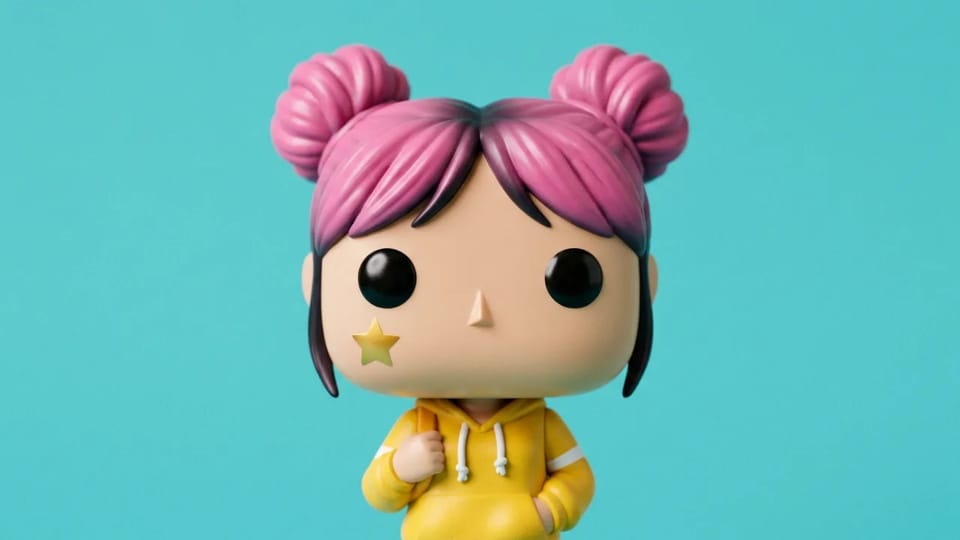
Pick a 1:1 ratio and ask for a head-and-shoulders view, and this Funko Pop avatar maker gives you a Funko Pop AI profile picture for Discord, gaming or social accounts. Keep the background one bright color so the figure stands out in a small circle, and run the AI Funko Pop generator again with a new expression for a matching set.
Make My AvatarDescribe a person or an original character, the outfit and the pose, and the AI Funko Pop generator draws a new figure from the text alone, for example a young astronaut with a silver bob holding her helmet.
Write metallic, chrome, gold, glitter, flocked or glow-in-the-dark in the prompt, and the AI Funko Pop generator renders the vinyl in that finish, the way limited collector editions look. Used as a Pop vinyl generator, it also handles two-tone and transparent vinyl.
Place the figure on a bookshelf, a desk, a stage or a beach, and the AI Funko Pop generator draws the scene together with it in one picture. Leave the background plain for a clean product-photo look from this Funko generator.
Pick 1K, 2K or 4K and a ratio from square to wide before you generate: square for an avatar, tall for a phone wallpaper or a print. The Credit price shows on the Generate button of the AI Funko Pop generator.
Not sure what to write? Optimize prompt in the AI Funko Pop generator turns a rough idea into three prompts to pick from, and Prompt from image writes a prompt from any picture you like.
Photos, prompts, boxes, prices and rights for the AI Funko Pop generator, and what you can do with your figure pictures.
Add a photo or describe a character in the AI Funko Pop generator, then download your picture.